

Sign-In to Your Account
1 min read
If you already have an Awesome Golf account already, you can enter your email address and password to sign in to Awesome Golf Simulator after you're connected to your Launch Monitor. You can also use this same login to review your shots, personal bests, and leaderboard entries with Awesome Golf Insights, online, or the Awesome Golf Community app.
If you have already played before on a device, except Driving Range Bays, your login may be saved for quick sign-in when you connect and reconnect your Launch Monitor. Users who have played before on the same device will find their names at the bottom of the sign-in screen as a Quick Login. Selecting the name of the user that you want to sign in will add them with one click.
In Awesome Golf Simulator, additionally, you can play as a Guest user without signing-in to your account - although this will not save your stats, shots, personal bests, nor leaderboard entries.
Share this page
Related guides
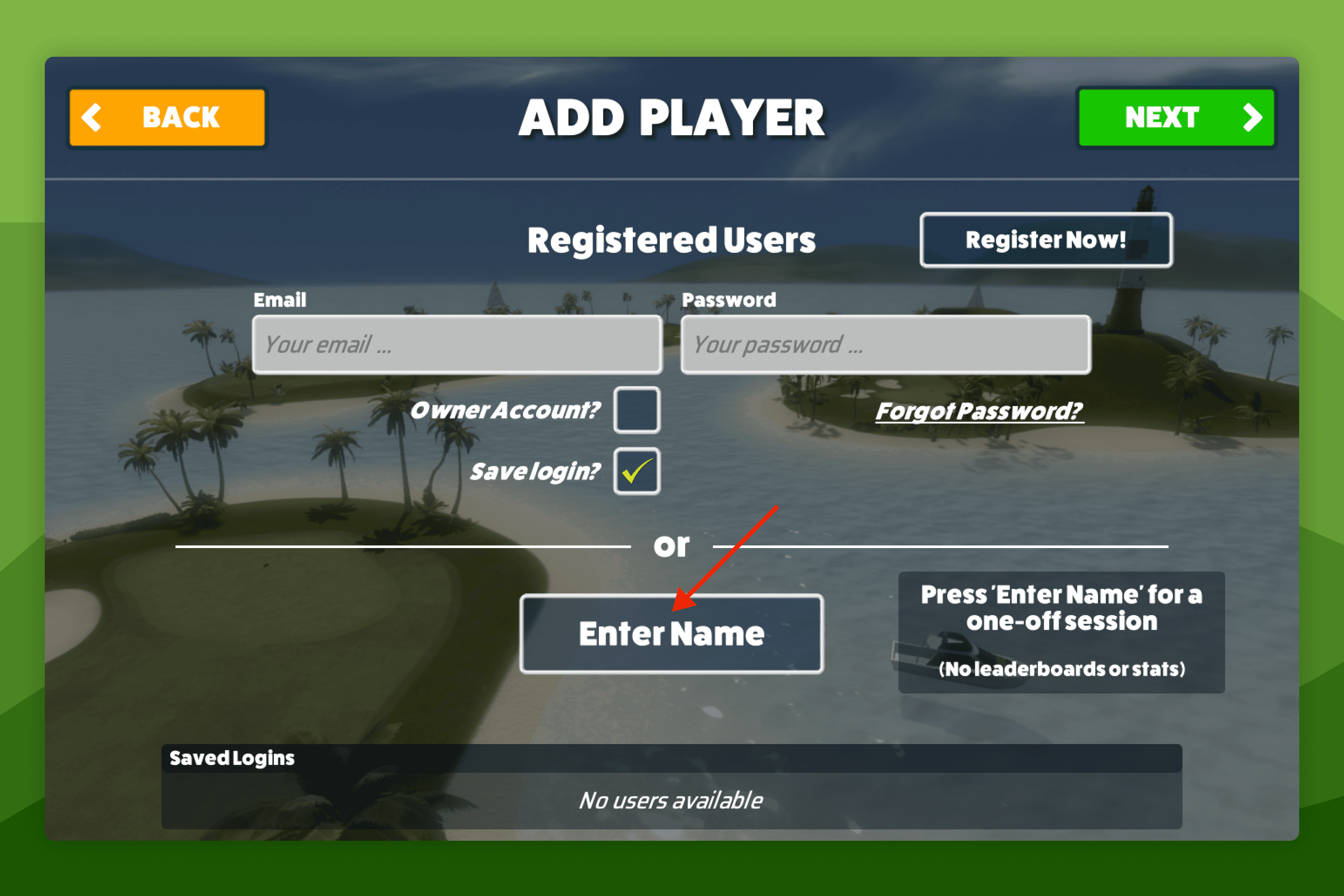 How-To GuidesPlay as a GuestAfter you've connected to your Launch Monitor, in Awesome Golf Simulator, you can play as a guest without creating account by selecting the Enter Name option to continue on the sign-in screen. By playing as a guest your shots and personal bests will not be saved - and you also cannot enter into our leaderboards as a guest.
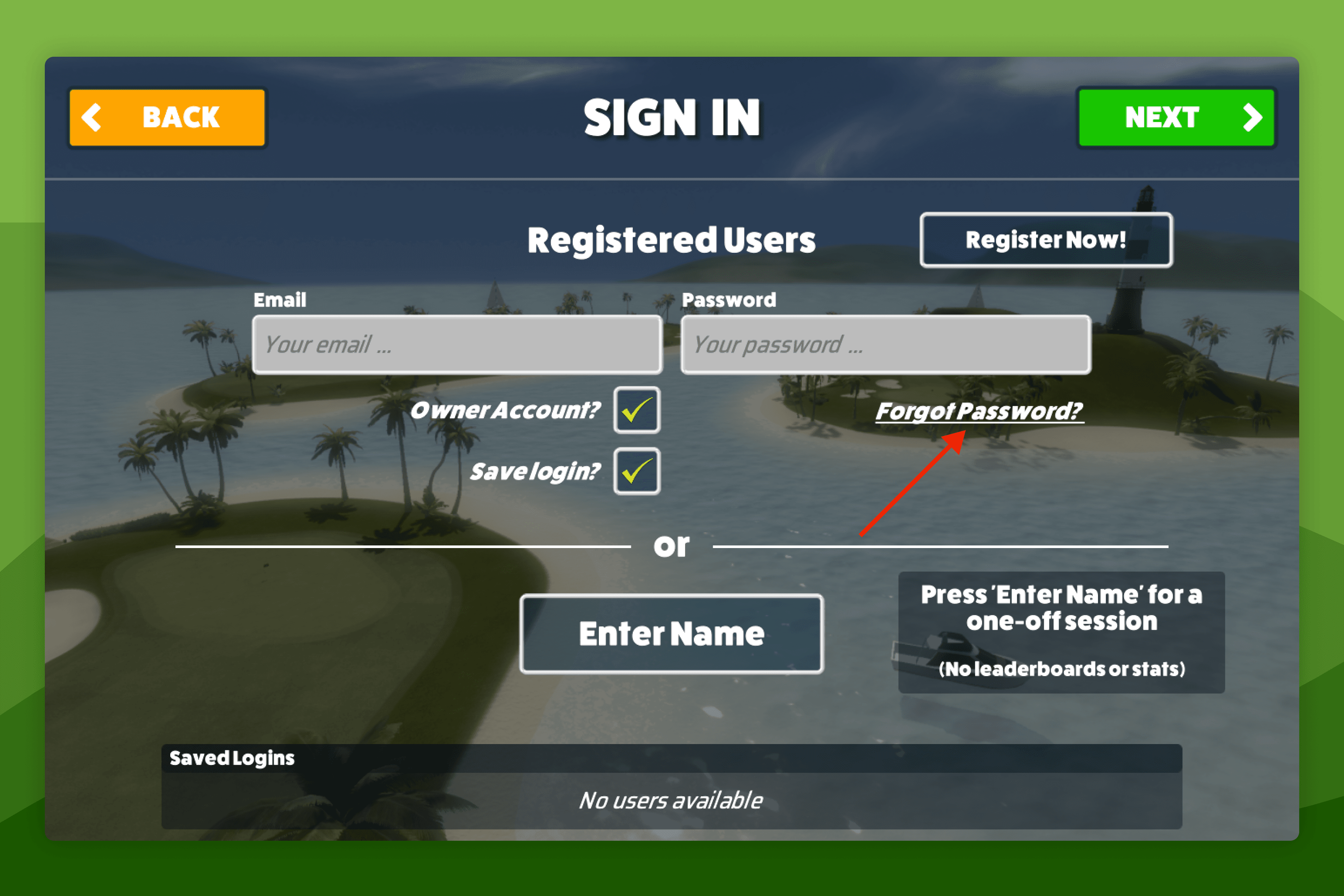 How-To GuidesHow to Change Your Account Password for Awesome GolfAwesome Golf Support will never ask for your password.
Still need help?
- Contact supportLive chat, WhatsApp or email
- Ask the communityAwesome Golf Facebook group
- Search the docsFind another guide
New to Awesome Golf? Start a free trial or view pricing.