

Awesome Golf Creator Codes Program
2 min read
Awesome Golf Simulator has been supported by creators across the world, and our Creator Codes affiliate program are our way of giving back. Users can enter a creator's code in Awesome Golf Simulator settings to support their favourite content creators. Creators receive a monetary kickback from us for every subscriber using their code.
Please note: entering a Creator Code does not give you any discount on your subscription or any added in-game features or benefits. This is purely a way to support content creators you enjoy. If anyone suggests otherwise, please let our support team know.
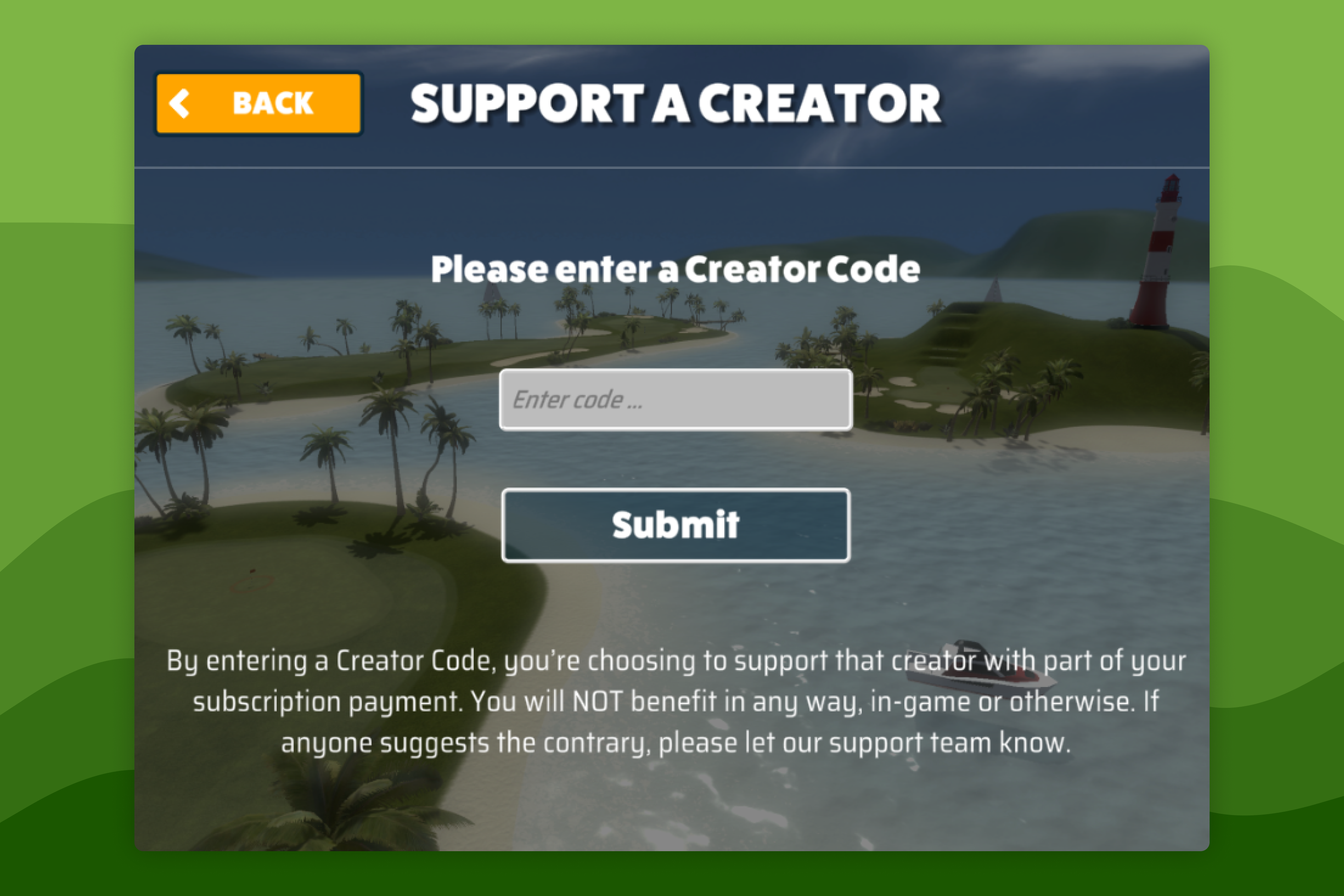
Support a Creator
- Open Awesome Golf Simulator and select the settings cog (⚙️) in the top-right corner.
- Select Support a Creator and enter your chosen creator's affiliate code and select Submit.
Your creator will be supported from your next subscription payment. If you're currently on a free trial, the creator will begin receiving support once you start a paid subscription.
Remove or Change Creator Support
If you'd like to remove or change your creator code, you can do so from the "Support a Creator" settings screen.
- Open Awesome Golf Simulator, select the settings cog (⚙️) in the top-right corner, then select Support a Creator.
- To change the creator you want to support with affiliate commission, enter their affiliate code - or leave the field empty to remove the affiliate link altogether.
Become an Awesome Golf Creator
Our affiliate program works with content creators and golf communities alike. You apply to join our affiliate program at the following link: insights.awesome-golf.com/creator-application.
History
- We introduced our affiliate program in v3.10.0.
Help & feedback
- View Pricing to see purchase options.
- Try Awesome Golf Simulator with a 14-day free trial, no-commitment.
- Looking for something specific? Search our docs to find what you're looking for.
- If you want help with something specific and could use community support, post in the Awesome Golf Facebook Group.
- Need direct support? Open a Support Request.
- Or Scroll to Top.