Awesome Golf
Insights
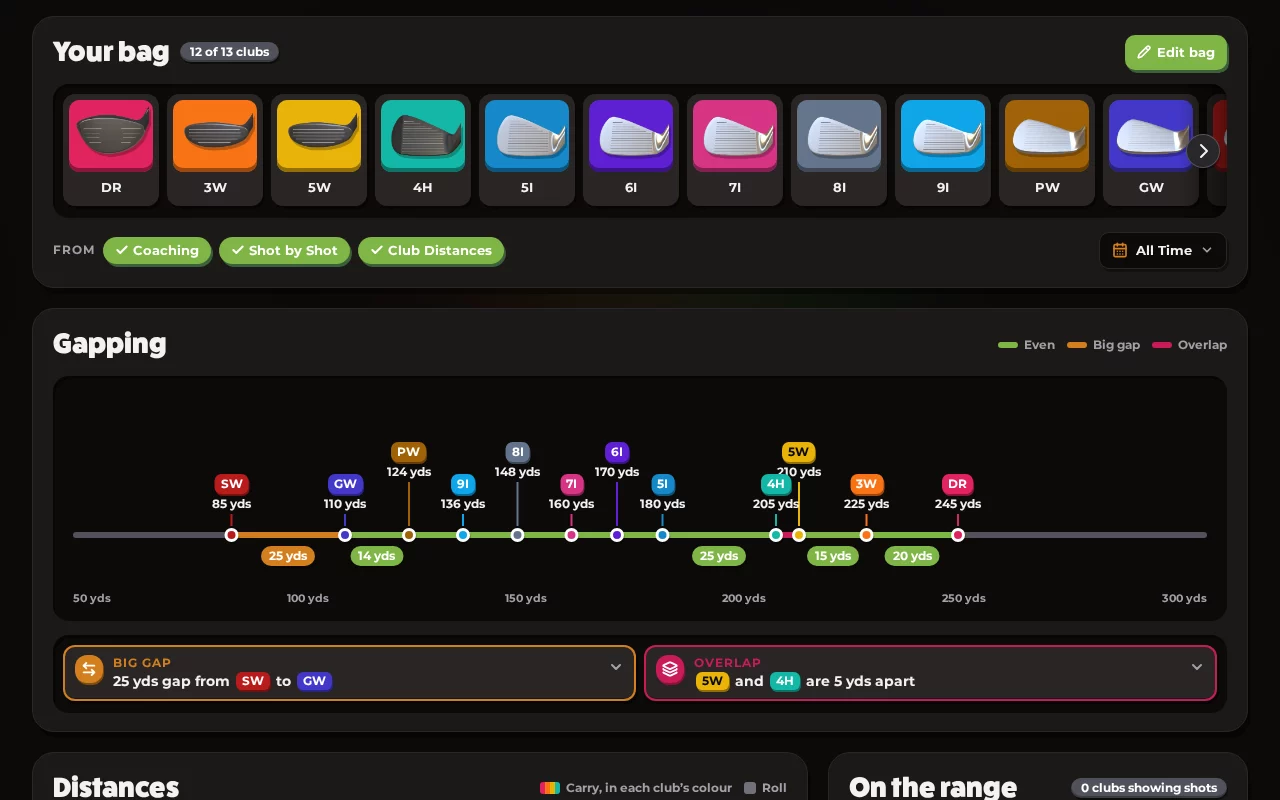
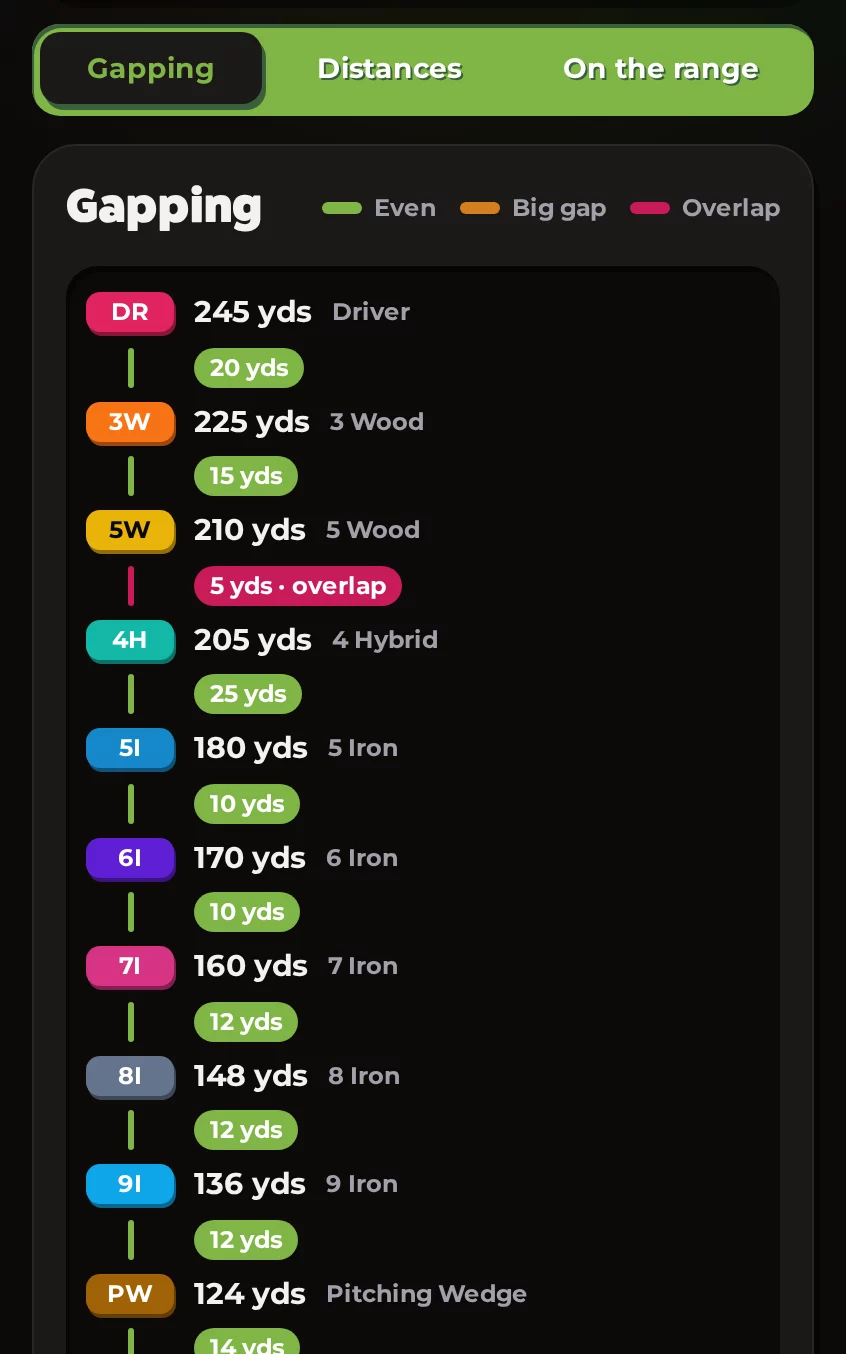
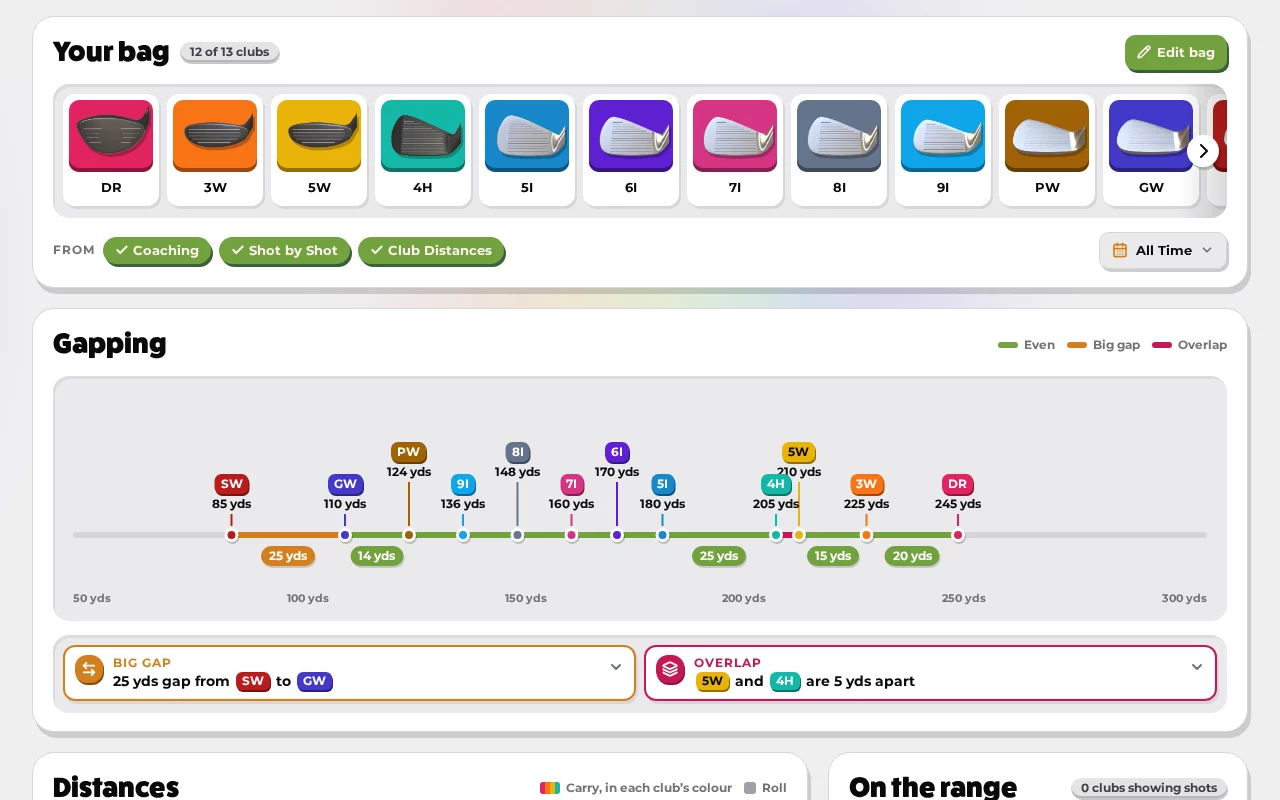
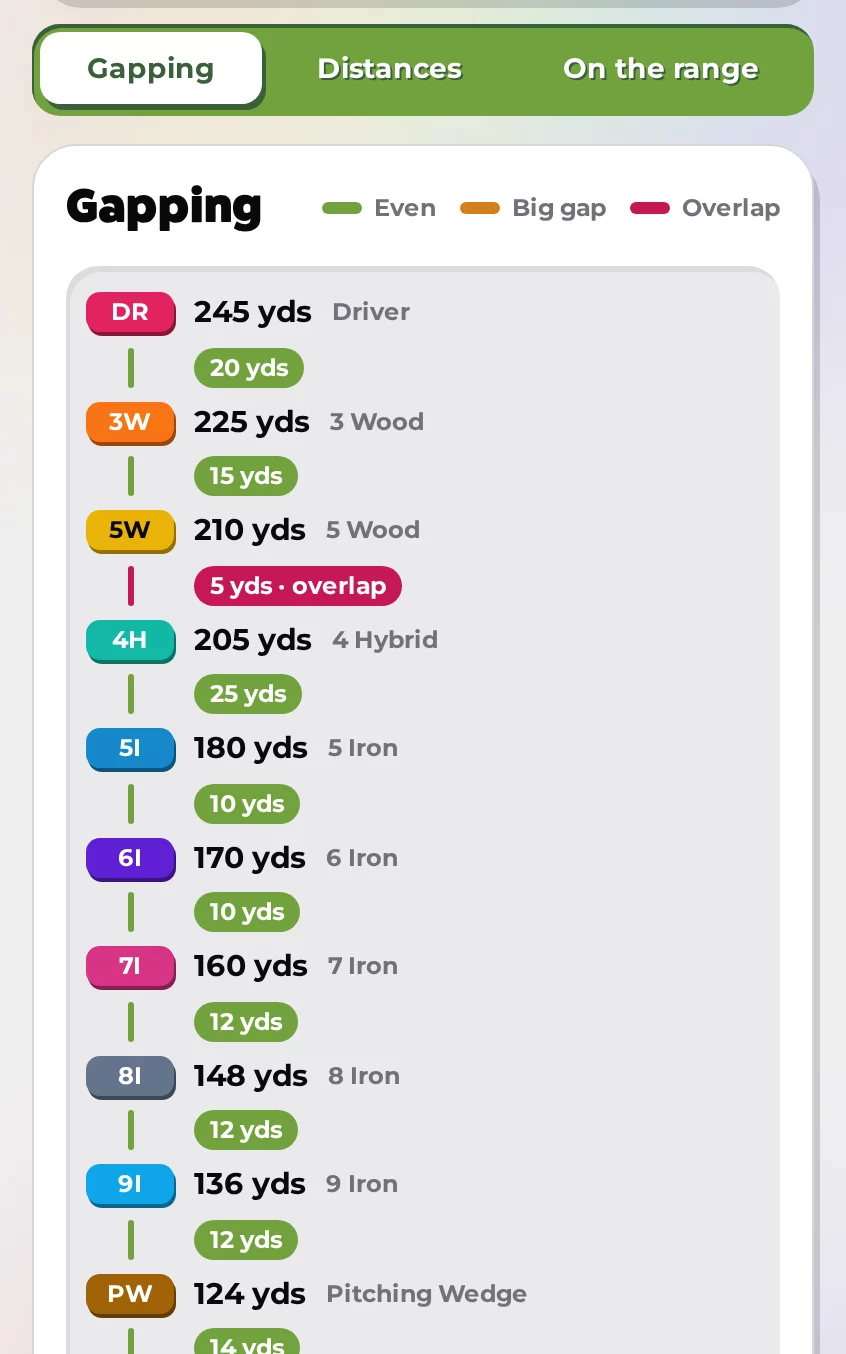
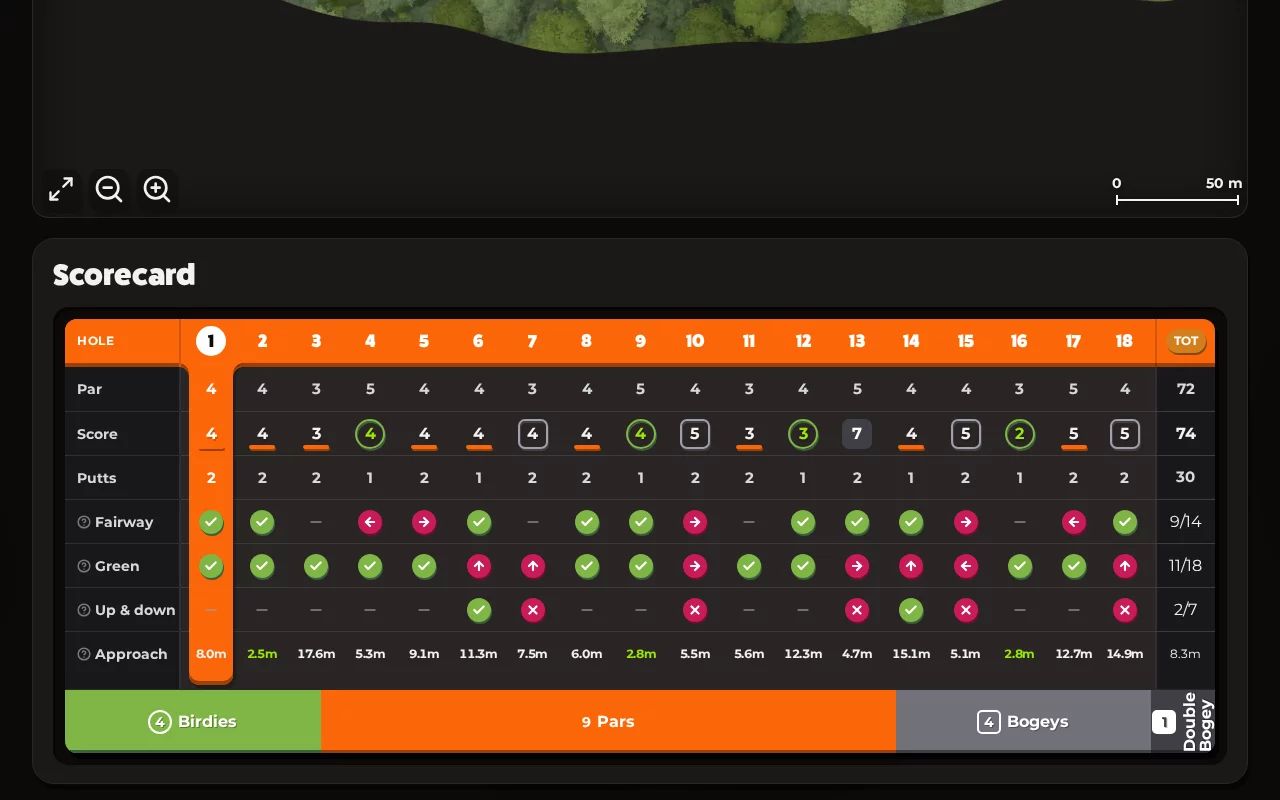
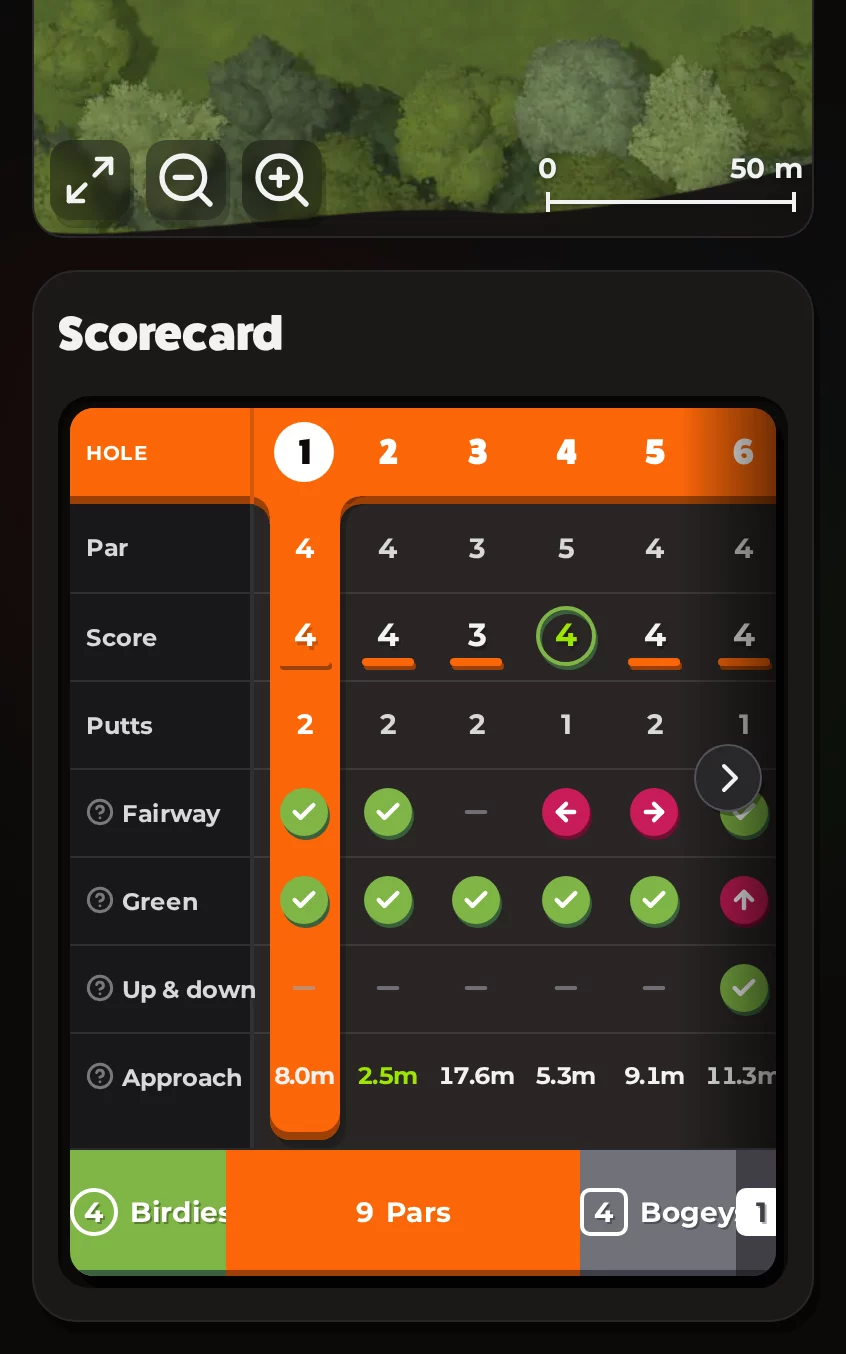
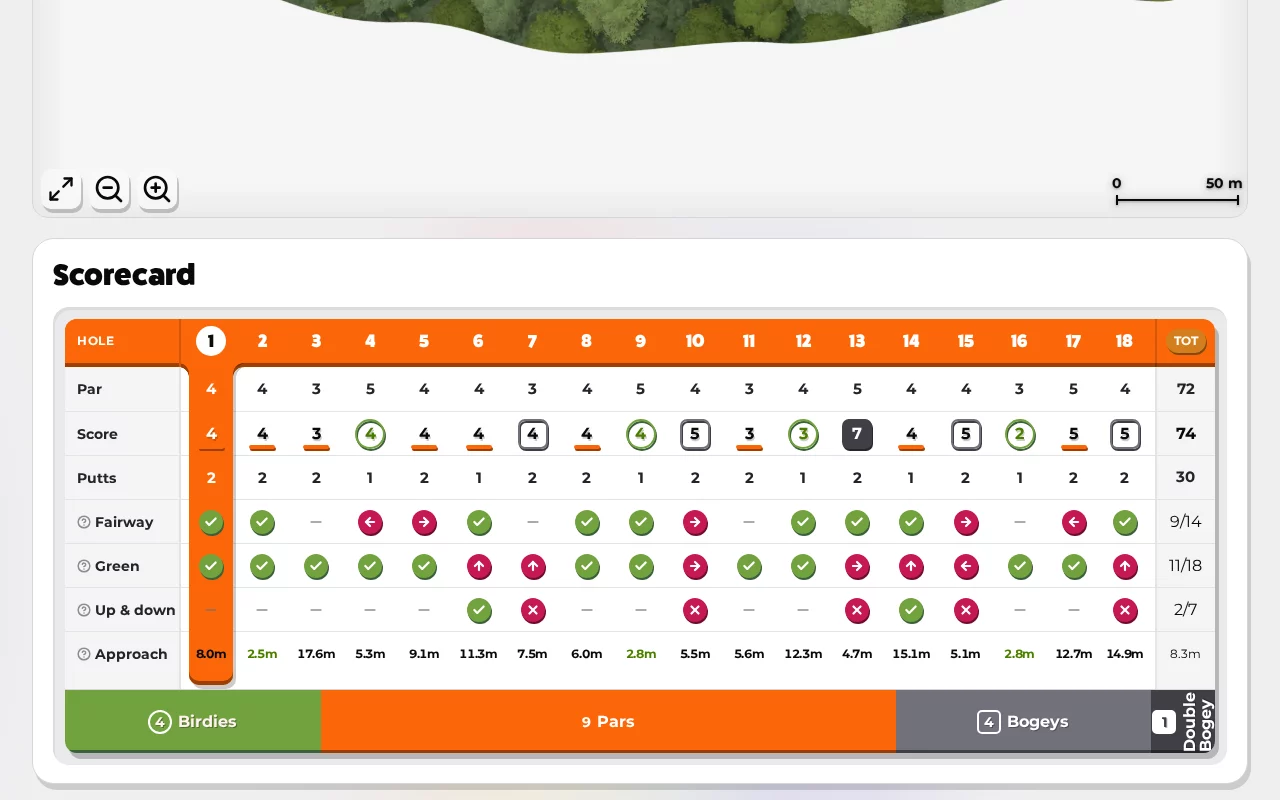
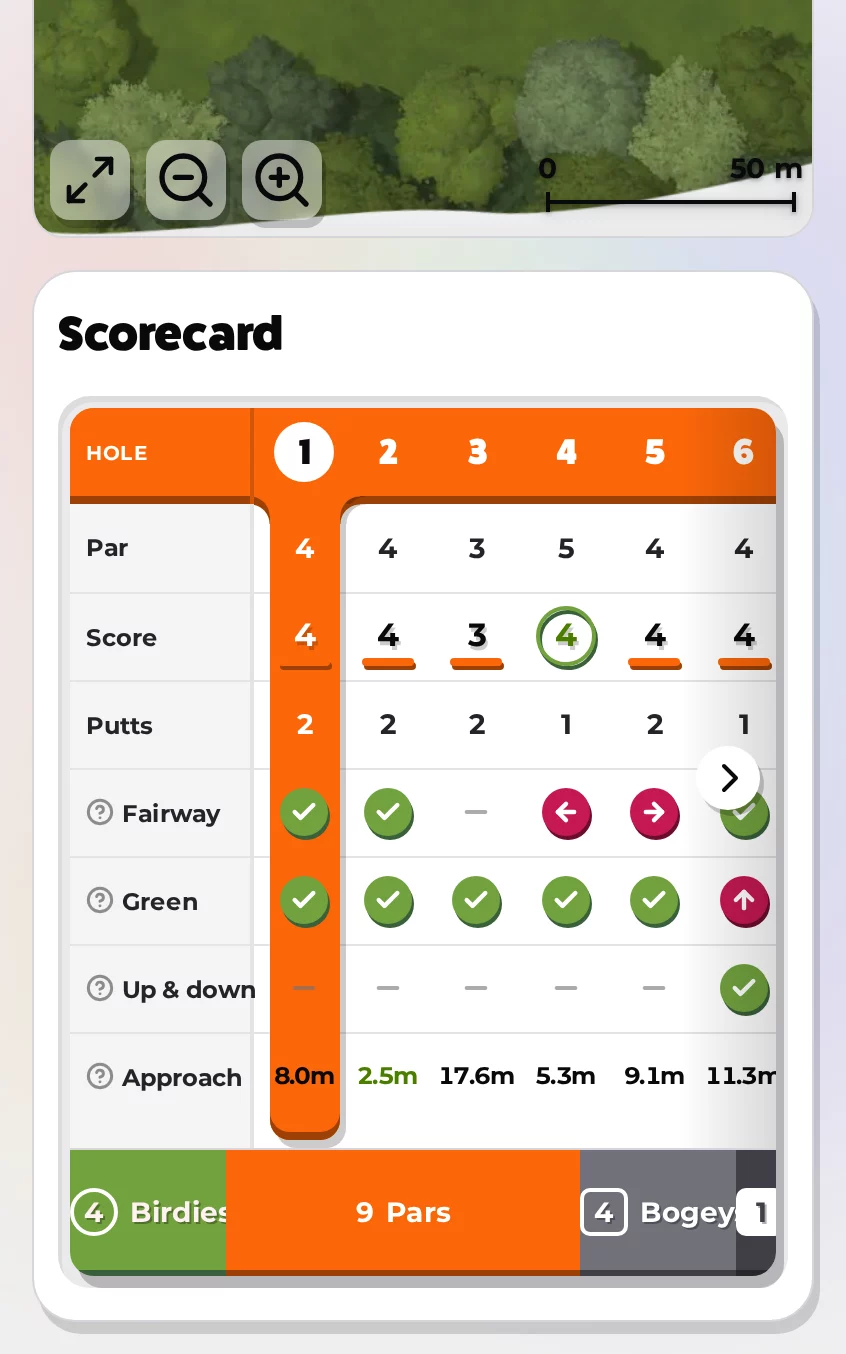
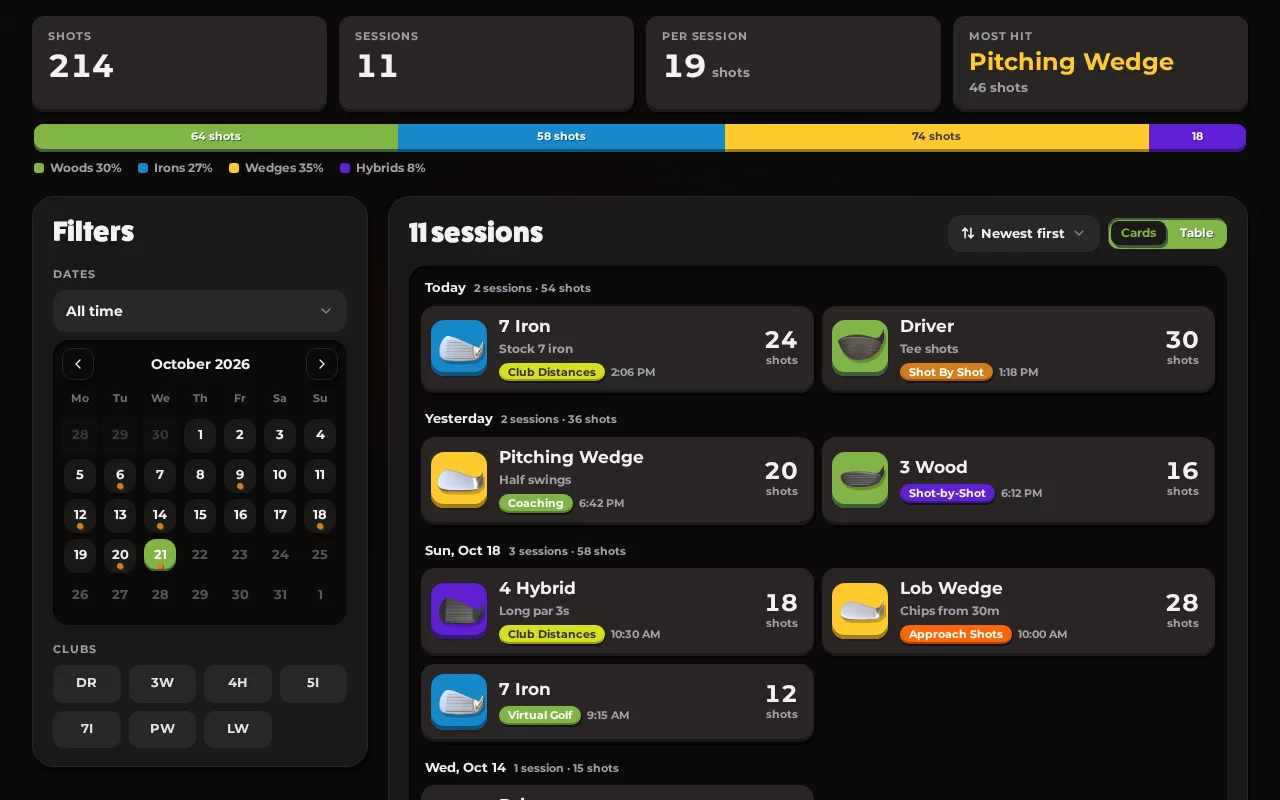
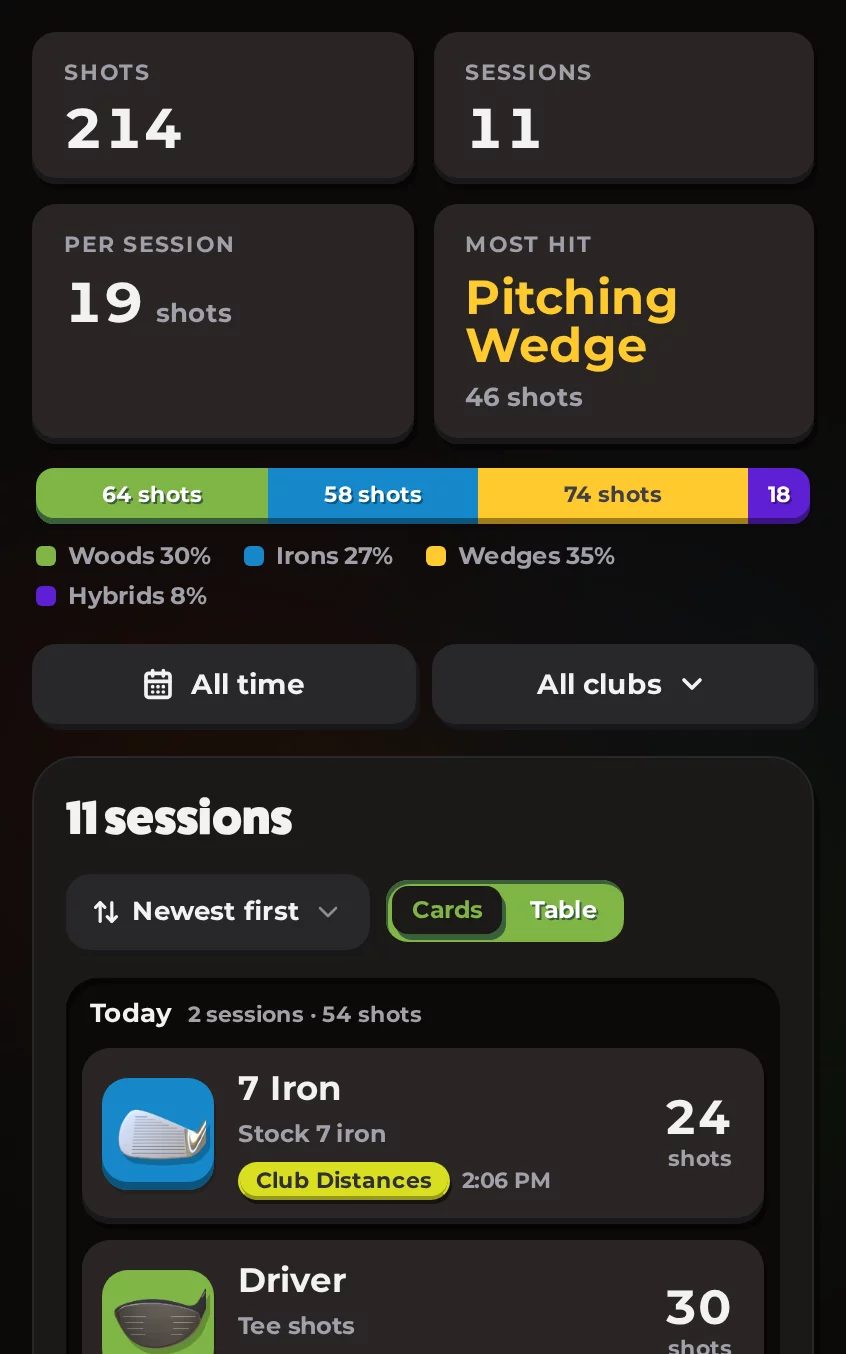
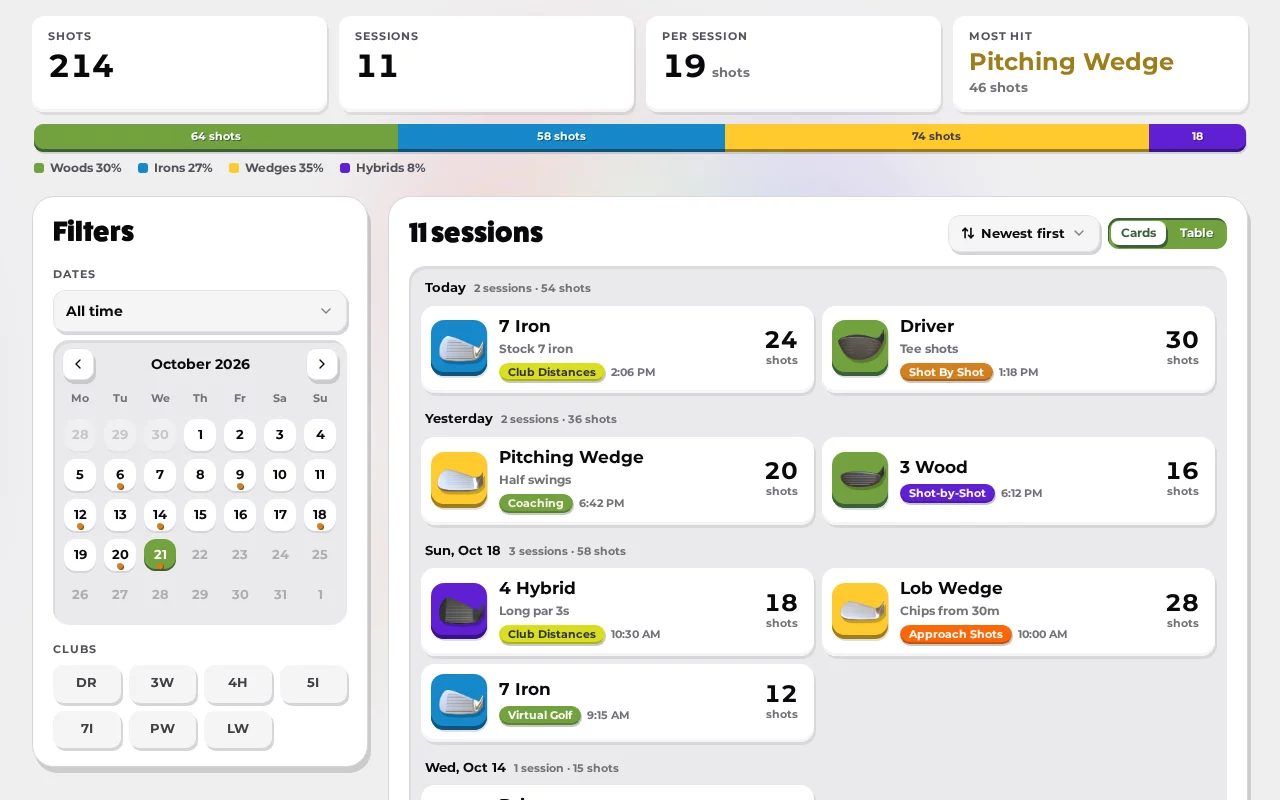
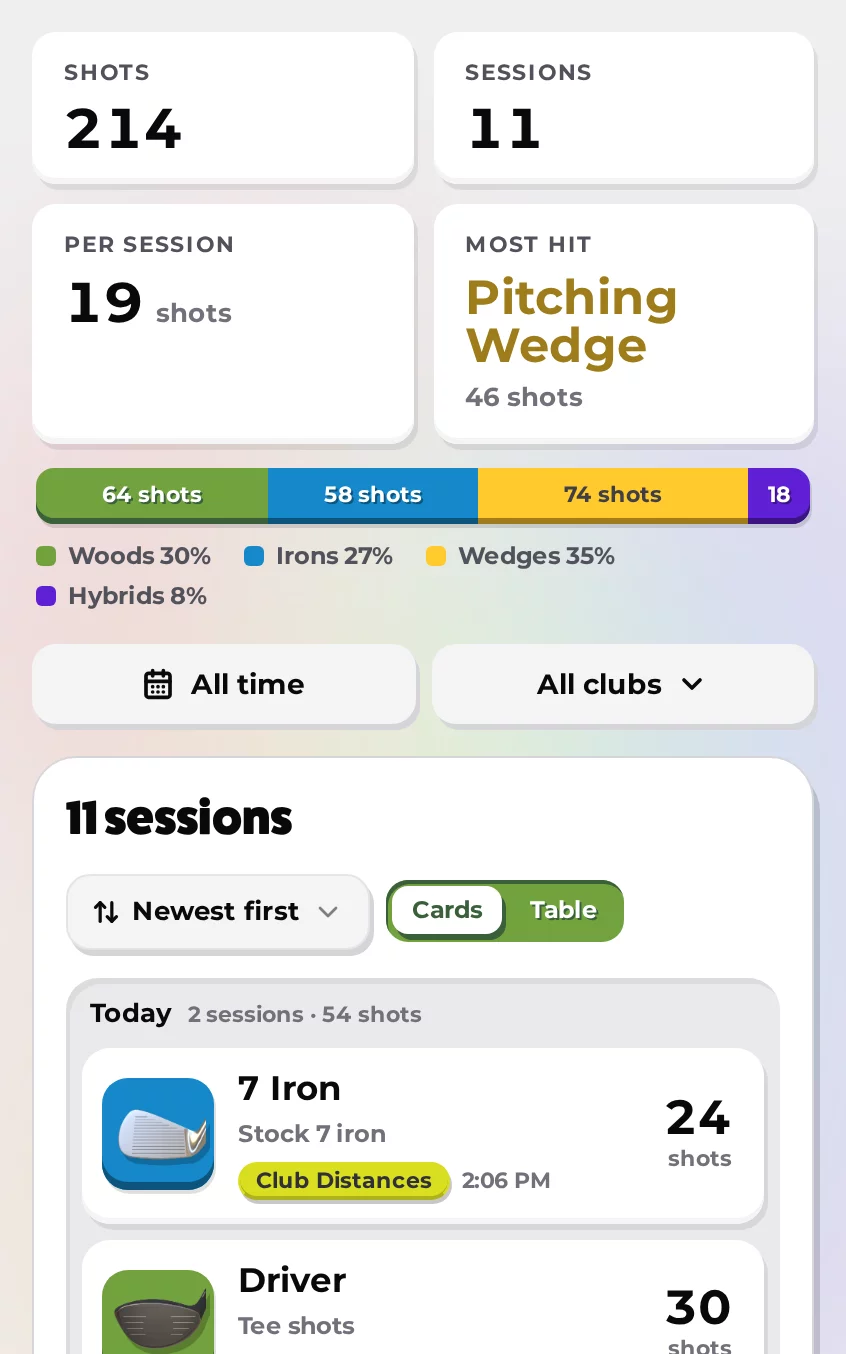
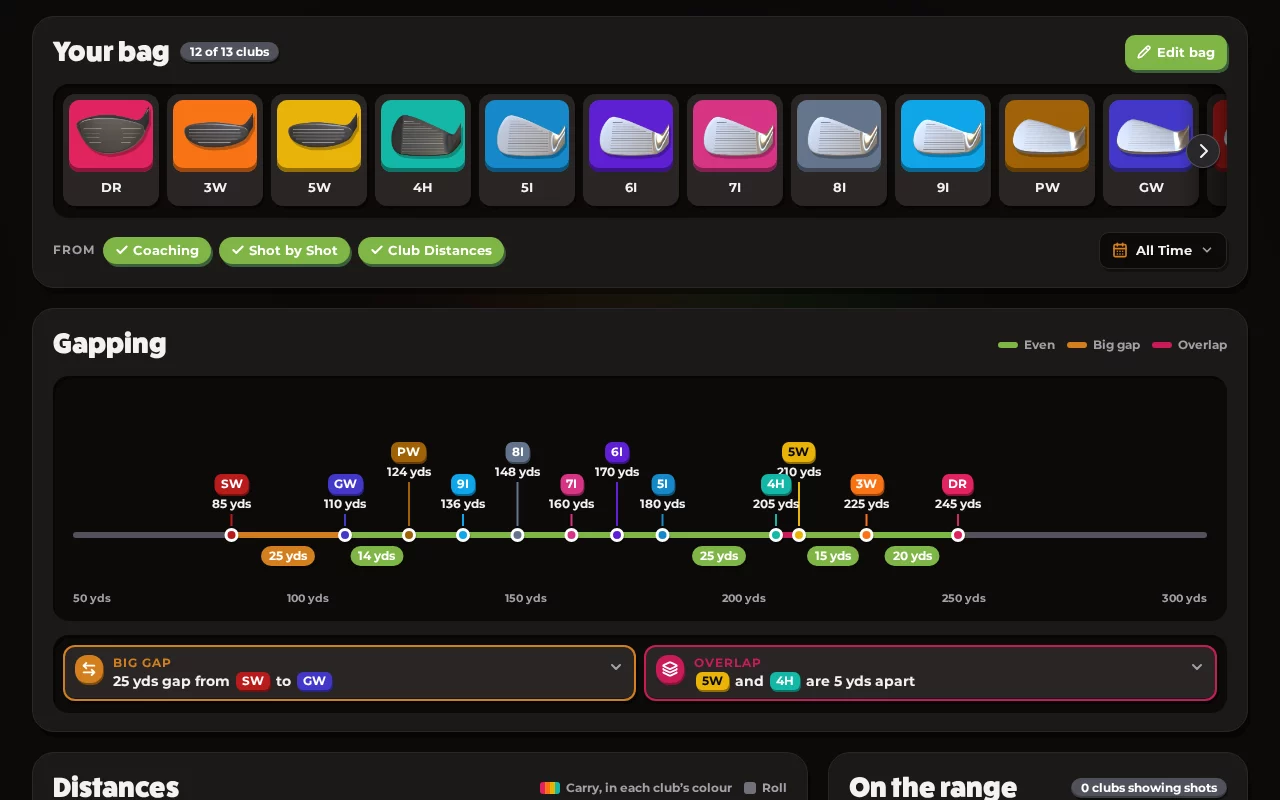
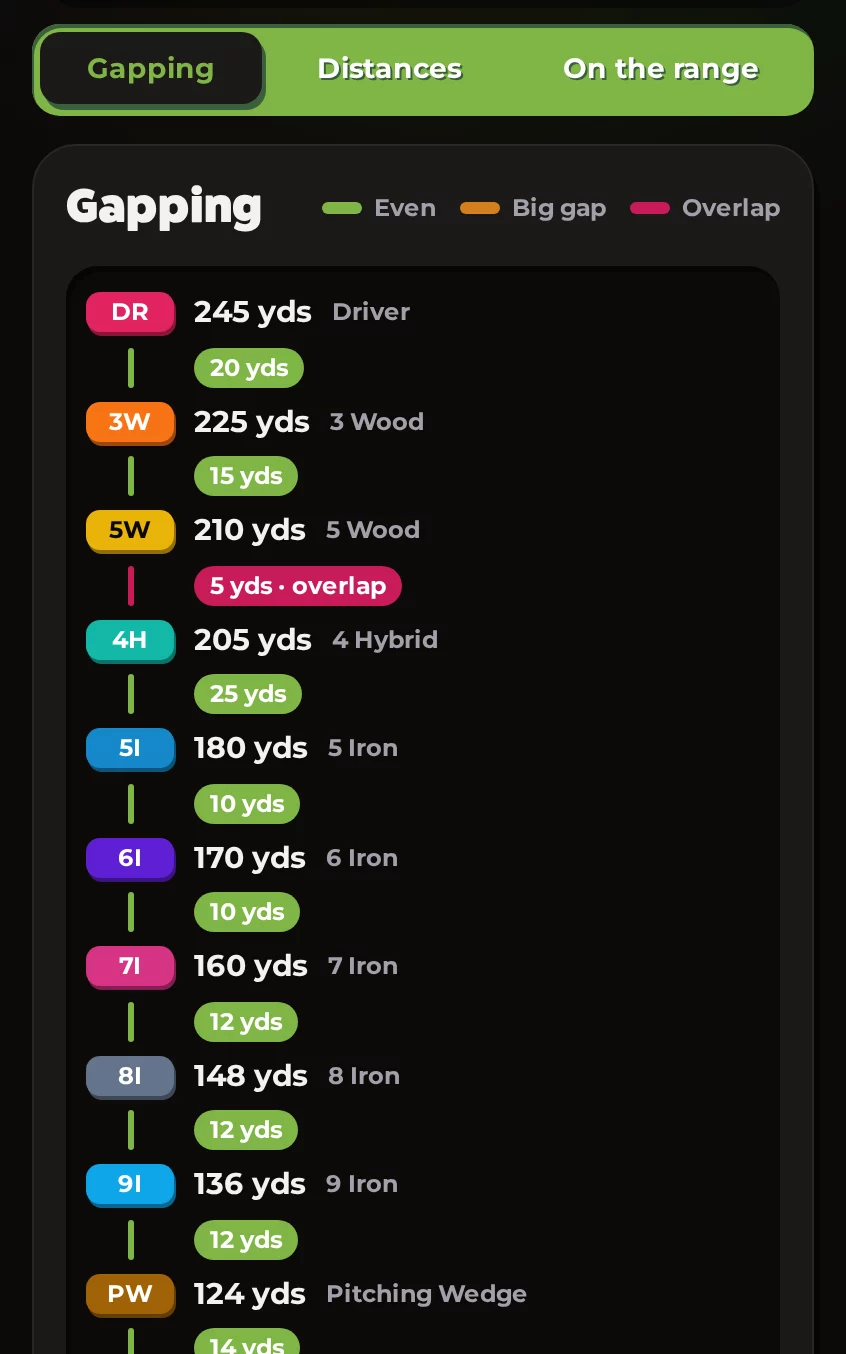
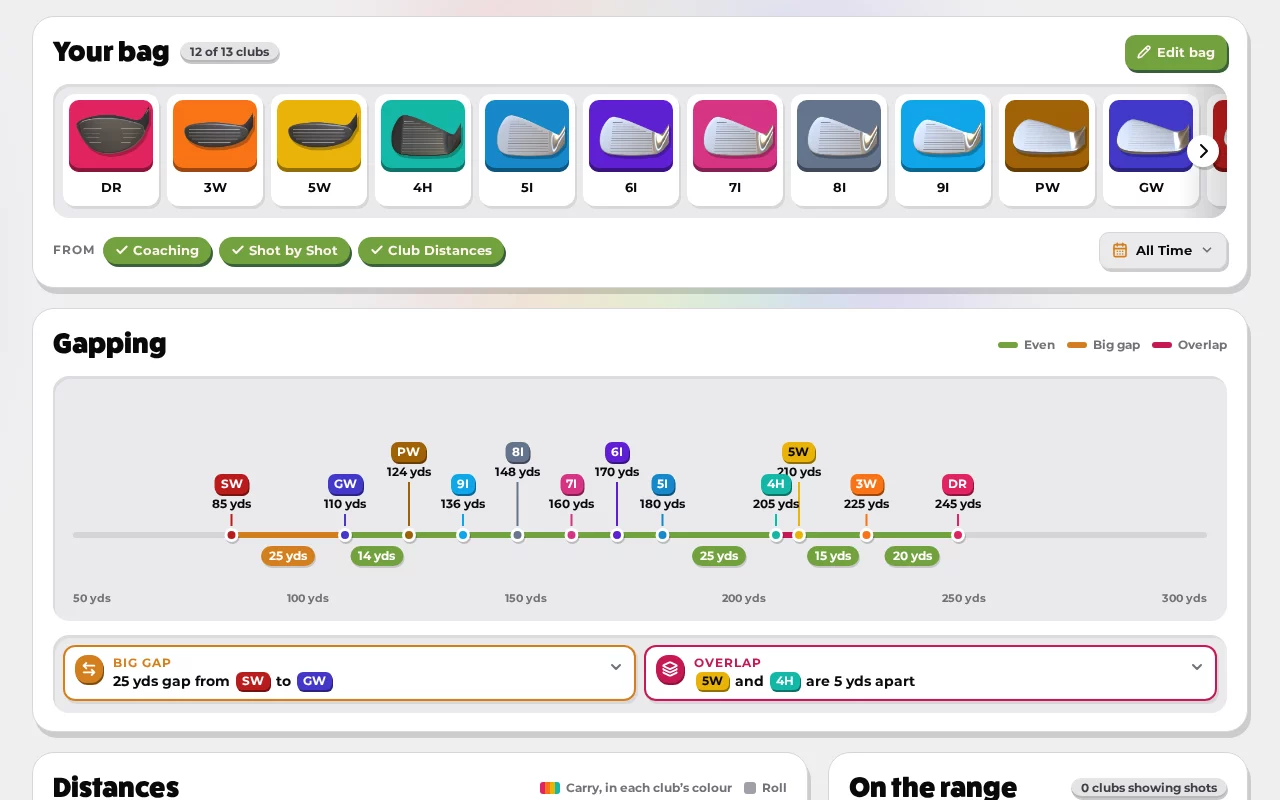
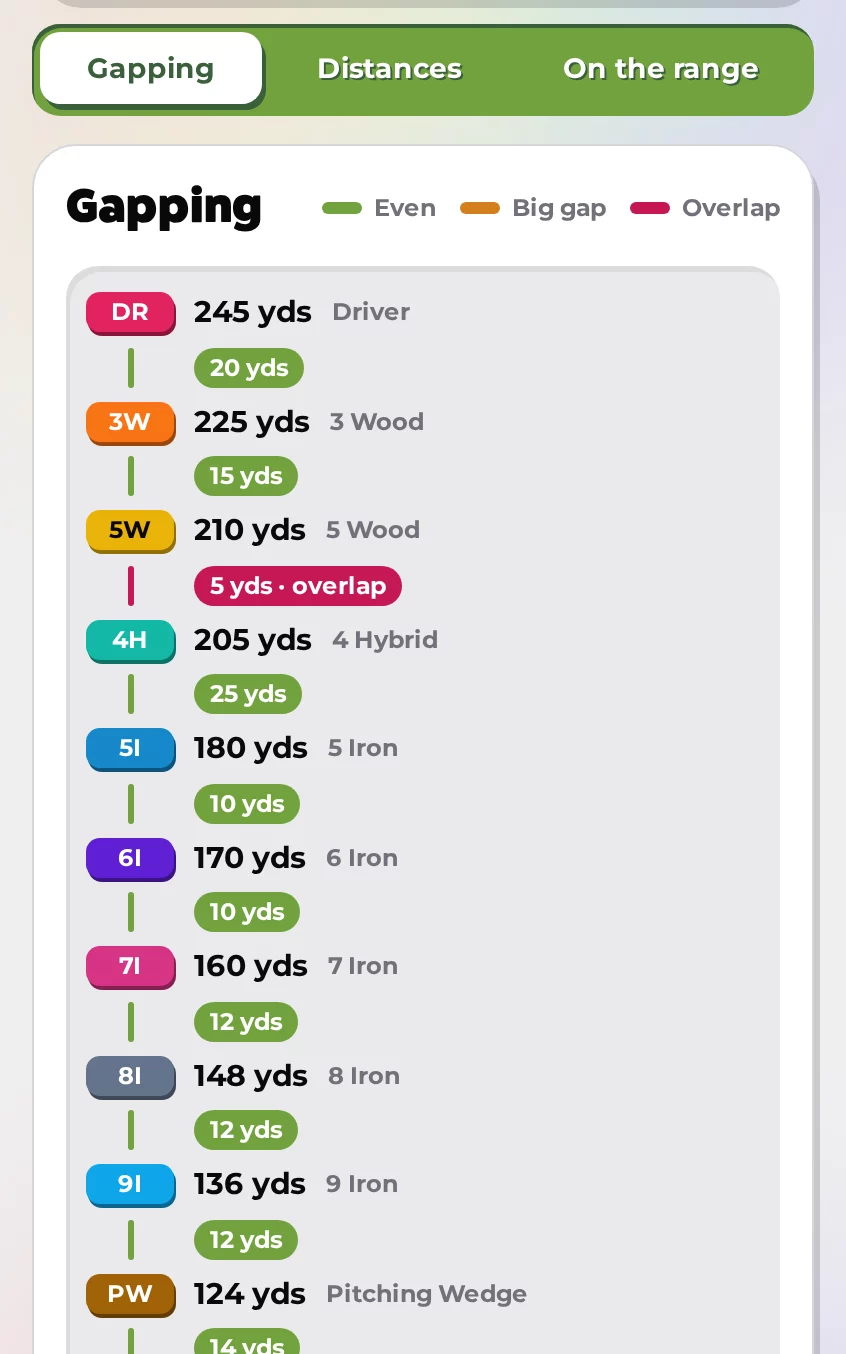
Track your Awesome Golf stats, climb the leaderboards, and join exciting competitions. Explore interactive club visualizations and celebrate your achievements as you elevate your game.

Sessions
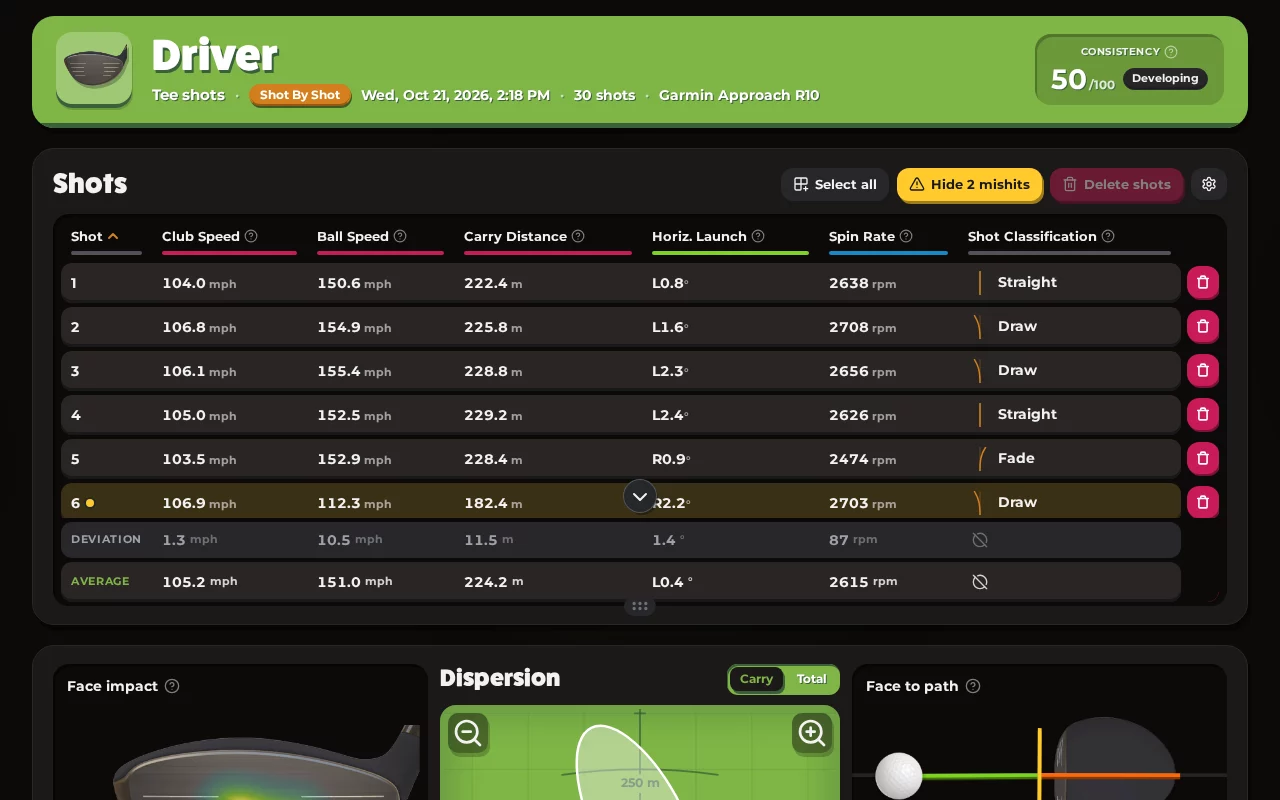
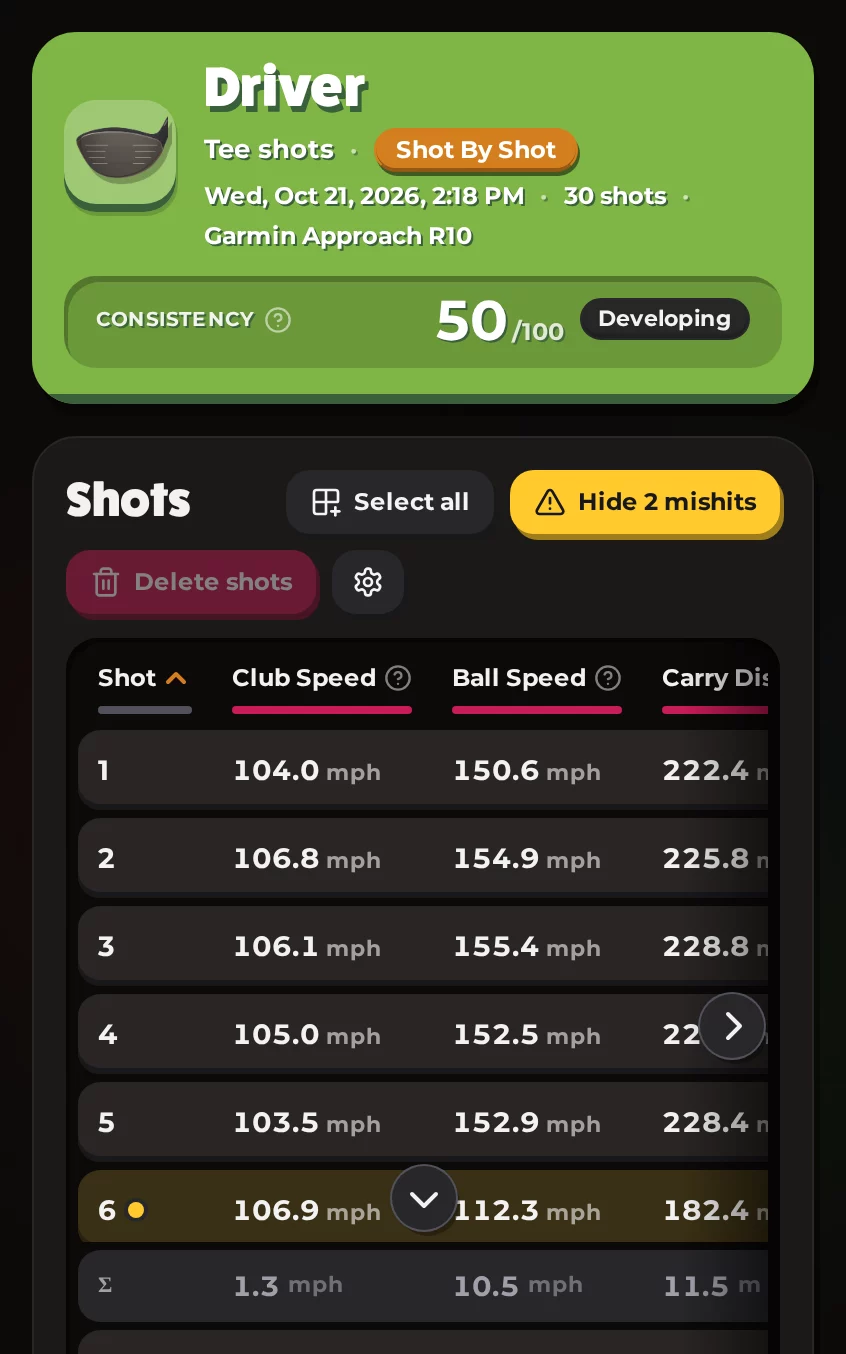
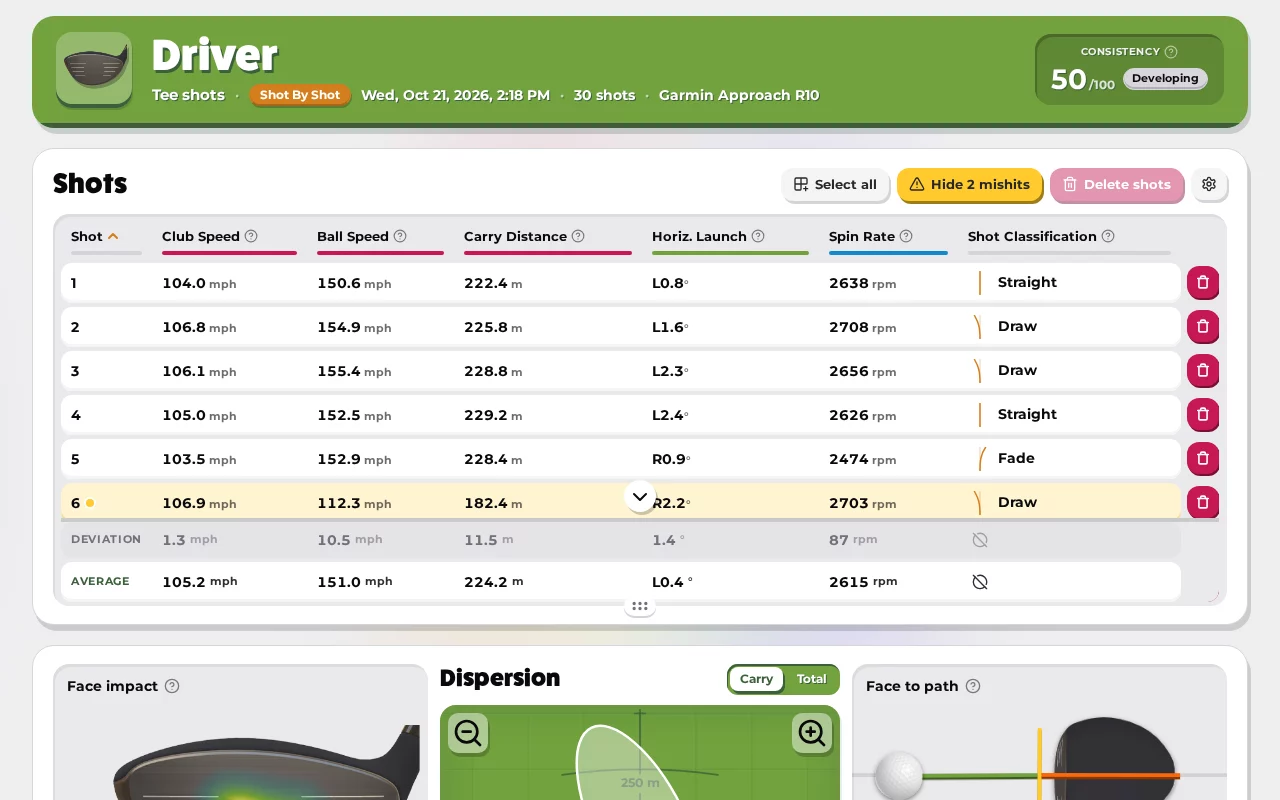
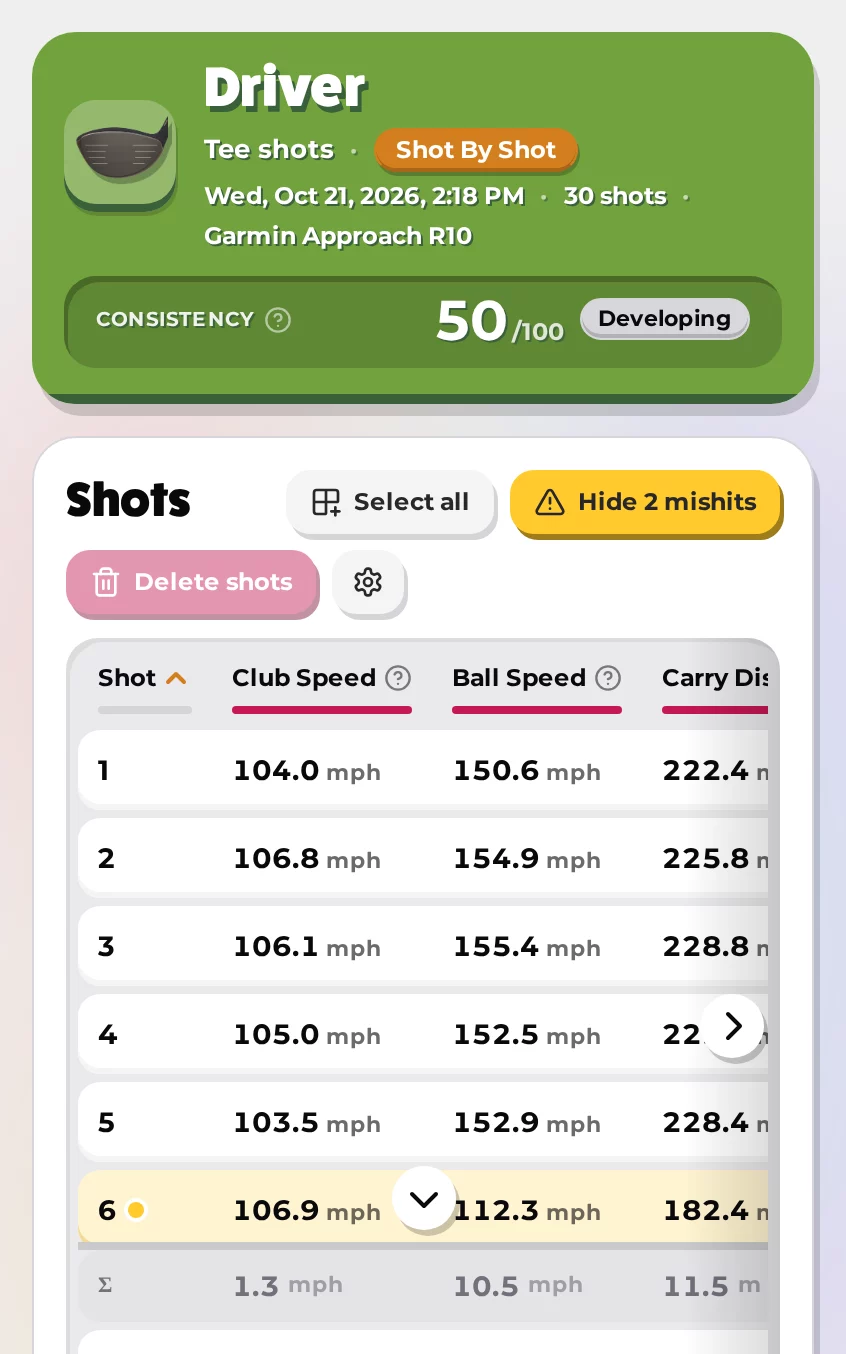
Shot-by-shot data for every club
Explore the top 10 of a random game. Click to load another leaderboard completely at random!
Can't see your Launch Monitor in the list? See a list of all supported Launch Monitors.
Demonstration of the metric definition tooltip feature. Tap any help icon next to a stat name to see its definition, then view the full breakdown with ideal values, technique tips, and tour averages.
Game Modes
Learn more about the Game Modes in Awesome Golf Simulator — Range, Challenges, Shootouts, and Virtual Golf.
Virtual Golf
Learn more about Virtual Golf in Awesome Golf Simulator — play our 9-hole and 18-hole courses.
Range Game Modes
Learn more about our Range Game Modes in Awesome Golf Simulator.
Add Players
Learn how to add players and guests to your game to play together or compete among friends.
Joining our Competitions
We host global competitions in-game, testing your skill against golfers worldwide.
Keyboard Shortcuts
Use PC keyboard shortcuts to get around Awesome Golf Simulator quicker.
Your stats, leaderboards, and insights — all in one place. Free for all Awesome Golf players.

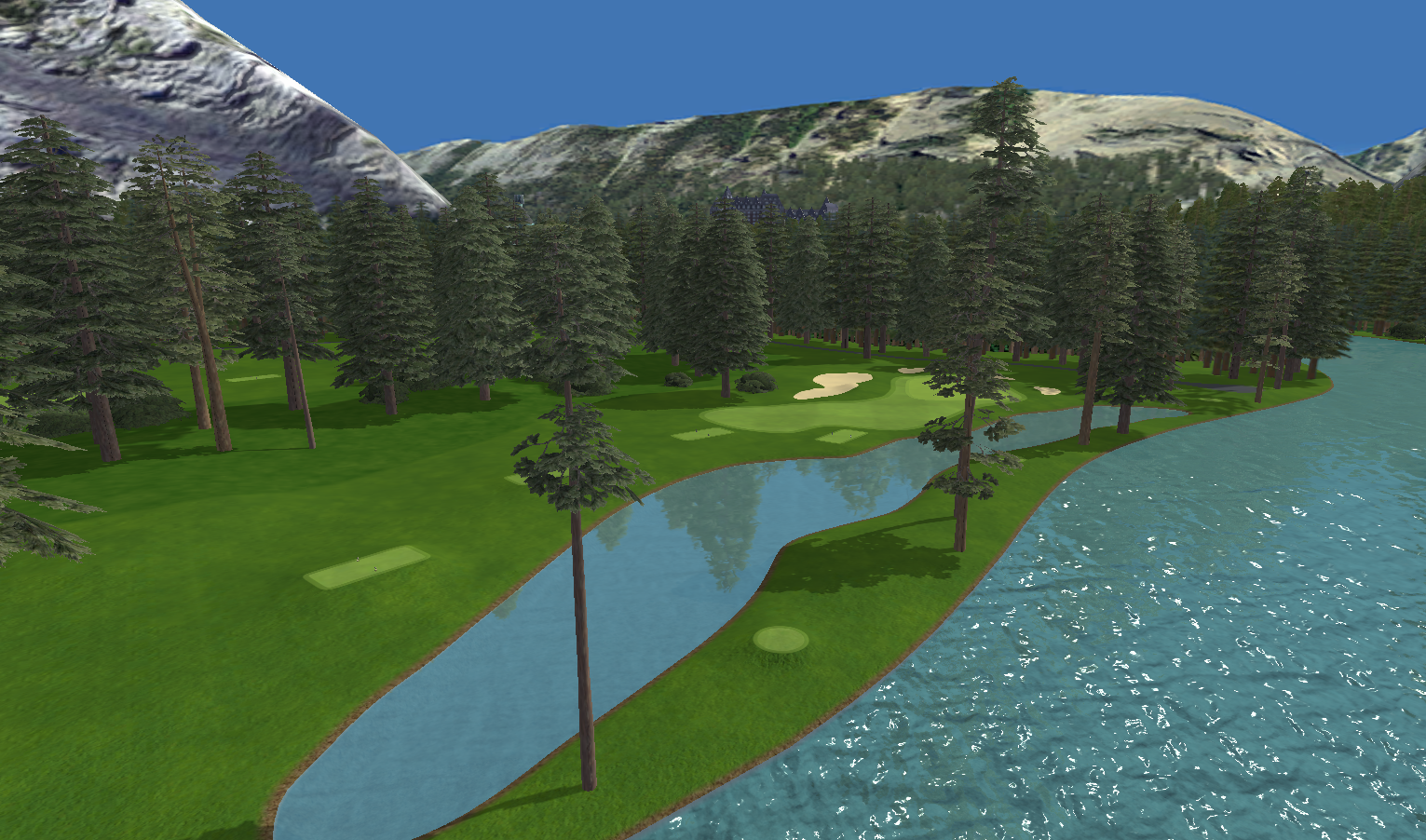
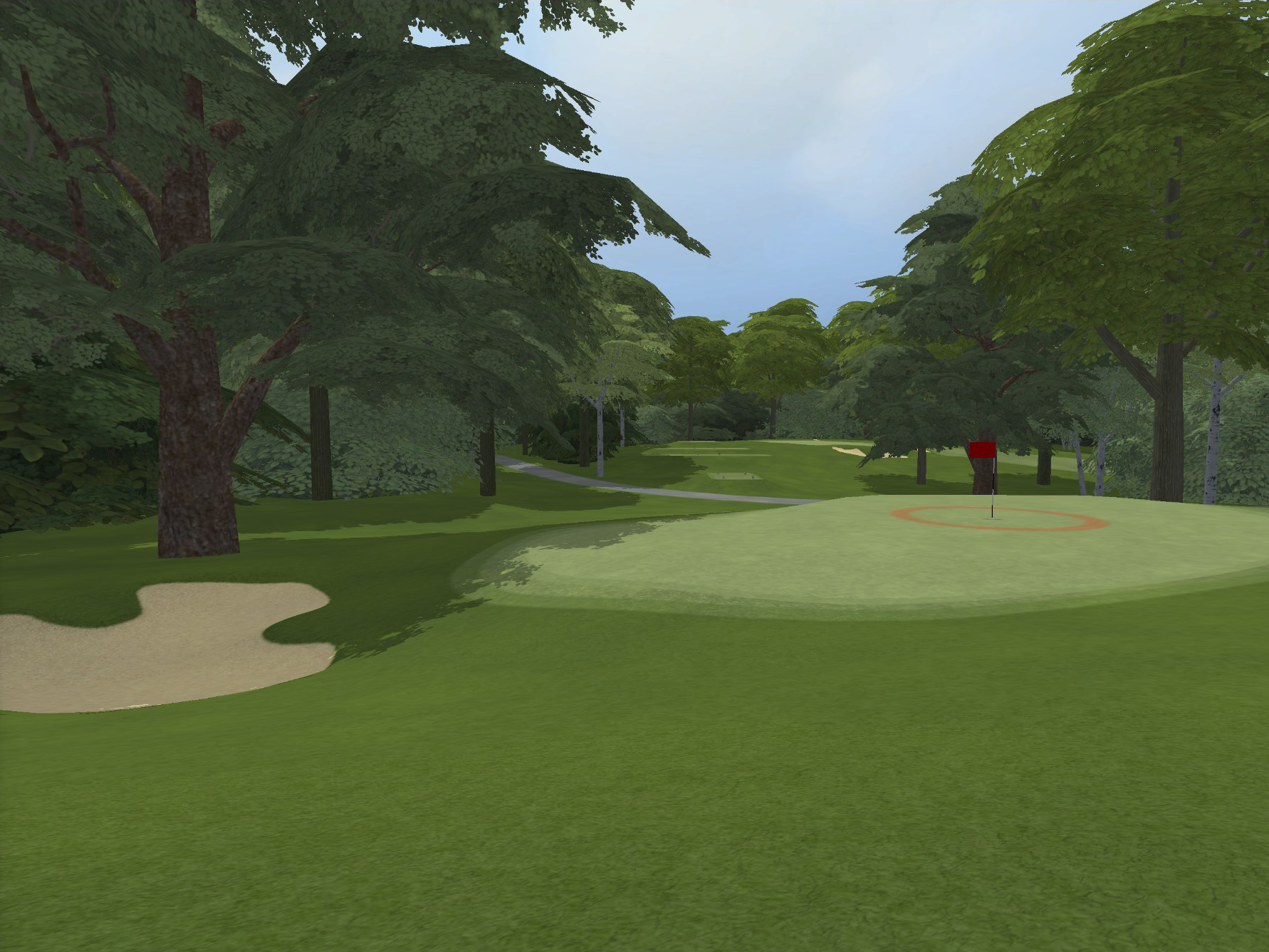
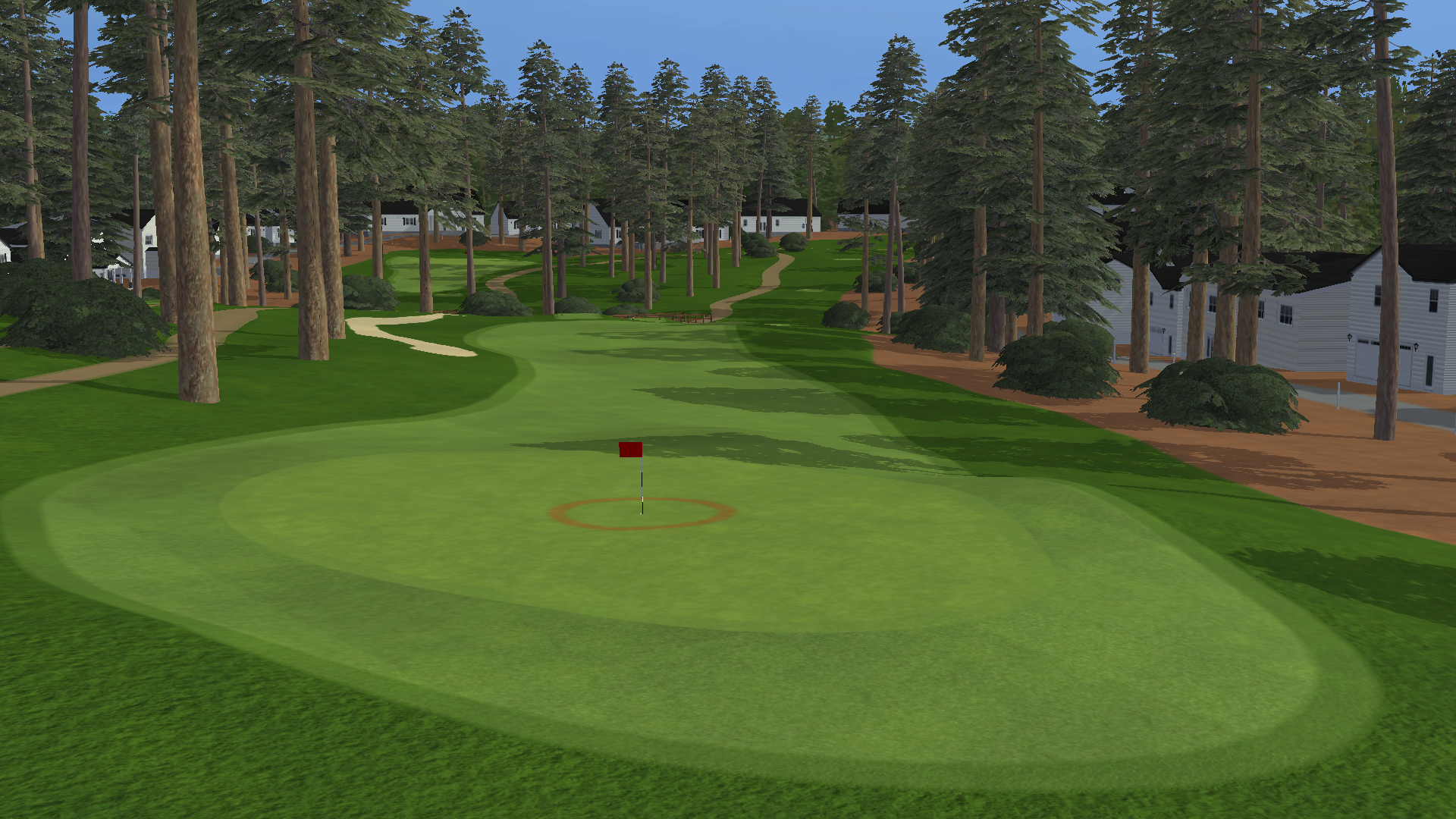
Longleaf
Par 72 · 18 Holes