
Fix the "Unable to Detect Any Devices" Error on Garmin Approach R10
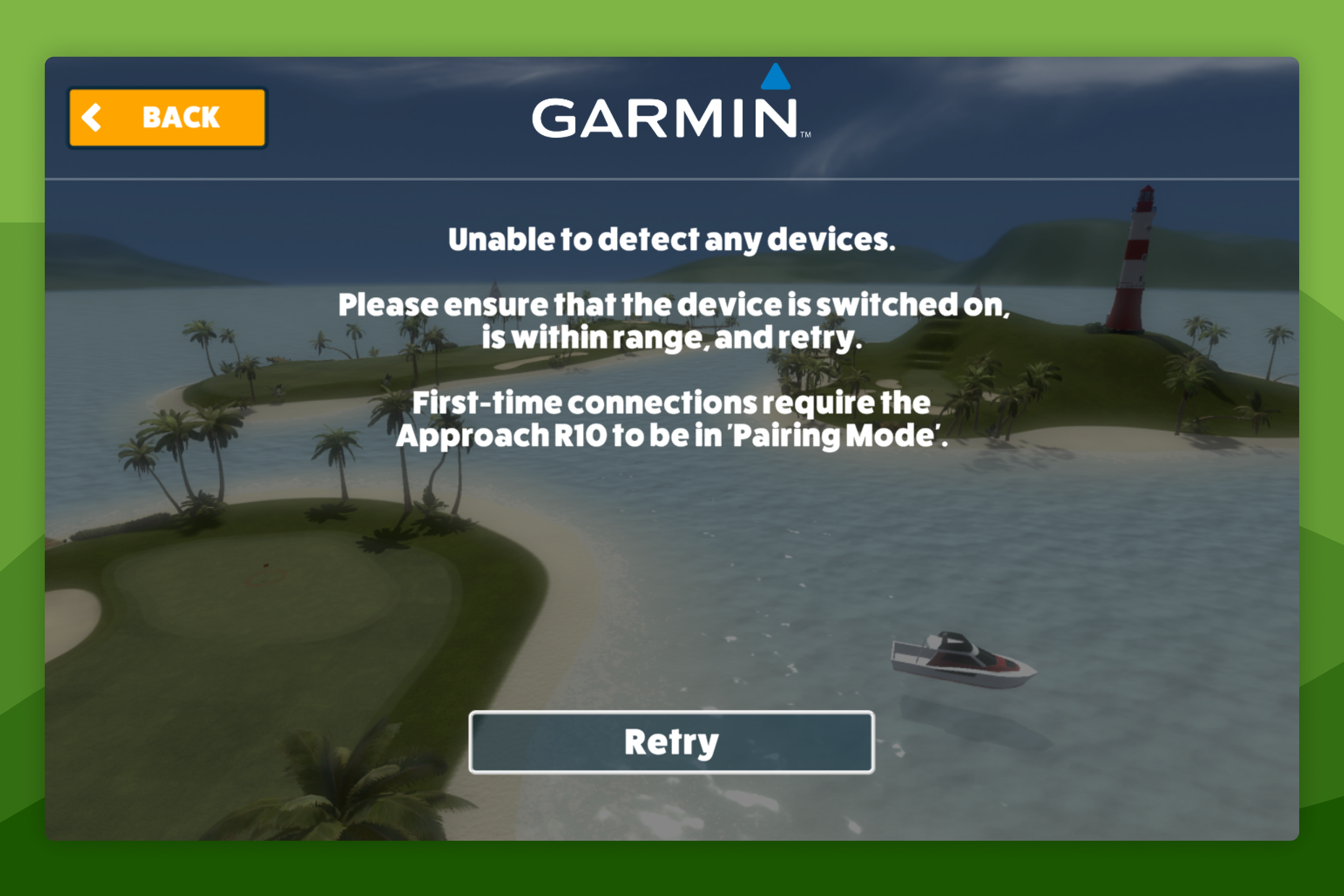
This guide helps you resolve the unable to detect any devices error when connecting a Garmin Approach R10 to Awesome Golf Simulator.
Complete first-time setup
New Garmin Approach R10s must be paired to a mobile device with the Garmin Golf app before they can be used with Awesome Golf Simulator.
Power off the Approach R10 if it is on.
Power it on - the first time a new R10 powers on it enters pairing mode automatically (solid blue LED). If it doesn't, hold the power button until the LED turns solid blue.
Install and open the Garmin Golf app on a mobile device.
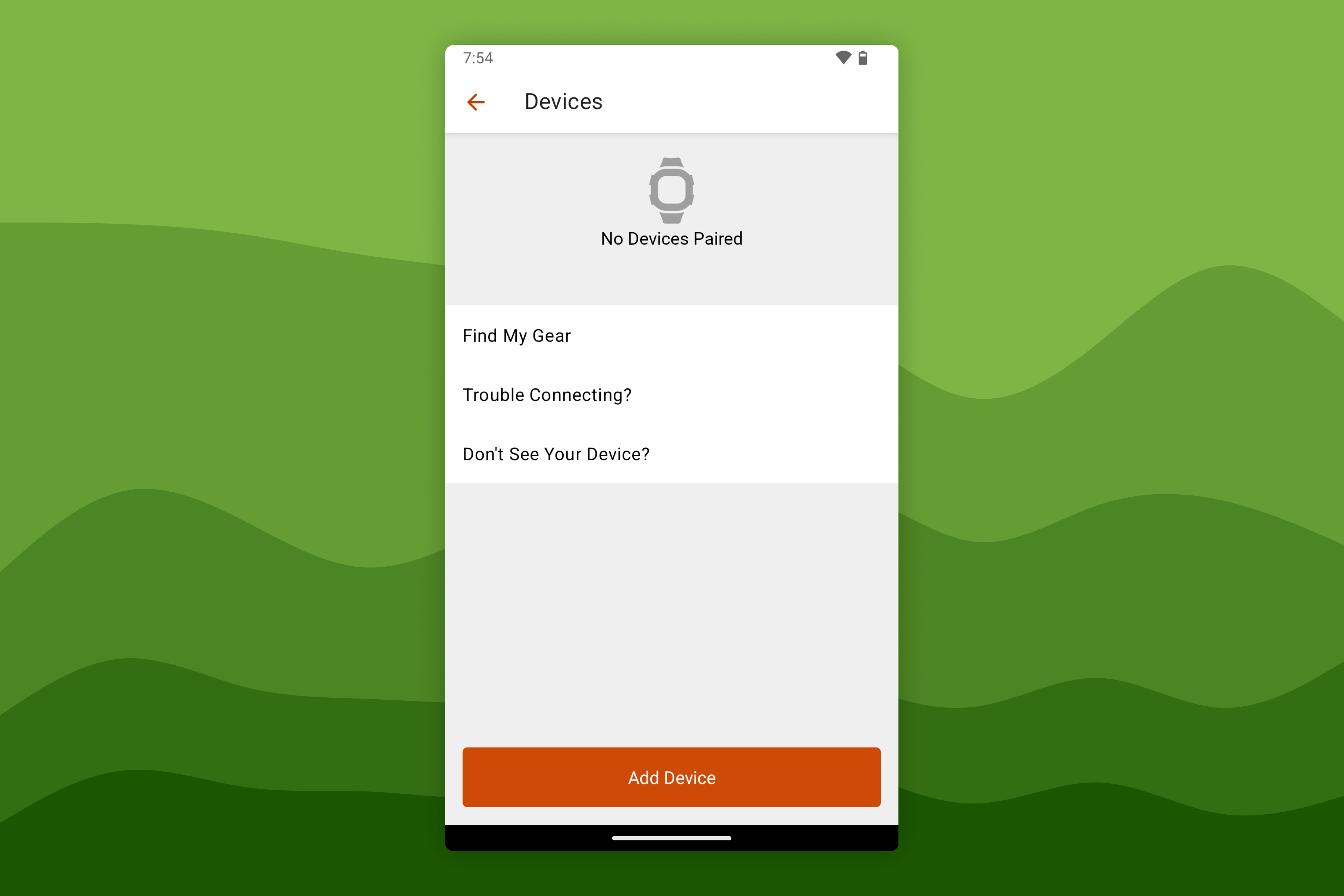
Select Profile → My Devices → Add Device.
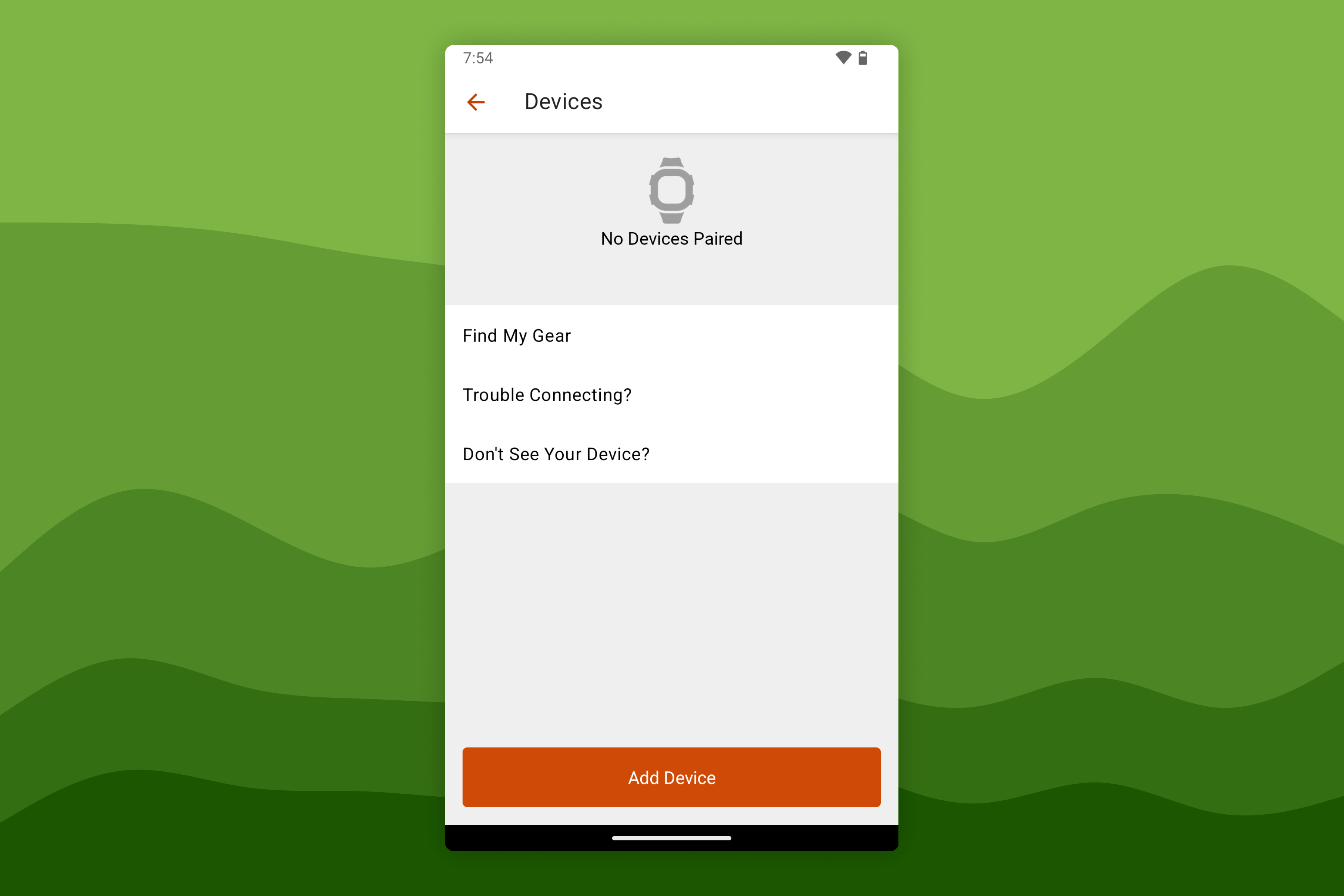
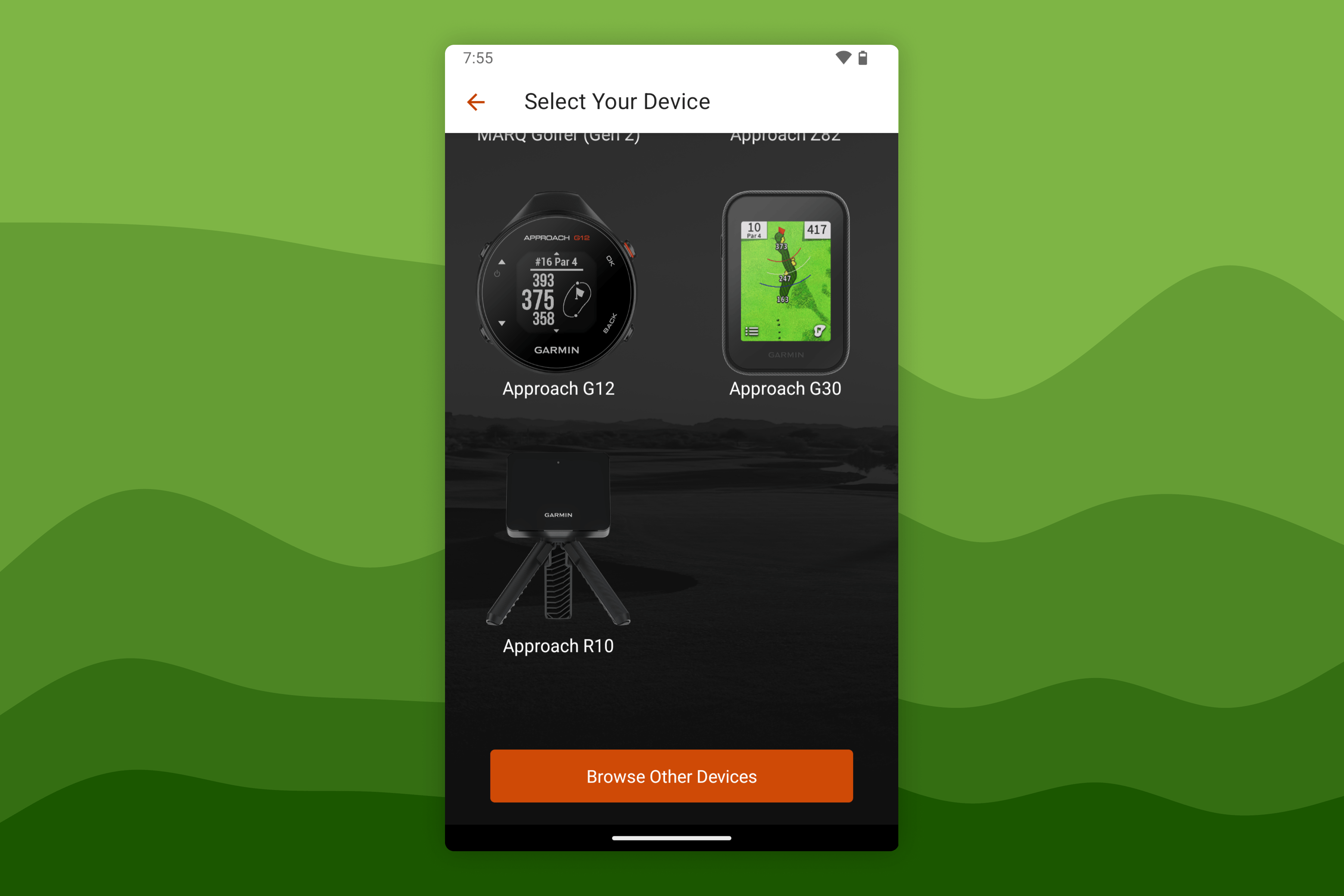
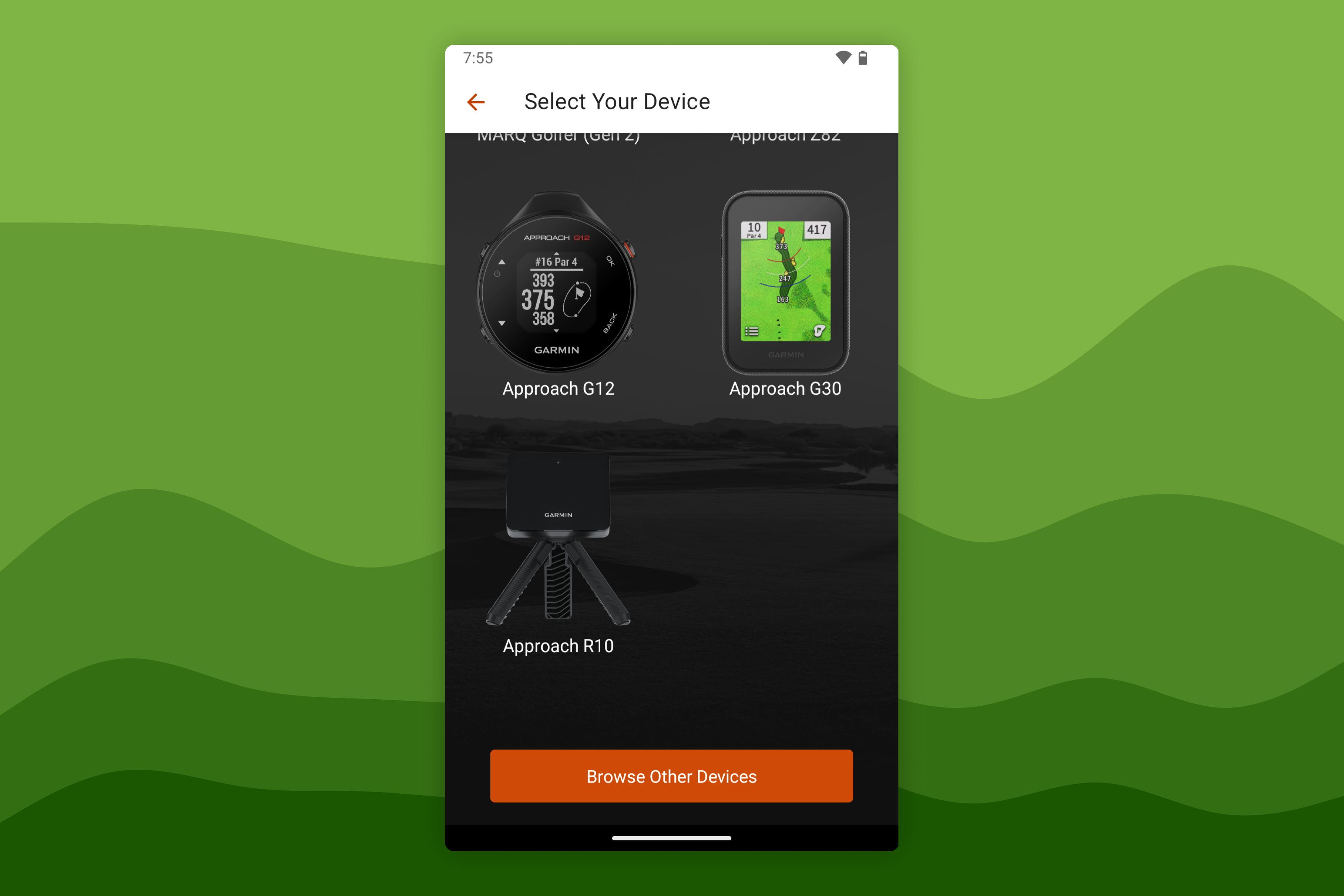
Select Approach R10 and follow the on-screen prompts to complete setup.
Put the Approach R10 into Pairing Mode
When connecting to a new device for the first time, the Approach R10 must be in Pairing Mode. Hold the power button on the back of the R10 until the LED turns solid blue.
Disable Bluetooth on any other nearby devices already paired to this R10 while pairing, as the Approach R10 connects to only one device at a time even though it can be paired with multiple devices.
Once in Pairing Mode, follow the Garmin Approach R10 Connection Guide.
Connect via Awesome Golf Assistant
If your primary device cannot connect directly to the Approach R10, the Awesome Golf Assistant app can forward the connection from a secondary iOS or Android device that can connect.
Install the Awesome Golf Assistant on a secondary iOS or Android device, preferably alongside the Garmin Golf app.
On the primary device, open Awesome Golf Simulator, select Garmin → Approach R10 → Connect via Assistant. A QR code will appear.
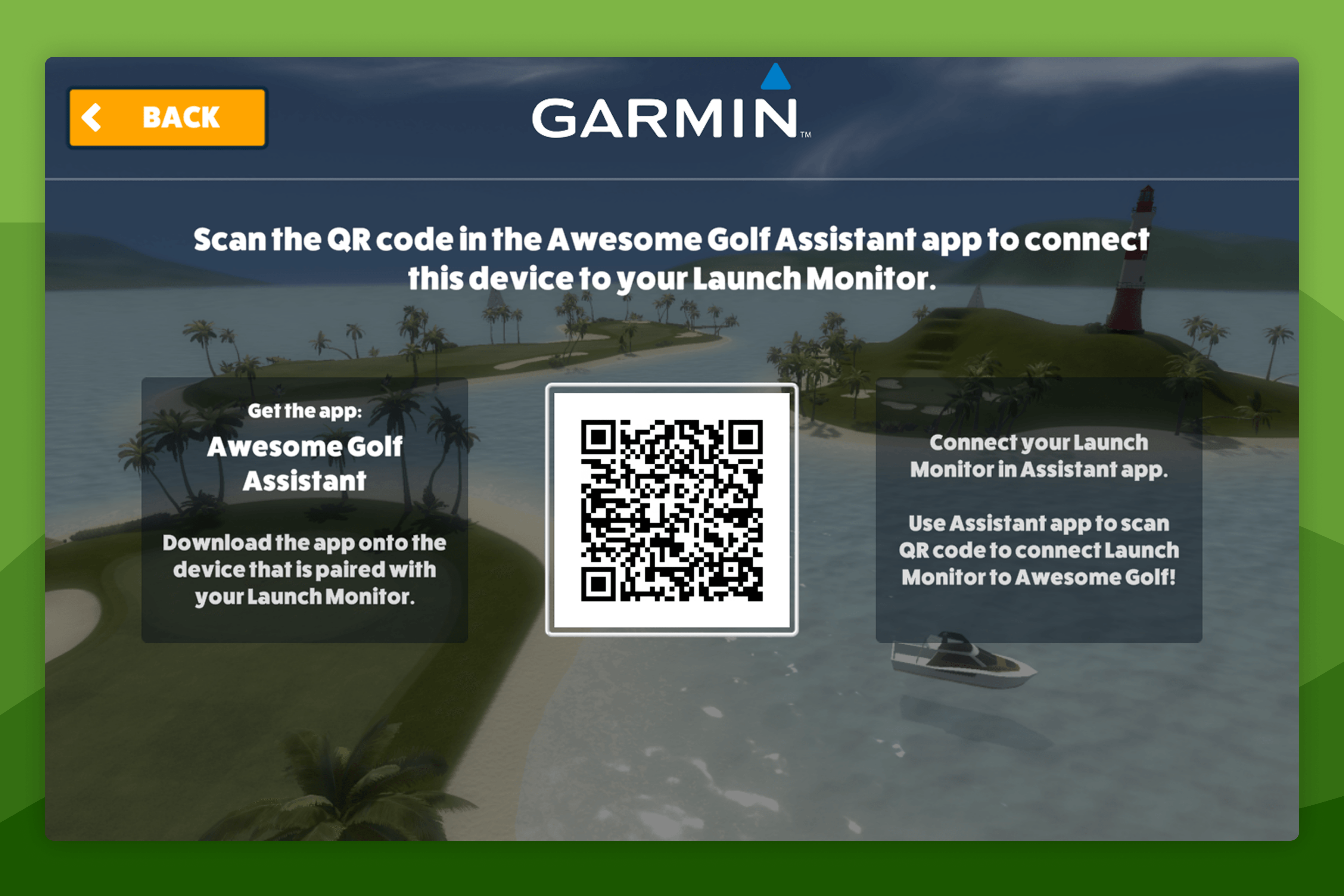
On the secondary device, open the Awesome Golf Assistant app and scan the QR code. The Assistant app must remain open and in the foreground throughout your session.
Update Approach R10 firmware
Outdated firmware can cause detection failures. The Garmin Golf app installs firmware automatically when the R10 is connected and online. Alternatively, Garmin Express can update firmware over USB.
Additional troubleshooting
- Garmin Support: Troubleshoot pairing with the Approach R10
- If using a Bluetooth USB adapter on Windows, ChromeOS, or macOS, install the latest firmware for the adapter from the manufacturer's website.