

How to Reset Your Stats
1 min read
- How can I reset my stats?
When using Awesome Golf Simulator your shot stats are stored and tracked in the Shot-by-Shot, Coaching, and Club Distances' Game Modes - these stats can be reviewed after your session using Awesome Golf Insights or the Awesome Golf Community app.
Deleting your Player Stats cannot be undone - you may want to Download your Player Stats as a CSV file before proceeding.
If you would like to delete your Awesome Golf stats, the following steps allow you to do so from the Main Menu:
In Awesome Golf Simulator, Select your Player's name at the bottom of the screen.
Select Player Stats in the dialogue.
Select the option of Delete Player Stats.
Share this page
insights.awesome-golf.com/docs/guides/stats/reset
Related guides
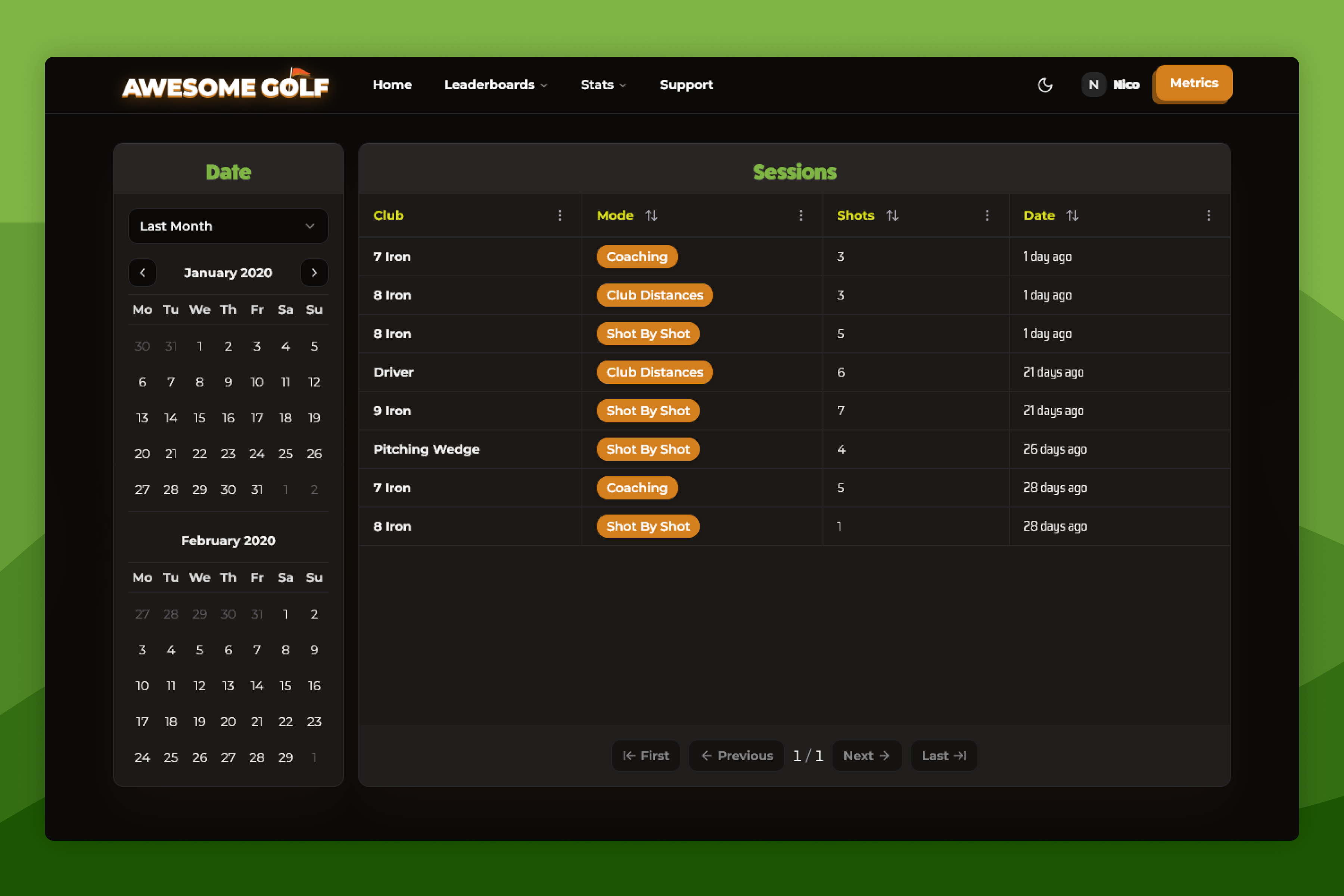 Stats & PerformanceReview Your StatsAlongside your Awesome Golf Simulator experience we have a number of ways that you can review your shots and stats.
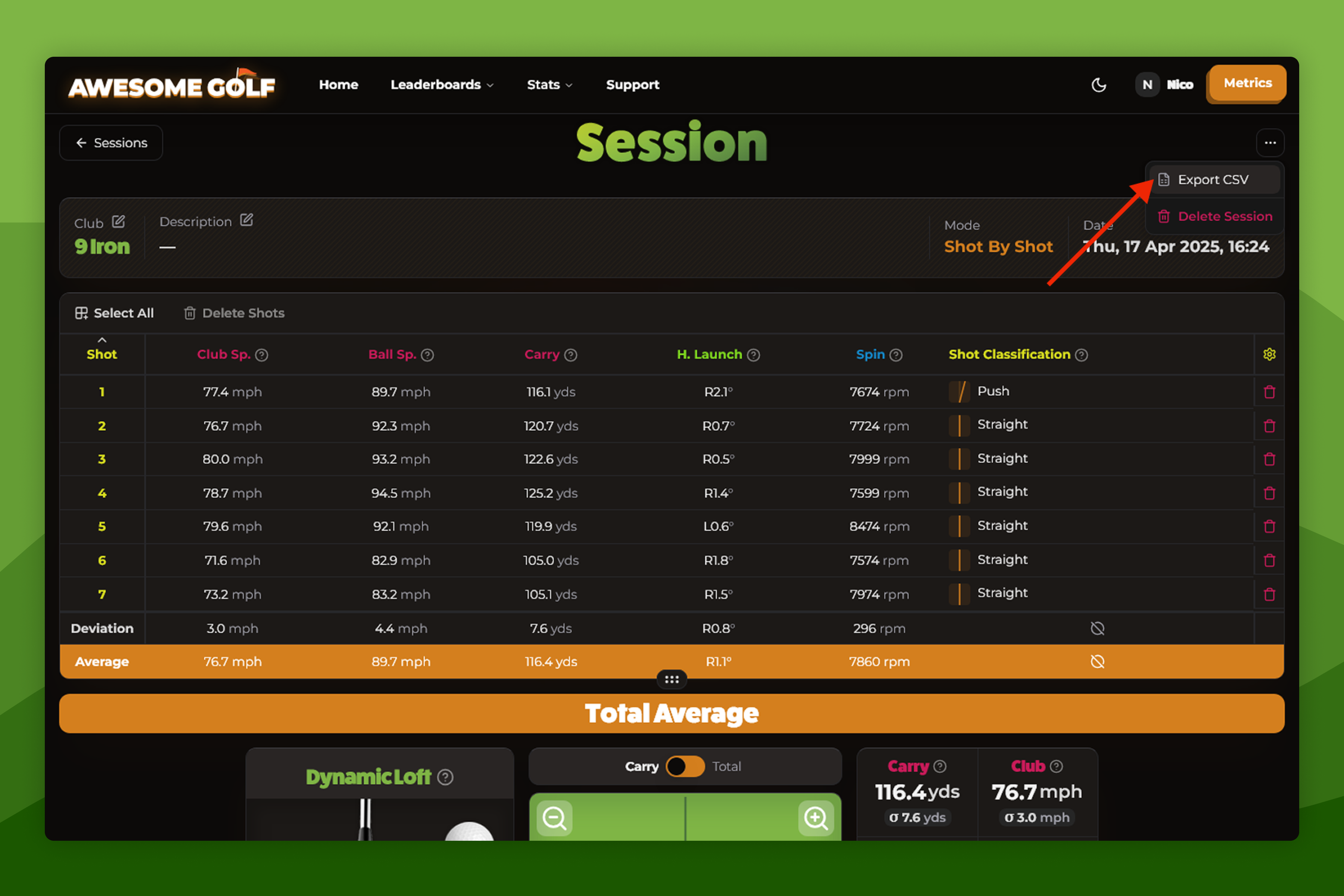 Stats & PerformanceDownload Your Shot StatsWith Awesome Golf Simulator v2.1.0 we introduced a feature to allow you to download your shot stats.
- ReferenceApp ComparisonIn addition to the core game, Awesome Golf Simulator, we offer Awesome Golf Insights to help you review your status, Awesome Golf Assistant as a utility to help you connect Launch Monitors that don't support direct connections, and Awesome Golf Community to let users use Quick QR-Login at Driving Ranges and Indoor Facilities.
Still need help?
- Contact supportLive chat, WhatsApp or email
- Ask the communityAwesome Golf Facebook group
- Search the docsFind another guide
New to Awesome Golf? Start a free trial or view pricing.