

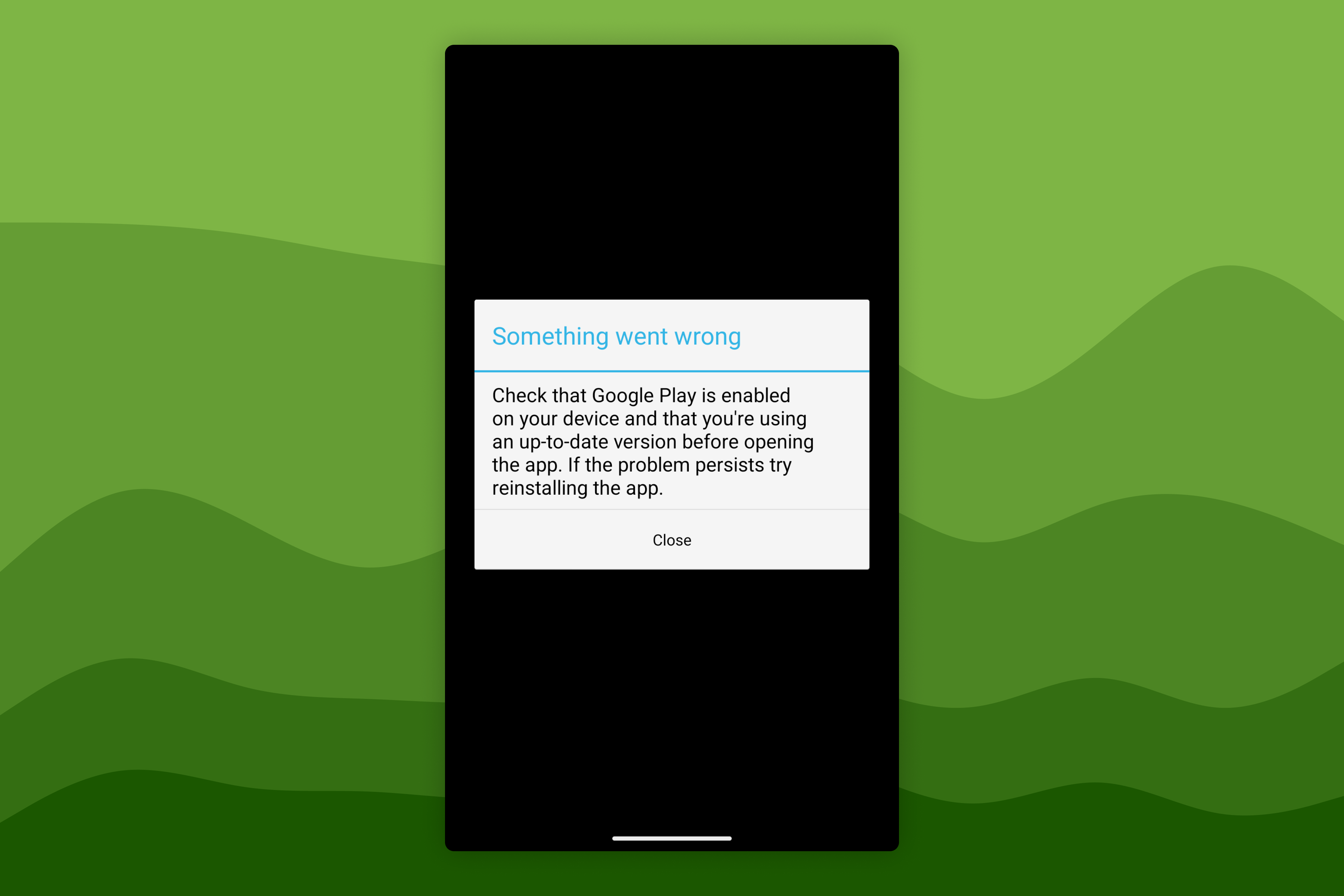
Error: Google Play Not Installed or Not Enabled
1 min read
On this page
| Field | Value |
|---|---|
| Platform | Android, ChromeOS |
| App | Awesome Golf Simulator |
Error message
Check that Google Play is enabled on your device and that you're using an up-to-date version before opening the app
Meaning
Awesome Golf Simulator cannot communicate with the Google Play Store app on your device. Google Play Store must be installed and enabled for the app to run.
See Google Play Store requirement for why this dependency exists.
Common causes
| Cause | Description |
|---|---|
| App disabled | Google Play Store has been manually disabled in device settings. |
| App stopped or crashed | Google Play Store is installed but has stopped running. |
| Device not certified | The device lacks Google Play certification — common on custom ROMs or unofficial firmware. |
| Enterprise or MDM policy | A device-administrator app or enterprise Mobile Device Management (MDM) policy is blocking Google Play Store. |
Resolution
See Fix the "Google Play not installed or not enabled" error.
Help & feedback
- View Pricing to see purchase options.
- Try Awesome Golf Simulator with a 14-day free trial, no-commitment.
- Looking for something specific? Search our docs to find what you're looking for.
- If you want help with something specific and could use community support, post in the Awesome Golf Facebook Group.
- Need direct support? Open a Support Request.
- Or Scroll to Top.