How to Delete Your Awesome Golf Account
To delete your account, you can use either the Awesome Golf Simulator app or the Awesome Golf Community app.
Download the v3.10.2 (latest) version of Awesome Golf Simulator app at the following links:
- Awesome Golf Simulator - Windows.
- Awesome Golf Simulator - Apple App Store.
- Awesome Golf Simulator - Google Play Store.
Awesome Golf Simulator App
In Awesome Golf Simulator, open the app on your device, connect to your Launch Monitor and sign in with your user email address and password. From the Main Menu, select your name at the bottom of the screen and then select Edit Player. On the Edit Player page, select Delete User Account and then confirm. Your account and data has been deleted.
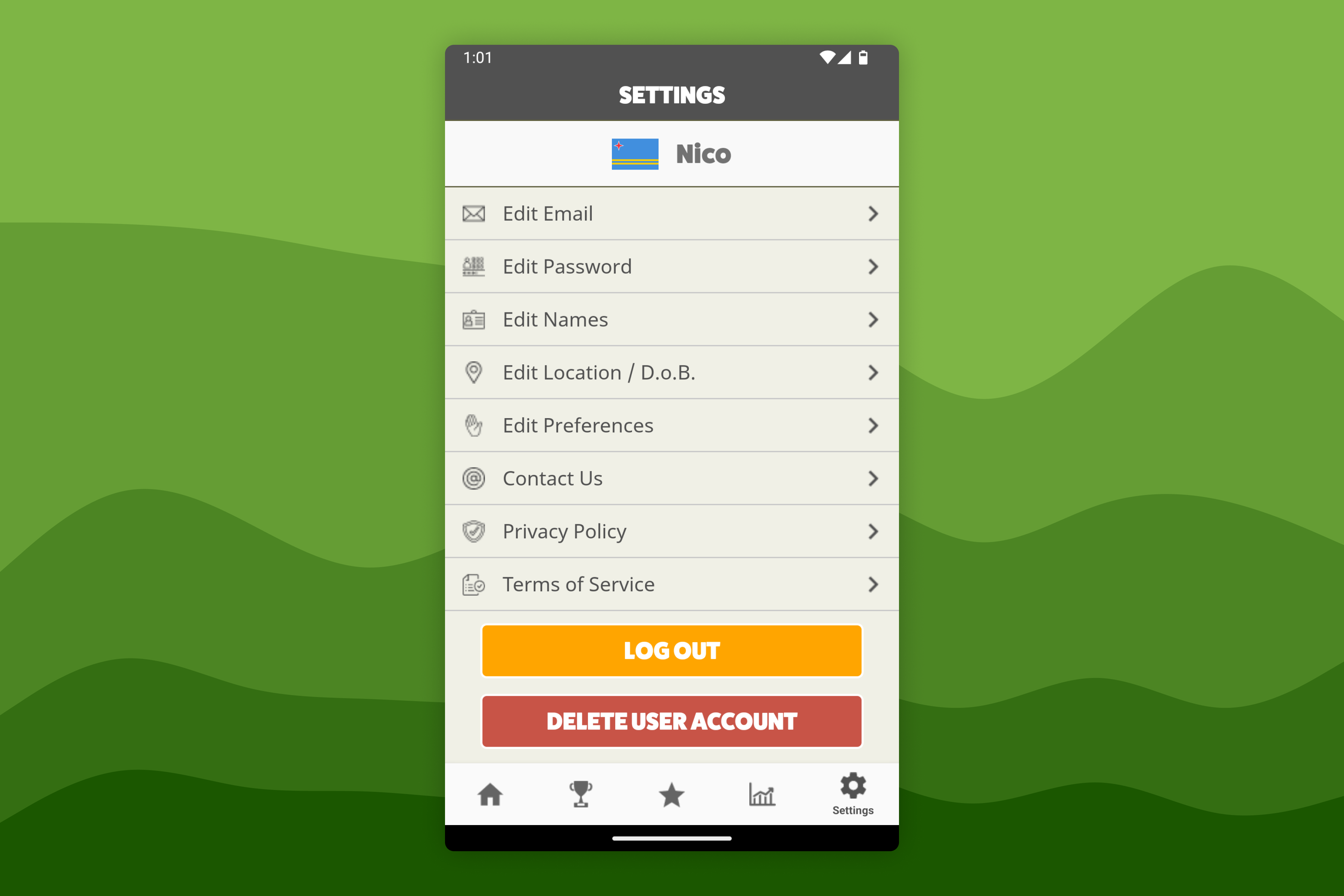
Awesome Golf Community App
In the Awesome Golf Community app, open the app on your device, sign in with your user email address and password, and select Settings in the bottom-right corner. From the Settings page, select Delete User Account and then Confirm. Your account and data has been deleted.