

Install Awesome Golf Simulator
3 min read
Awesome Golf Simulator is compatible with Windows, iOS/iPadOS, MacOS (Silicon), Android, and ChromeOS (Chromebooks).
iOS & MacOS (Silicon)
Awesome Golf Simulator is available on both iOS and MacOS (Silicon) from the Apple App Store. To install Awesome Golf Simulator on your iOS/iPadOS or MacOS device, simply search for "Awesome Golf Simulator" in the Apple App Store and download the app - or use the following link: Awesome Golf Simulator - Apple App Store.
On iOS/iPadOS, we also offer the Awesome Golf Assistant and Awesome Golf Community apps.
Android
Awesome Golf Simulator is also available on Android devices from the Google Play Store. To install Awesome Golf Simulator on your Android device, simply search for "Awesome Golf Simulator" in the Google Play Store and download the app - or use the following link: Awesome Golf Simulator - Google Play Store.
On Android, we also offer the Awesome Golf Assistant and Awesome Golf Community apps.
ChromeOS (Chromebooks)
Awesome Golf Simulator is available on ChromeOS devices from the Google Play Store. To install Awesome Golf Simulator on your ChromeOS device, simply search for "Awesome Golf Simulator" in the Google Play store and download the app - or use the following link: Awesome Golf Simulator - Google Play Store.
Windows
Awesome Golf Simulator supports Windows 10+ devices. A laptop or desktop PC with a 7th gen (2017+) Intel Core I3/I5/I7 processor or better are capable of running the game very smoothly, using Intel Integrated Graphics.
- Download the Awesome Golf Simulator Installer from the following link: awesome-golf.com/dl. This link will download the latest (v3.11.0) version of the Awesome Golf Simulator Installer to your device. This download may take some time depending on your Internet connection speed.
- Once downloaded, run the Installer. The Installer will allow you to select a language and guide you through the steps of installing Awesome Golf Simulator to your device. Now, with Awesome Golf Simulator installed, you can open up the game and enjoy!
Compatibility
Awesome Golf Simulator is compatible with some of the most popular Operating Systems, both mobile and desktop.
Latest Versions
When you start-up Awesome Golf Simulator, your current version will be displayed in the top-right corner of the start screen. For more information on our latest updates, bug fixes, and features, see our Changelogs.
Share this page
Related articles
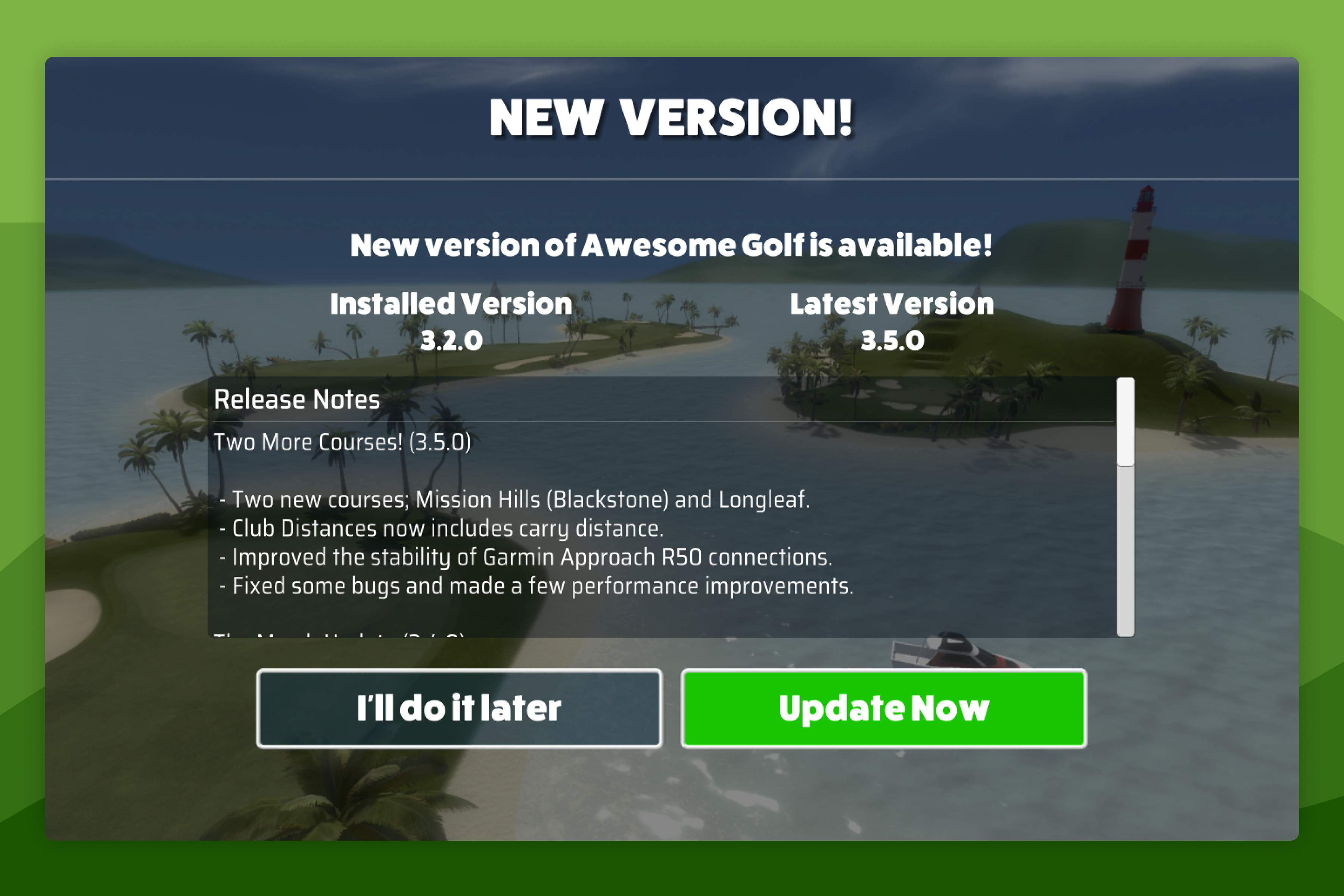 Install & UpdateUpdate Awesome Golf SimulatorWe're always working on Awesome Golf Simulator to improve our game and continue to improve the Awesome Golf experience. We regularly release new updates to the game and our companion apps to continue the improvements.
- ReferenceHost CompatibilityAwesome Golf Simulator is compatible with some of the most popular Operating Systems, both mobile and desktop.
- ReferenceLaunch Monitor CompatibilityAwesome Golf Simulator is compatible with Launch Monitors, from Garmin, FlightScope, Bushnell Golf, Foresight Sports, Rapsodo, and Square Golf.
Still need help?
- Contact supportLive chat, WhatsApp or email
- Ask the communityAwesome Golf Facebook group
- Search the docsFind another guide
New to Awesome Golf? Start a free trial or view pricing.