

Removing Players
1 min read
When playing with multiple people, you can add Players to your game as either a guest or a registered users - allowing others to track their player stats as a registered user alongside yourself.
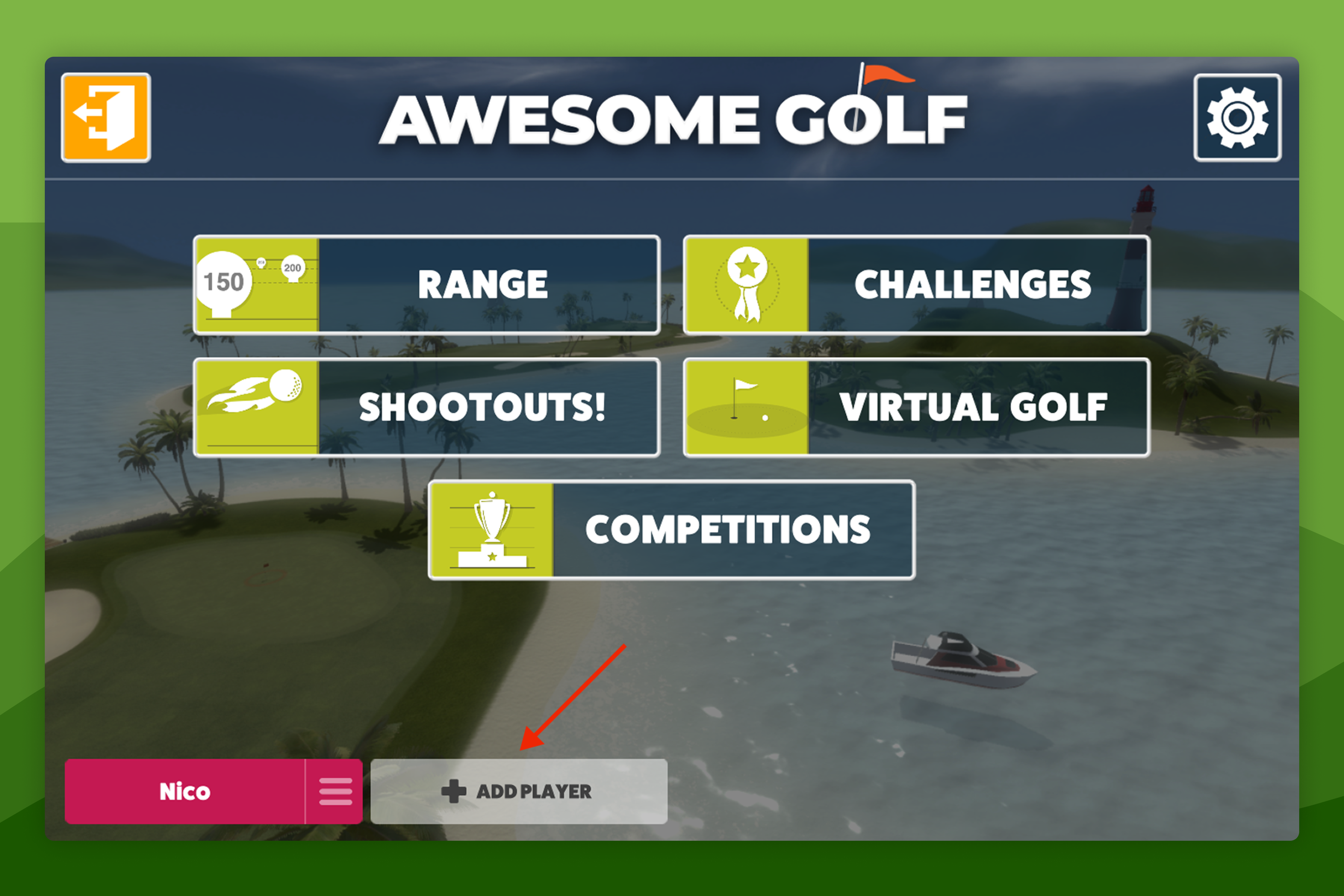
These players can be removed from your game from the Main Menu by selecting the Player's name, at the bottom of the screen, and selecting the option to Remove Player.
Share this page
insights.awesome-golf.com/guides/account/remove-players
Related articles
Still need help?
- Contact supportLive chat, WhatsApp or email
- Ask the communityAwesome Golf Facebook group
- Search the docsFind another guide
New to Awesome Golf? Start a free trial or view pricing.