

How to Change Your Email Address for Awesome Golf
2 min read
On this page
- How can I change my login email address?
- I've got a new email address.
You can change your email address in either the Awesome Golf Simulator or Awesome Golf Community apps.
Awesome Golf Simulator
The Awesome Golf Simulator app can be used to manage your account, while connected to your Launch Monitor. To manage your Awesome Golf Account without being connected to your Launch Monitor please use the Awesome Golf Community app.
- Open Awesome Golf Simulator, connect to your Launch Monitor, and sign-in with your previous email address.
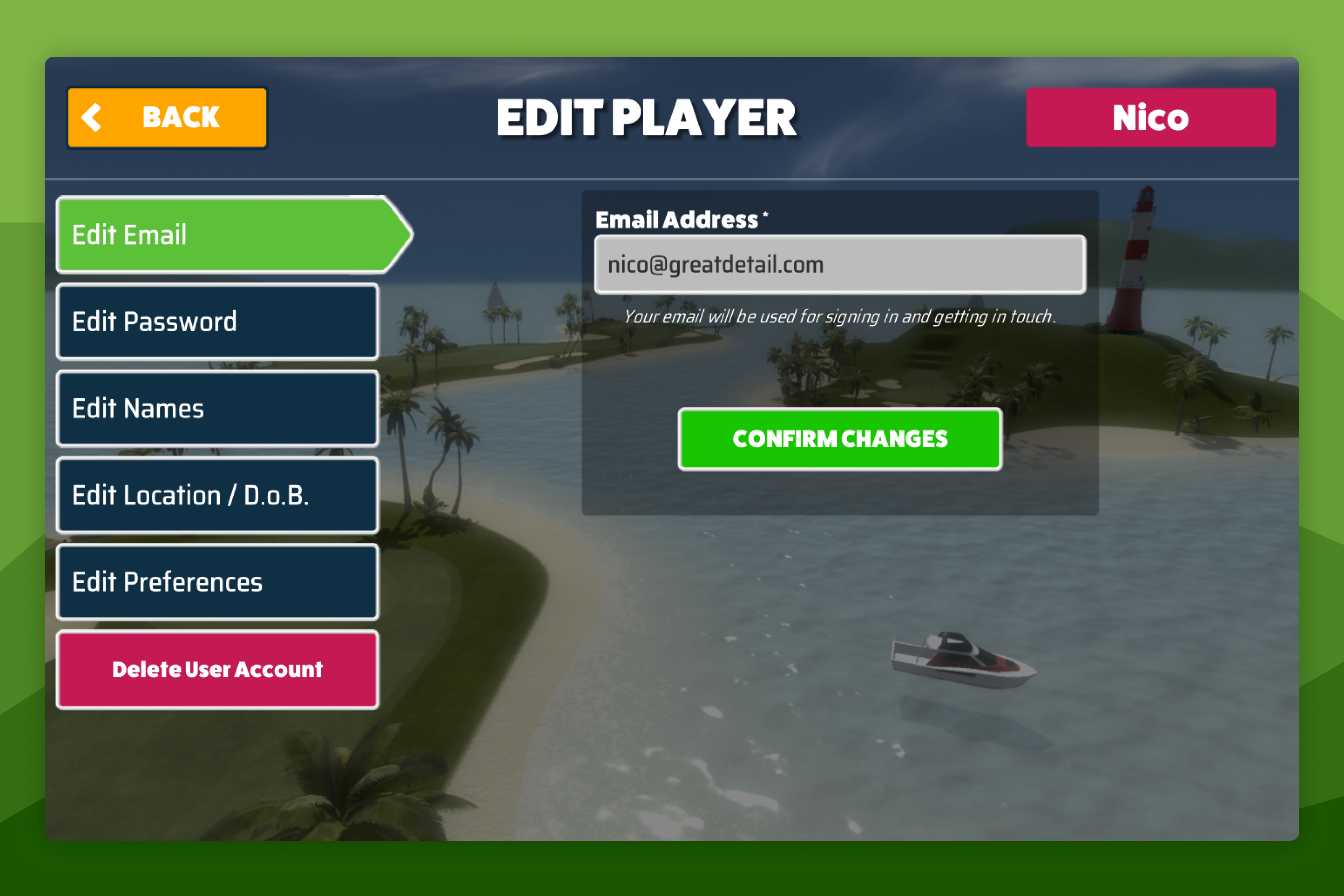
- Select your name at the bottom of the Main Menu screen, then select Edit Player.
- Select Edit Email in the sidebar and update your email address.
Awesome Golf Community App
Changing your Email Address in Awesome Golf Community allows you to do so without needing to connect to your Launch Monitor. In addition to managing your account, the Awesome Golf Community app allows you access to your Awesome Golf Simulator shot stats and leaderboards without needing to connect to your Launch Monitor.
- Open the Awesome Golf Community app on an iOS or Android device.
- Sign-in with your previous email address.
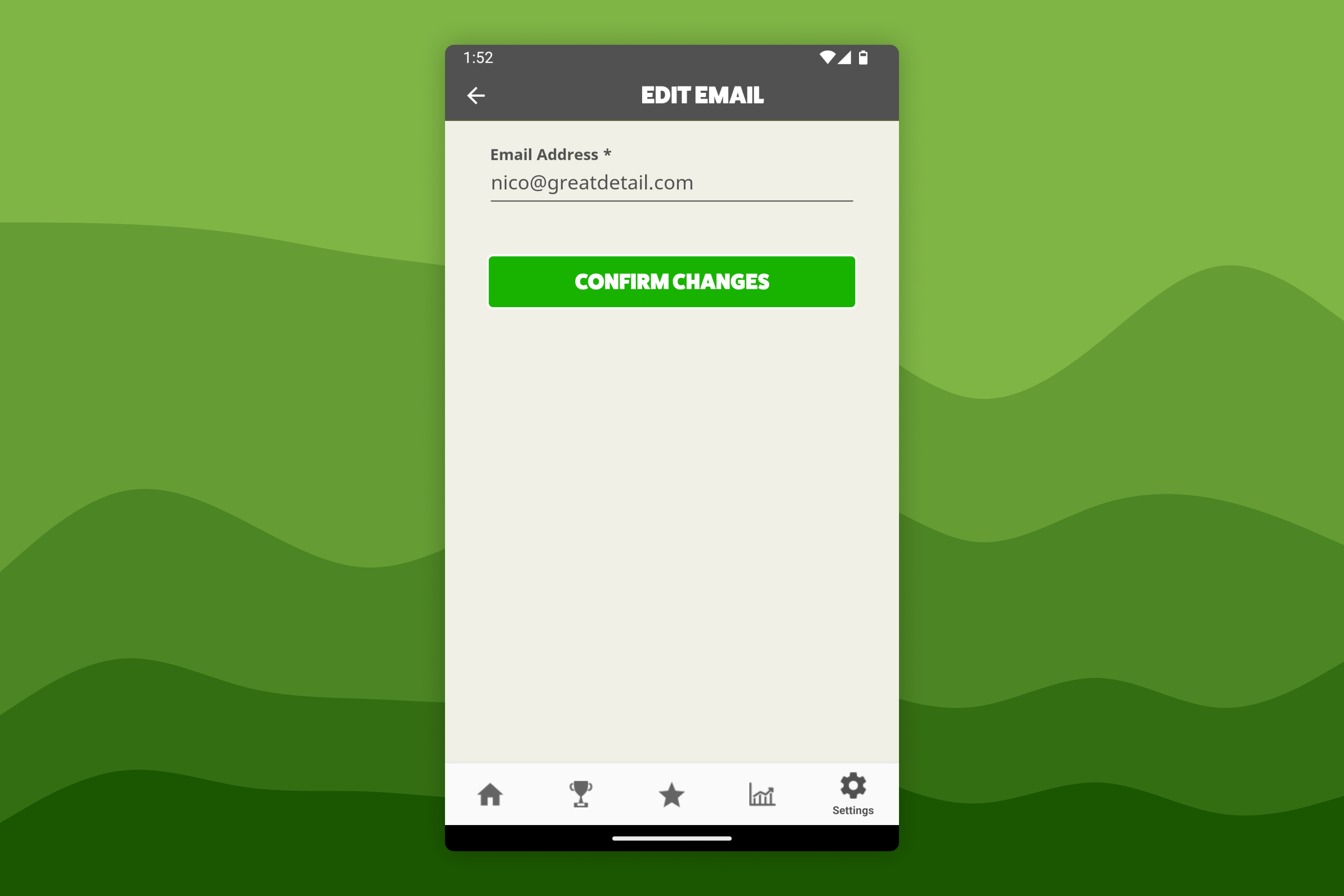
- Select Settings in the bottom navigation bar, then select the Edit Email option and update your email address.
Help & feedback
- View Pricing to see purchase options.
- Try Awesome Golf Simulator with a 14-day free trial, no-commitment.
- Looking for something specific? Search our docs to find what you're looking for.
- If you want help with something specific and could use community support, post in the Awesome Golf Facebook Group.
- Need direct support? Open a Support Request.
- Or Scroll to Top.