How to Update Foresight Sports QuadMAX Firmware
Firmware for the Foresight Sports QuadMAX can be updated using the firmware upgrade tool.
- On a computer, go to support.foresightsports.com/support/hardware/quadmax and download the QuadMAX Firmware. This will be the upgrade tool.
- Power-on the Launch Monitor and connect it to the computer via USB-C cable.
- Run the QuadMAX Firmware tool. The tool will check the firmware version on your Launch Monitor and prompt you to install the update.
For more guidance on updating your Foresight Sports QuadMAX, see the following guide from Foresight: help.foresightsports.com/hc/articles/44577536299027.
Confirm your QuadMAX's Firmware Version
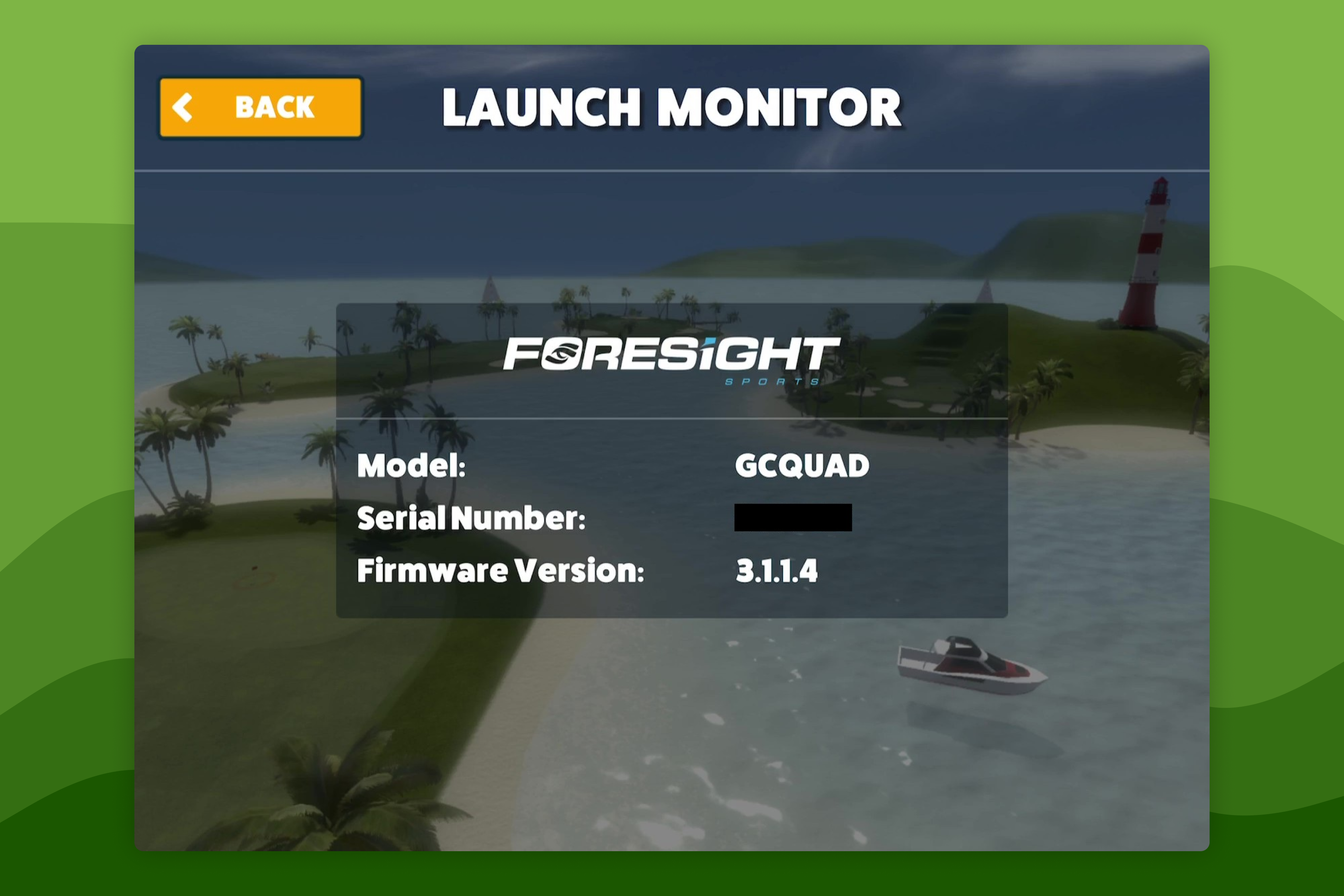
You can verify your firmware version in any of these places whilst your Launch Monitor is powered on:
- QuadMAX → Settings → Firmware Version
- Awesome Golf Simulator → Settings → Launch Monitor