

How to Update Foresight Sports GCHawk Firmware
1 min read
Firmware for the Foresight Sports GCHawk can be updated using the firmware upgrade tool.
- On a computer, go to support.foresightsports.com/support/hardware/gchawk and download the GCHawk Firmware Tool.
- Power-on the Launch Monitor using its AC power adapter and connect it to the computer via Ethernet or USB-C.
- Run the GCHawk Firmware tool. The tool will check the firmware version on your Launch Monitor and prompt you to install the update.
For more guidance on updating your Foresight Sports GCHawk, see the following guide from Foresight: help.foresightsports.com/hc/articles/360058144794.
Confirm your GCHawk's Firmware Version
You can verify your firmware version in any of these places whilst your Launch Monitor is powered on:
- Awesome Golf Simulator → Settings → Launch Monitor
Share this page
insights.awesome-golf.com/docs/guides/updating/firmware/foresight-sports-gchawk
Related guides
- Connect Your Foresight Sports GCHawkThe Foresight Sports GCHawk is a quadrascopic camera-based overhead Launch Monitor system by Foresight Sports that captures club and ball data for indoor use. It features multiple connectivity methods including Ethernet, USB-C, and Wi-Fi.
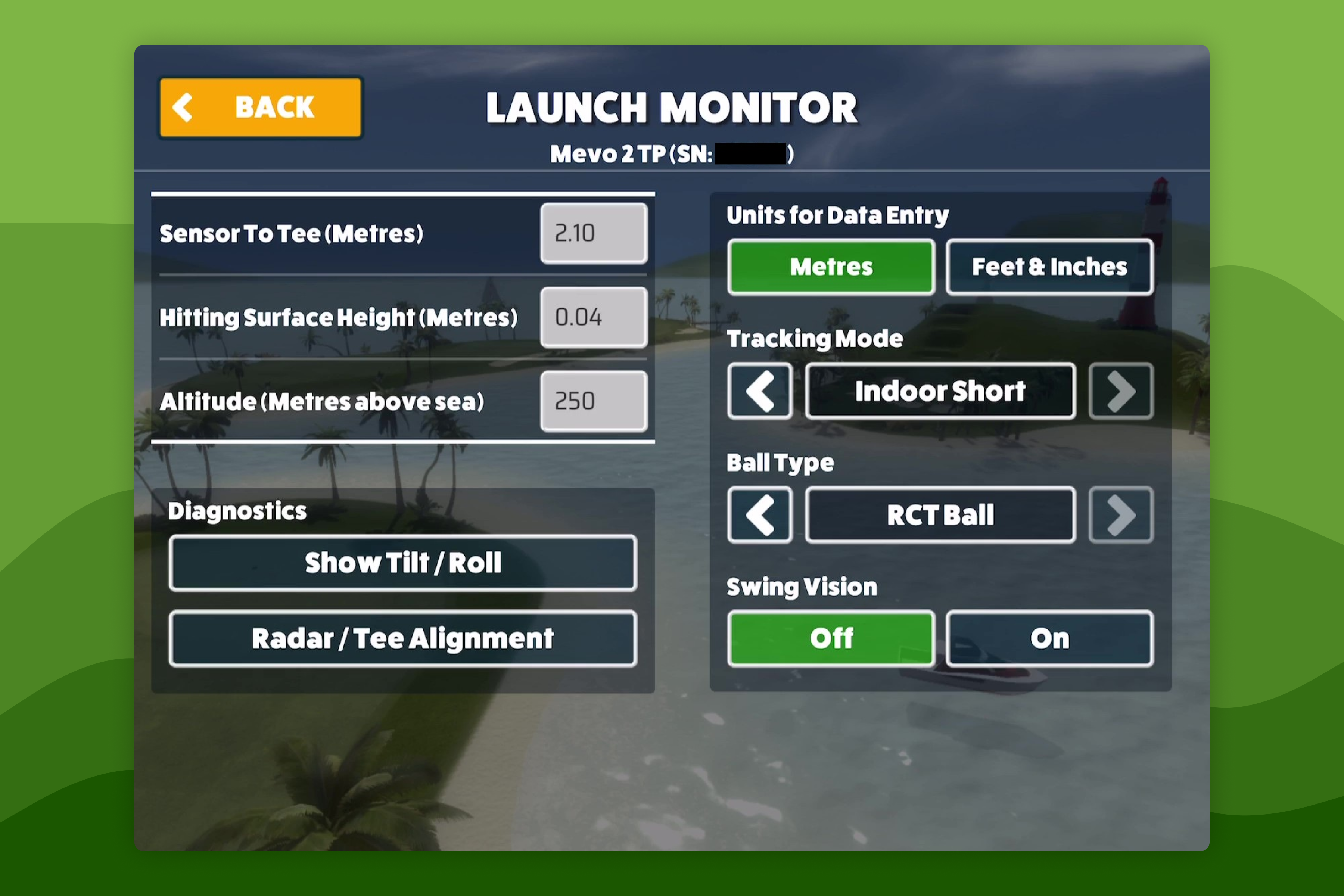 Simulator SettingsHow to Configure Launch Monitor SettingsWhen connected to a Launch Monitor the connection status will be displayed in the bottom left of the screen when playing a Game Mode - this lets you know that your Launch Monitor is connected and when the Launch Monitor indicates that its ready to track a swing.
Still need help?
- Contact supportLive chat, WhatsApp or email
- Ask the communityAwesome Golf Facebook group
- Search the docsFind another guide
New to Awesome Golf? Start a free trial or view pricing.