

How to Connect Your Foresight Sports GC2 (2026)
2 min read
The Foresight Sports GC2 (2026) is a dual camera-based Launch Monitor system by Foresight Sports that captures ball data for indoor and outdoor use. It features an LCD display and multiple connectivity methods, including Ethernet, USB-C, and Wi-Fi.
The Original GC2 is not supported - only the 2026 model.
Note: Connection Guide Instructions are coming soon for Wi-Fi and other connectivity methods.
USB-C or Ethernet Connection
Works on: iOS/iPadOS, macOS, Windows (PC)
The cable connection method details the method of physically linking your Foresight Sports GC2 (2026) to your device running Awesome Golf Simulator using an Ethernet or USB-C Cable.
If your Foresight Sports GC2 (2026) is off, press the power button and wait for the indicator light to change from yellow to blinking blue, when the GC2 (2026) is ready for tracking.
USB-C: Connect a USB-C data cable between the Launch Monitor and Primary Device.
Ethernet using a Router or Network Switch: Connect an Ethernet (RJ45) cable between the Launch Monitor and LAN port on your Router or Network switch. Your primary device will also need to be connected to this network - using Ethernet or Wi-Fi.
Ethernet Direct Connection: Connect an Ethernet (RJ45) cable between the Launch Monitor and an Ethernet port on your Primary Device. Using this method of connection may require you to use a secondary connection to the Internet to maintain Internet connectivity. If your device has multiple Ethernet ports, you may be able to connect one port to a source of Internet connectivity and the other to the Launch Monitor - alternatively, Wi-Fi or Hotspot connectivity may be used for Internet access.
Open Awesome Golf Simulator on your primary device, select Foresight from the Launch Monitor connection screen, then select the Foresight Sports GC2 (2026) when it appears in the list of discovered devices.
The following links can be used to download Awesome Golf Simulator:
Related Links
- Foresight GC2 Product Page: foresightsports.com/products/gc2
- Foresight GC2 Manuals & Firmware: support.foresightsports.com/support/hardware/gc2-2026
- Foresight Support: support.foresightsports.com
Share this page
Related guides
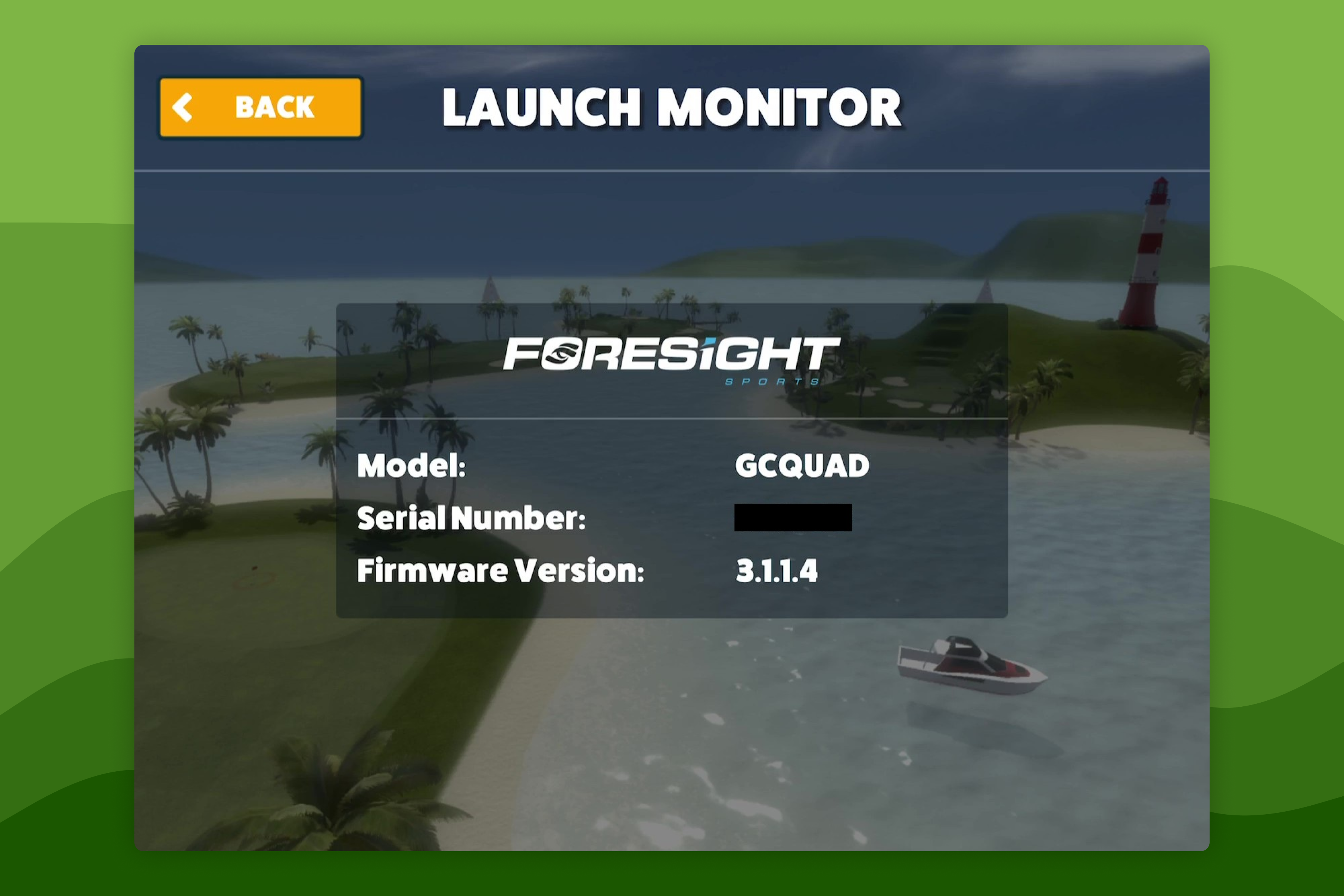 How to Update Foresight Sports GC2 (2026) Indoor FirmwareFirmware for the Foresight Sports GC2 (2026) can be updated automatically while the Launch Monitor is connected to the Internet.
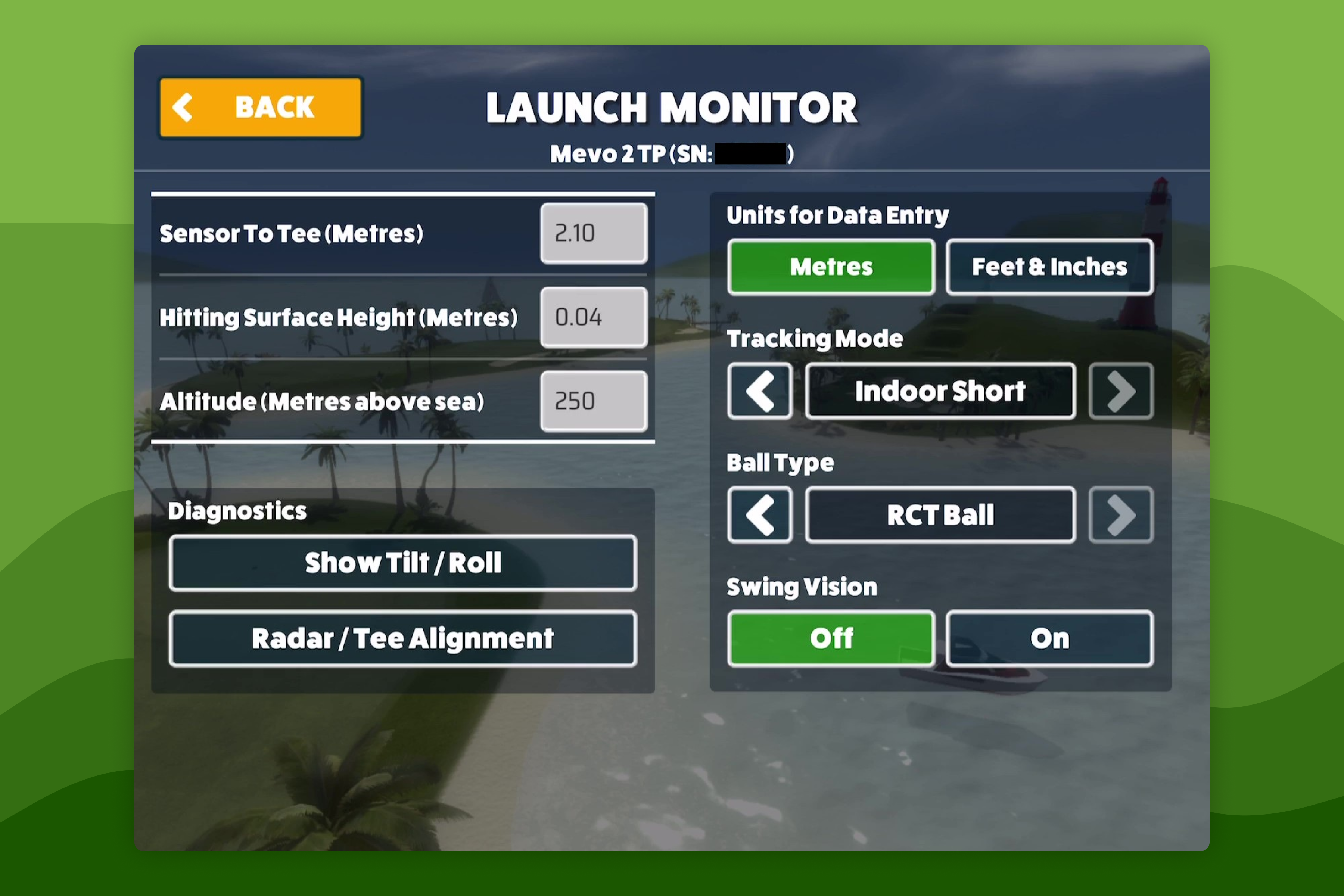 How-To GuidesHow to Configure Launch Monitor SettingsWhen connected to a Launch Monitor the connection status will be displayed in the bottom left of the screen when playing a Game Mode - this lets you know that your Launch Monitor is connected and when the Launch Monitor indicates that its ready to track a swing.
Still need help?
- Contact supportLive chat, WhatsApp or email
- Ask the communityAwesome Golf Facebook group
- Search the docsFind another guide
New to Awesome Golf? Start a free trial or view pricing.