

How to Fix Issues with Parental Consent During Sign-Up
2 min read
- I accidentally denied the parental consent request for Awesome Golf
- My child closed the app before I approved their account
- I did not receive the parental consent email
This guide covers common issues during the parental consent sign-up flow.
The consent email was not received
Check your spam or junk folder. If the email still cannot be found, your child can request a new one from within the Awesome Golf app.
The child closed the app before pressing "Confirm Consent"
Your child can re-open Awesome Golf Simulator. If the Confirm Consent screen is no longer available, they should restart the sign-up process - their account was not created, so no data will be lost.
You accidentally denied the consent request
Selecting Deny on the consent request in Awesome Golf Insights moves your child to the Children section on the Parental Controls page. Select Give Consent next to your child to approve them, then ask your child to press Confirm Consent in the app.
The consent request is no longer visible in Awesome Golf Insights
A request you have denied moves to the Children section on the Parental Controls page. If you can't find it there either, ask your child to request parental consent again from within the Awesome Golf app to generate a new one.
Share this page
Related guides
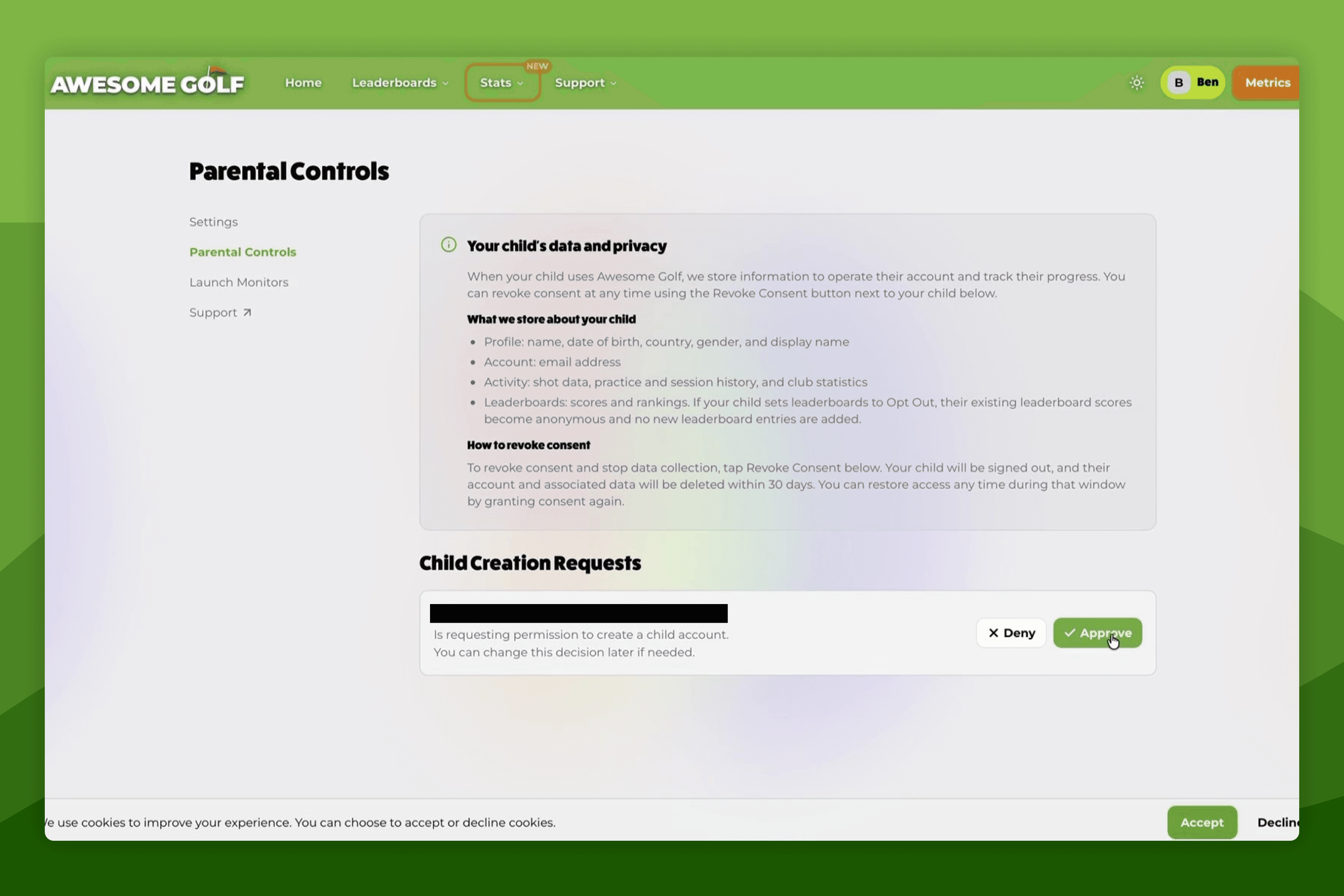 How-To GuidesHow to Provide Parental ConsentThis guide is for parents and guardians who have received a consent request for a child's Awesome Golf account.
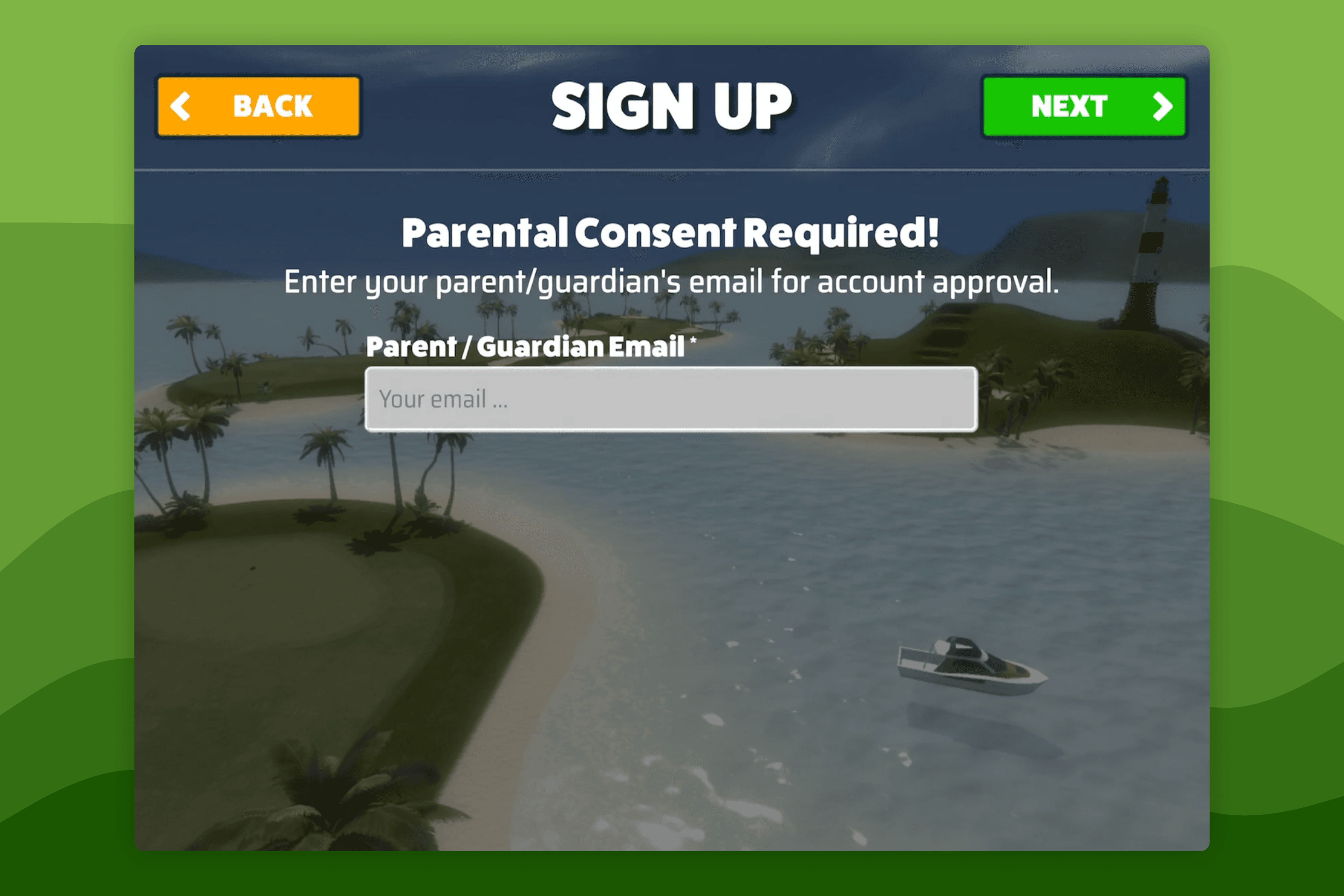 Setting Up Parental Consent for a Young GolferSetting Up Parental Consent for a Young GolferThis tutorial walks a parent and child through creating a child account in Awesome Golf Simulator, including requesting and approving parental consent. By the end, the child will have a fully active account with the parent's consent recorded. For background on why consent is required, see Understanding Parental Consent.
Still need help?
- Contact supportLive chat, WhatsApp or email
- Ask the communityAwesome Golf Facebook group
- Search the docsFind another guide
New to Awesome Golf? Start a free trial or view pricing.