

How to Update ProTee VX Firmware
1 min read
Firmware for ProTee Launch Monitors can be updated using the ProTee Labs software on PC. Firmware may be bundled with updates to the ProTee Labs software itself.
Power-on your ProTee Launch Monitor and, on a PC, open the ProTee Labs app.
Select Settings → Device, then select ProTee VX from the list of devices.
Select Connect and wait for the status to display
CONNECTEDin the top-right of the screen.The software will check for updates automatically - if an update is available, follow the on-screen prompts to continue the update process.
Any firmware update will apply to your ProTee Launch Monitor after it is restarted.
For more information about updating your ProTee Launch Monitor, see ProTee's help articles: csc.protee-united.com.
Share this page
Related guides
- How to Connect Your ProTee VXThe ProTee VX integration requires the ProTee Labs software, which is only available on Windows.
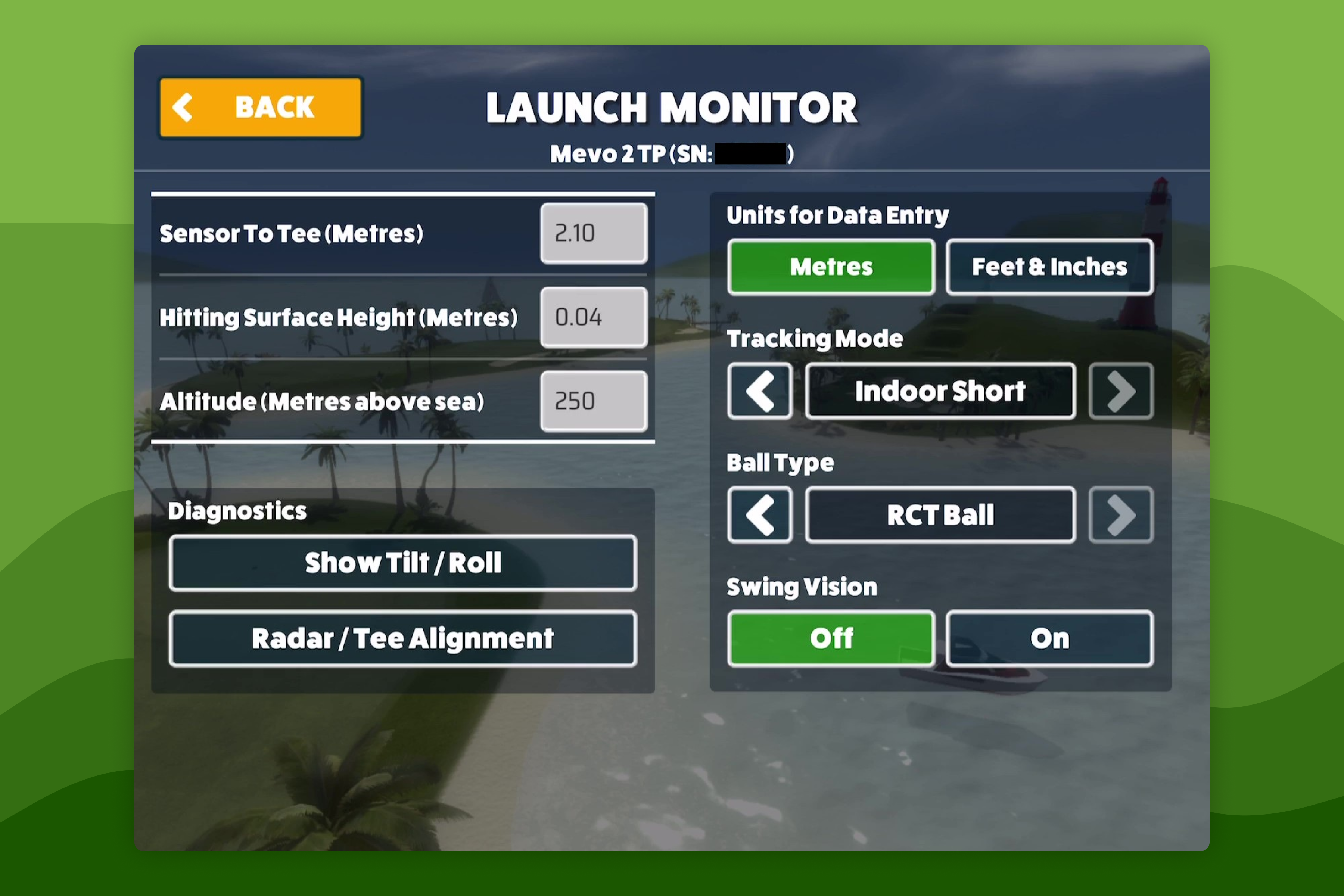 How-To GuidesHow to Configure Launch Monitor SettingsWhen connected to a Launch Monitor the connection status will be displayed in the bottom left of the screen when playing a Game Mode - this lets you know that your Launch Monitor is connected and when the Launch Monitor indicates that its ready to track a swing.
Still need help?
- Contact supportLive chat, WhatsApp or email
- Ask the communityAwesome Golf Facebook group
- Search the docsFind another guide
New to Awesome Golf? Start a free trial or view pricing.