Issue with Garmin Approach R10 Firmware v4.40
Mar 17, 2026
An issue with the v4.40 (2026-03-09) firmware for the Garmin Approach R10 causes the Launch Monitor to not report some Club Data and Ball Data metrics to Awesome Golf Simulator and other third-party simulator software.
This issue has been addressed by Garmin in the v4.50 firmware update, released 2026-03-17.
- Affected Versions: v4.40
- Unaffected Versions: v4.30 and prior
- Fixed Versions: v4.50 and higher
Please ensure that when updating your R10's firmware, the version you update to is v4.50 or higher.
Update your Garmin Approach R10 Firmware using the Garmin Golf app
- With your R10 connected, open the Garmin Golf app (on iOS or Android) and follow the prompts to download and install the new firmware update.
- Your R10 will flash purple while the firmware is being installed - once it stops, you’re good to go.
Update your Garmin Approach R10 Firmware using Garmin Express
- Connect your Garmin Approach R10 to a computer using a USB-C data cable. The device will appear in the Garmin Express app.
- You will be prompted to download and install the new firmware update.
- Your R10 will flash purple while the firmware is being installed - once it stops, you’re good to go.
Confirm your Garmin Approach R10's Firmware Version
Once updated, you can verify your firmware version in any of these places whilst your R10 is connected:
- Garmin Express
- Garmin Golf app → My Devices
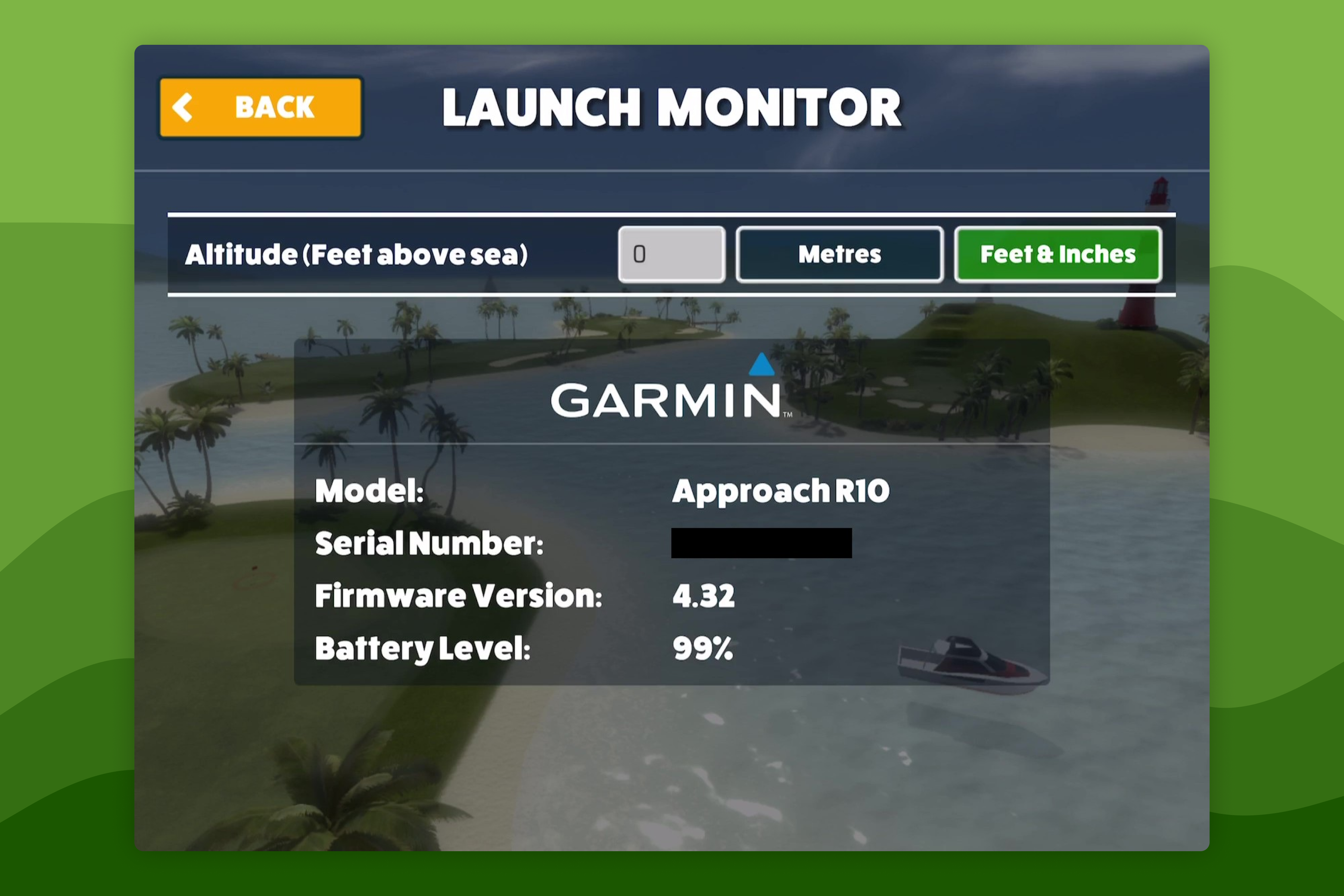
- Awesome Golf Simulator → Settings → Launch Monitor