

Awesome Golf Payment Processing
3 min read
Awesome Golf Simulator works across multiple platforms and supports multiple payment processors for purchasing across multiple platforms. All of our payment processors and platforms support all of our license purchase options.
- Apple App Store - on iOS and MacOS
- Google Play Store - on Android and ChromeOS
- Online Checkout - on Windows, iOS, and Android
We never directly hold or process your banking information - all payment processing is handled by third-party providers.
Online Checkout
Our online checkout, powered by Paddle, opens in a window in-app to present purchase options and checkout.
On the checkout page, select your preferred subscription and select Paddle.
A browser tab will open in-app with the Online Checkout.
Follow the checkout process steps to complete the payment.
Once the payment has been processed the browser window can be closed and you will be able to return to the game where your updated license will be reflected.
Our Online Checkout supports the following standard card payments: Visa, Mastercard, American Express, Maestro, Cartes Bancaires, Dankort, UnionPay, JCB, Diners Club, and Discover.
In addition to standard card payments, our Online Checkout also supports payments using a number of digital wallets and payment networks: Apple Pay (on iOS and MacOS), Google Pay (on Android and ChromeOS), PayPal, and iDEAL/Wero. Payment options may vary depending on your device, currency, and country.
As of v3.10.0 this payment processor option is also available on iOS and Android - this has always been the payment provider available for Windows license purchases.
License Linking
When you purchase a license your license will be automatically linked to your account and attached to your last-used Launch Monitor. Awesome Golf licenses are tied to your Launch Monitor. This means that you can use your Launch Monitor with any other supported device, letting you switch between using Windows, MacOS, ChromeOS (Chromebooks), iPad/iPhone, Android, or other supported device.
If you use multiple Launch Monitors, you may need to transfer your Awesome Golf License using our self-service license transfer tool at insights.awesome-golf.com/settings/launch-monitors to change which Launch Monitor your license is applied to.
In rare cases, or if a different email address is used at checkout to that of your Awesome Golf account, automatic license linking may fail - in this case please contact our support team via Live Chat, WhatsApp, or Email.
Purchase & Pricing
In the Awesome Golf Simulator app, you can buy at any time on any platform. To get a license through the Awesome Golf Simulator app:
- Connect your device to your Launch Monitor.
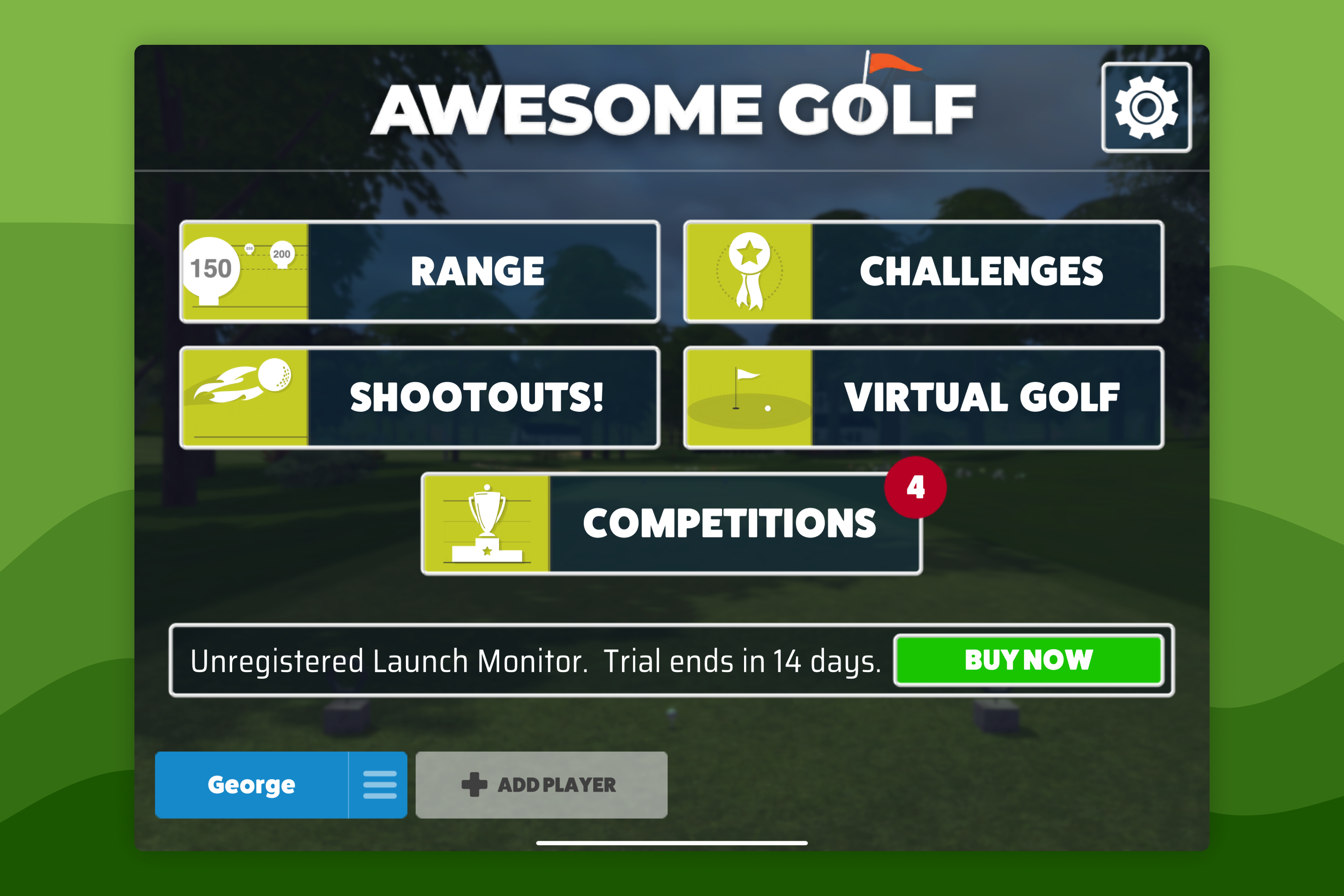
- Press the BUY NOW button on the Main Menu.
- Select which subscription you'd like.
- Complete the purchase through the on-screen instructions and dialogues.
| Region | Monthly Membership | Annual Membership | Lifetime Membership |
|---|---|---|---|
| US (USD) | $14.99/month | $159.99/year | $349.99 |
| Canada (CAD) | $19.99/month | $199.99/year | $499.99 |
| UK (GBP) | £14.99/month | £149.99/year | £349.99 |
| EU (EUR) | €14.99/month | €179.99/year | €399.99 |
| Australia (AUD) | $22.99/month | $249.99/year | $599.99 |
Prices listed include Sales Tax, excluding prices in USD and CAD. Currency conversation rates are decided by Apple.
History
- As of v3.10.0 we expanded support for our Online Checkout (Paddle) to iOS, MacOS, Android and ChromeOS.