

How to Add Bots to Your Game
Tags:v3.8.0+
Awesome Golf Simulator supports adding both guest players and Computer-Controlled Bots into your game to play with you. With Awesome Golf Simulator you can play with up to 4 guests or bots.
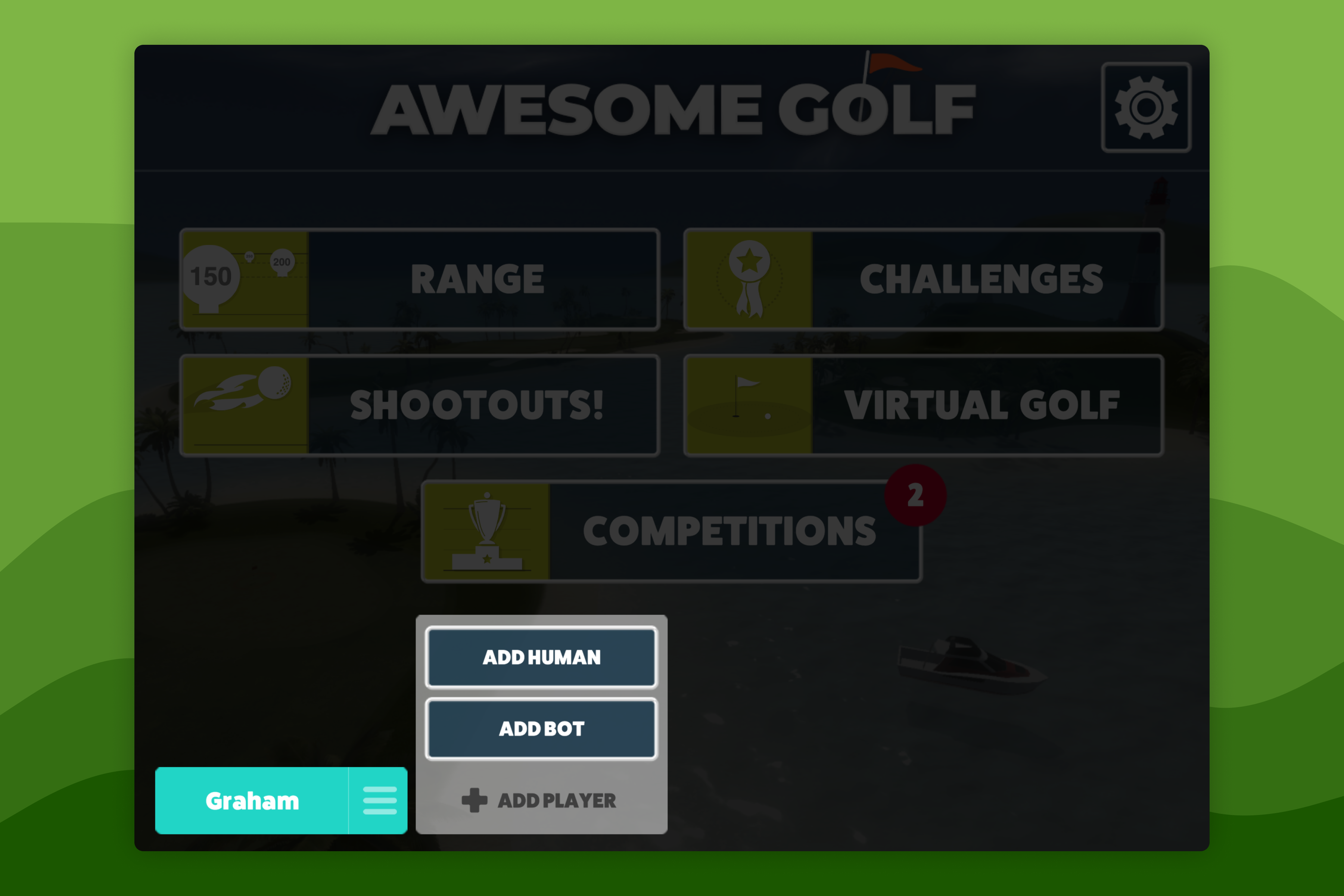
From the Main Menu, select the Add Player button at the bottom of the screen.
This will open up options for adding a player, allowing you to choose between adding a human/guest player and a bot.
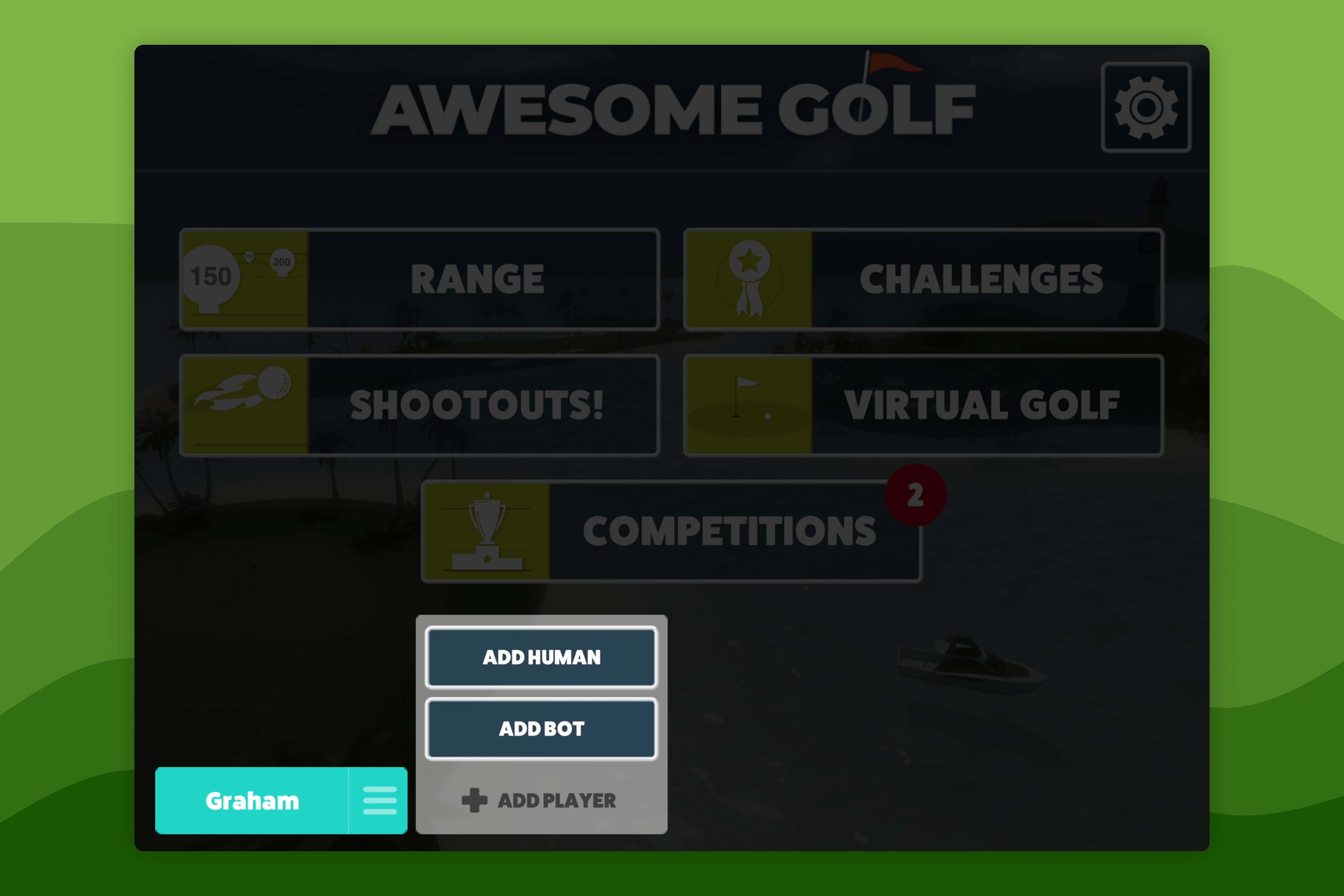
Select Add Bot to open up the bot player options.
Selecting the left/right arrows will allow you to scroll between the different bots' abilities, selecting different skill levels and difficulty.
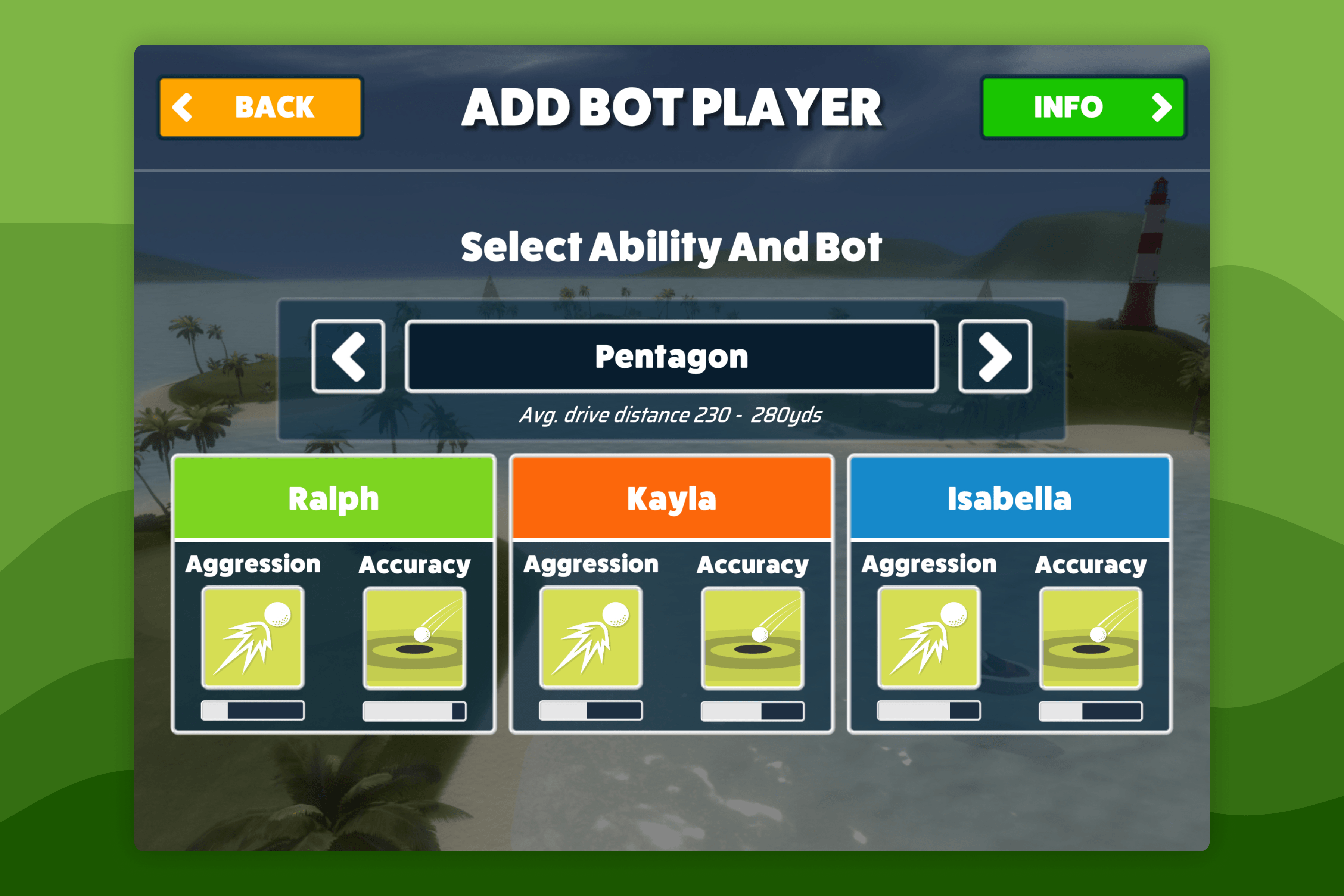
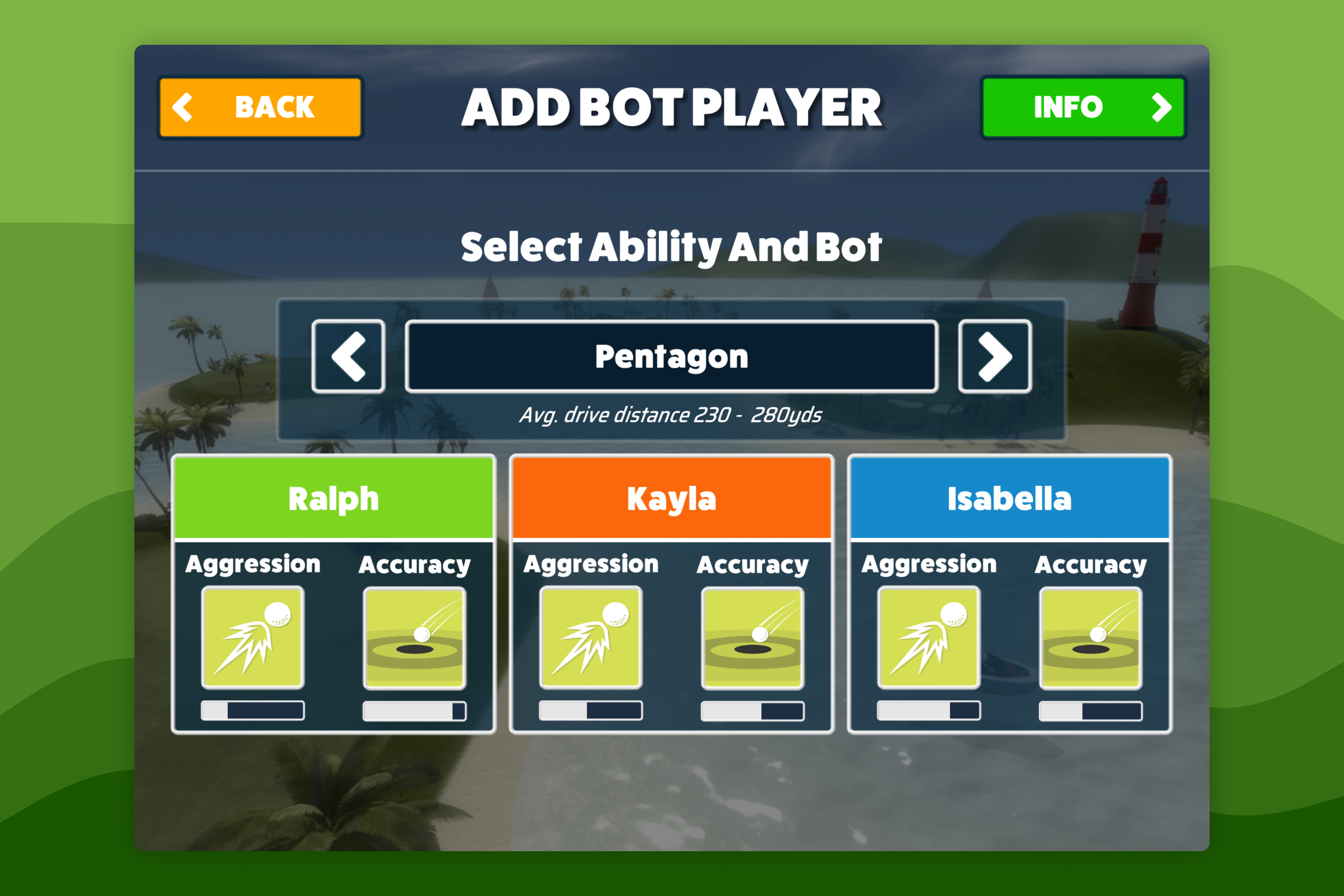
Awesome Golf Simulator features 15 Bots - computer-controlled opponents designed to provide competition and companionship during your practice sessions. Each bot has its own name and personality inspired by players from around the world. Some are beginners, some are pros, and others fall somewhere in-between so no matter your skill level, you'll find a Bot that matches your game. Their names and favourite colours can't be edited.