v3.8.0 - The Bots Update
Oct 21, 2025
Bots!
With v3.8, we added Computer-Controlled Bots that you can add to your Challenges, Shootouts, and Virtual Golf rounds, to play with you. You can play with up to 4 guests or bots.
Awesome Golf Simulator features 15 Bot profiles - computer-controlled opponents designed to provide competition and companionship during your practice sessions. Each bot has its own name and personality inspired by players from around the world. Some are beginners, some are pros, and others fall somewhere in-between so no matter your skill level, you'll find a Bot that matches your game.
FlightScope on Android
With the release of the Mevo Gen 2, FlightScope Launch Monitors are now compatible with Android devices. On top of that, a new setting in the FS Golf app allows you to turn on Streamlined WiFi to use it without needing two Internet connections (as was required previously).
Enabling Streamlined Wi-Fi allows simultaneous Internet and Launch Monitor connection without a secondary connection, an ethernet cable, Wi-Fi dongle, or cellular data is no longer needed to provide a secondary Internet connection.
If you’re using a PC, iOS, or Android, device with any supported FlightScope Launch Monitor, Streamlined WiFi can be enabled from the FS Golf app.
Virtual Golf Improvements
- A more intuitive Virtual Golf custom hole selection screen.
- We’ve updated our golf ball physics to provide a more realistic reaction to a ball hitting the green.
- Trees and foliage are now removed from view when your ball finishes in a tight spot.
Closest to the Pin Changes
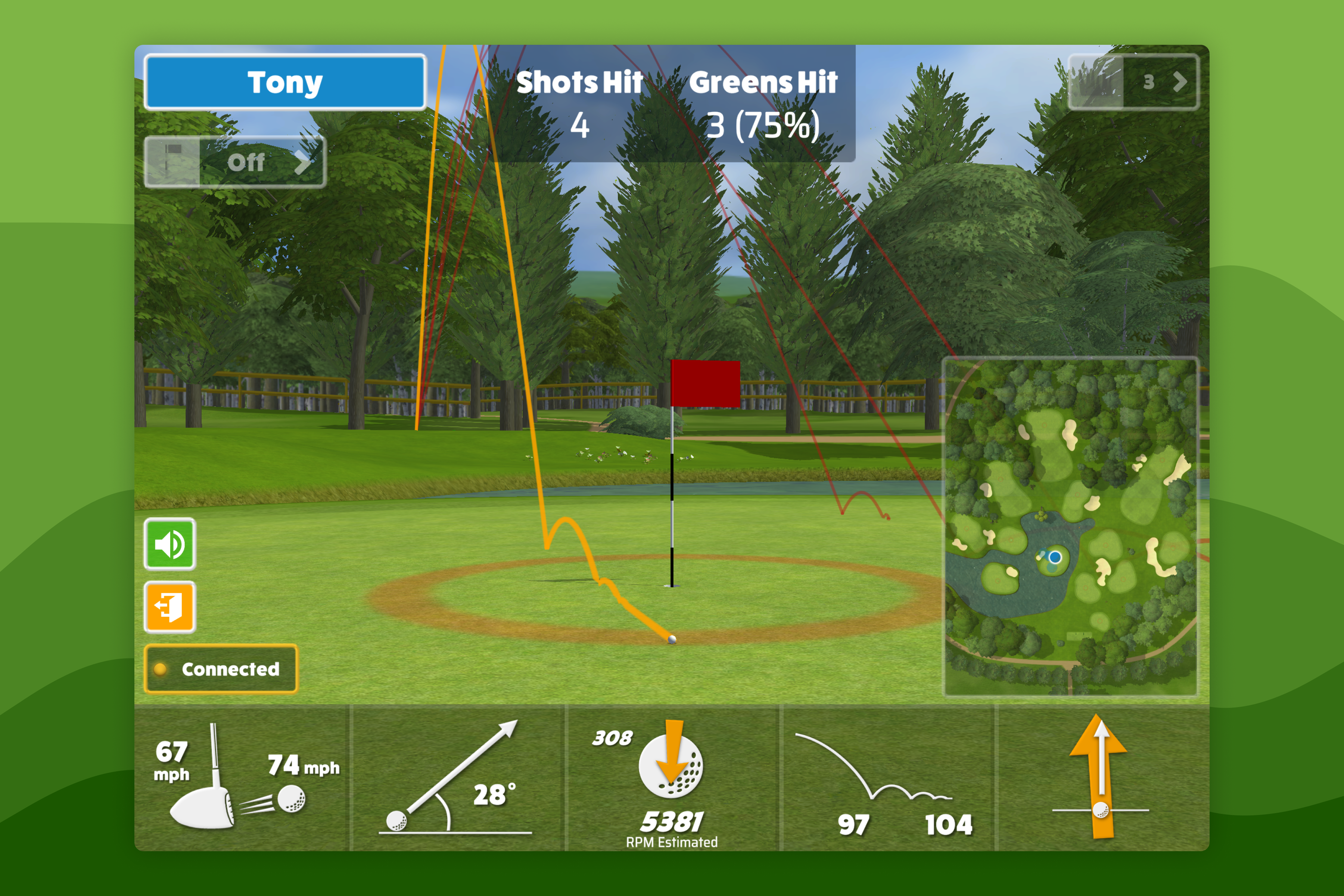
- Closest to the Pin is now 4 shots per player, with two shots per turn.